Sending HTTP requests, workflow improvements, files, and more
Keith Peiris & Henri Liriani
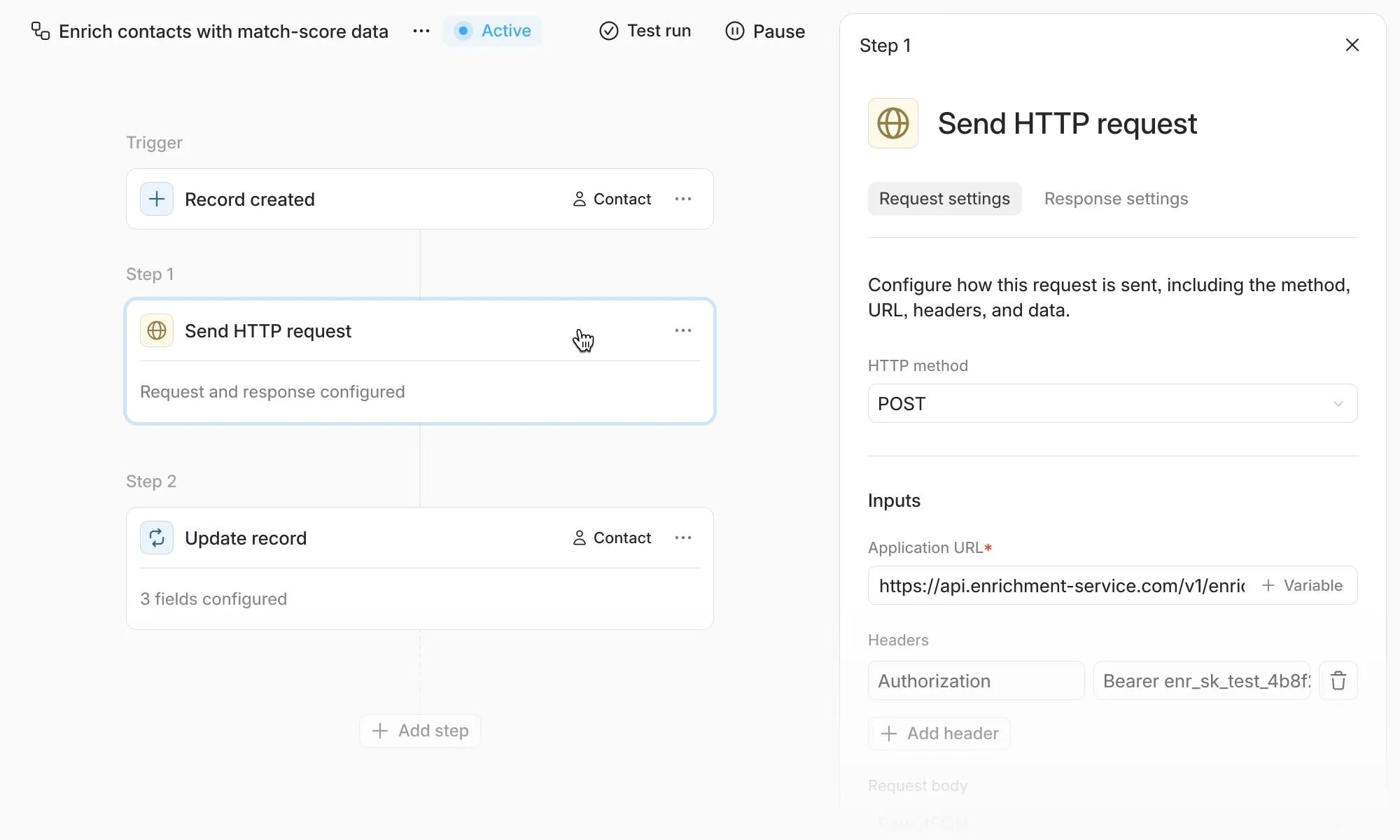
Up until now we’ve focused on getting more data in to Lightfield. This week we’re enabling workflows to push data out to other systems, along with tools to debug and correct issues with workflow runs.
Sending HTTP requests
You can now configure an http out block in the workflow builder, allowing you to push Lightfield record data to other services.
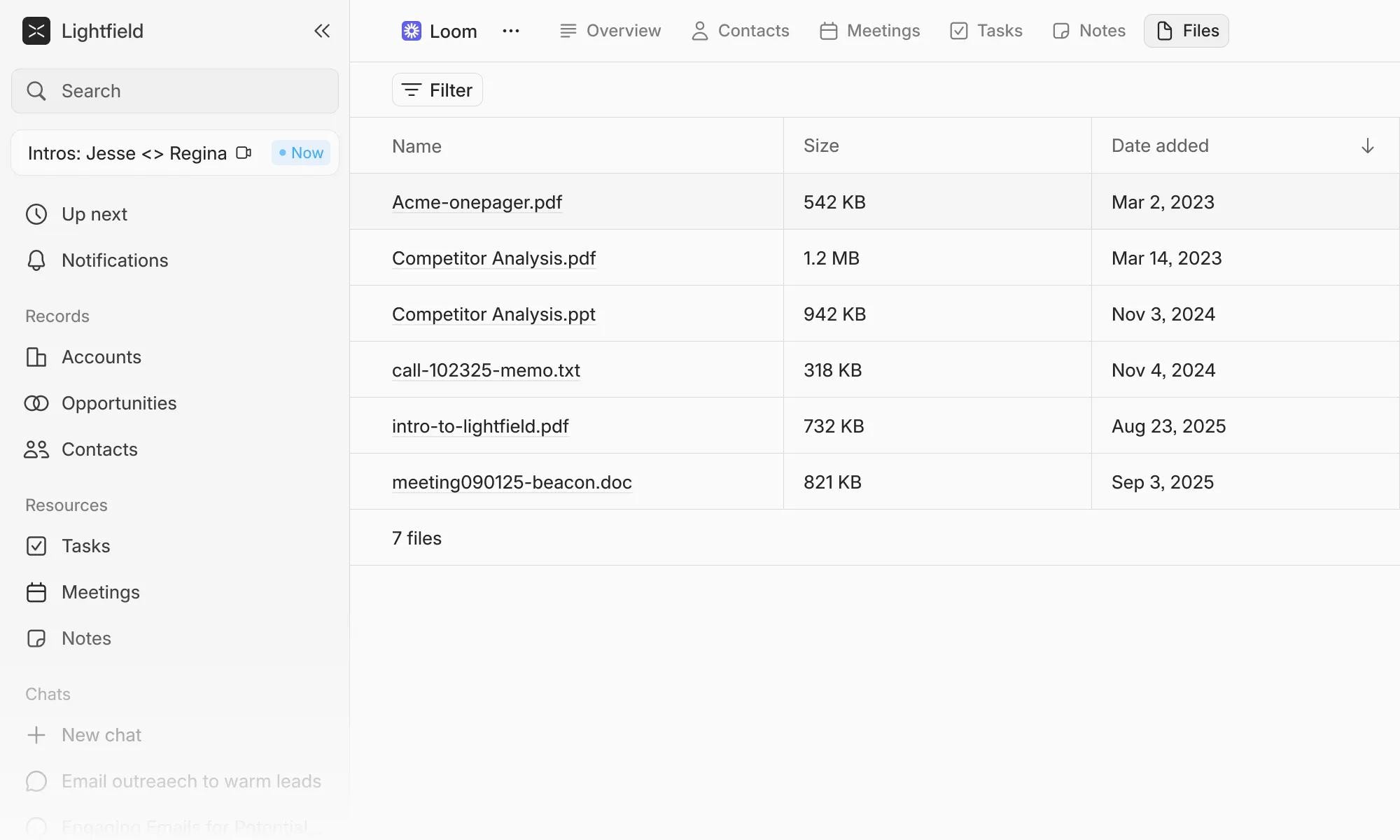
Files tab for Accounts and Opportunities
You can now upload any file to an account or opportunity record page, enabling Lightfield to cite it as related context. This works well with proposals, contracts, or other documents containing relevant company or deal content.
Other improvements to workflows
- Delay steps can now be added to workflows with configurable duration units
- Workflow validation now displays specific missing field names
- Workflow errors now show detailed messages in run details
- Workflow steps now display before/after entity changes with affected field details
- Contact creation in workflows no longer requires an email address
- Step names are now displayed in workflow variable selector menus for easier identification
- Opportunity creation workflows now show diffs of changes made
- Activity log entries now indicate which workflow triggered an action
- Opportunity selector in workflows now supports account filtering and multi-select
Smaller improvements across the app
- You can now drag and drop files into the chat composer to attach them to conversation
- You can now share a link to a chat with anyone in your workspace
- Meeting bots automatically rejoin when meeting URLs change to ensure continuity