Formula fields, HTML signatures
Keith Peiris & Henri Liriani
This week we added formula fields and HTML signatures, as well as a few smaller improvements.
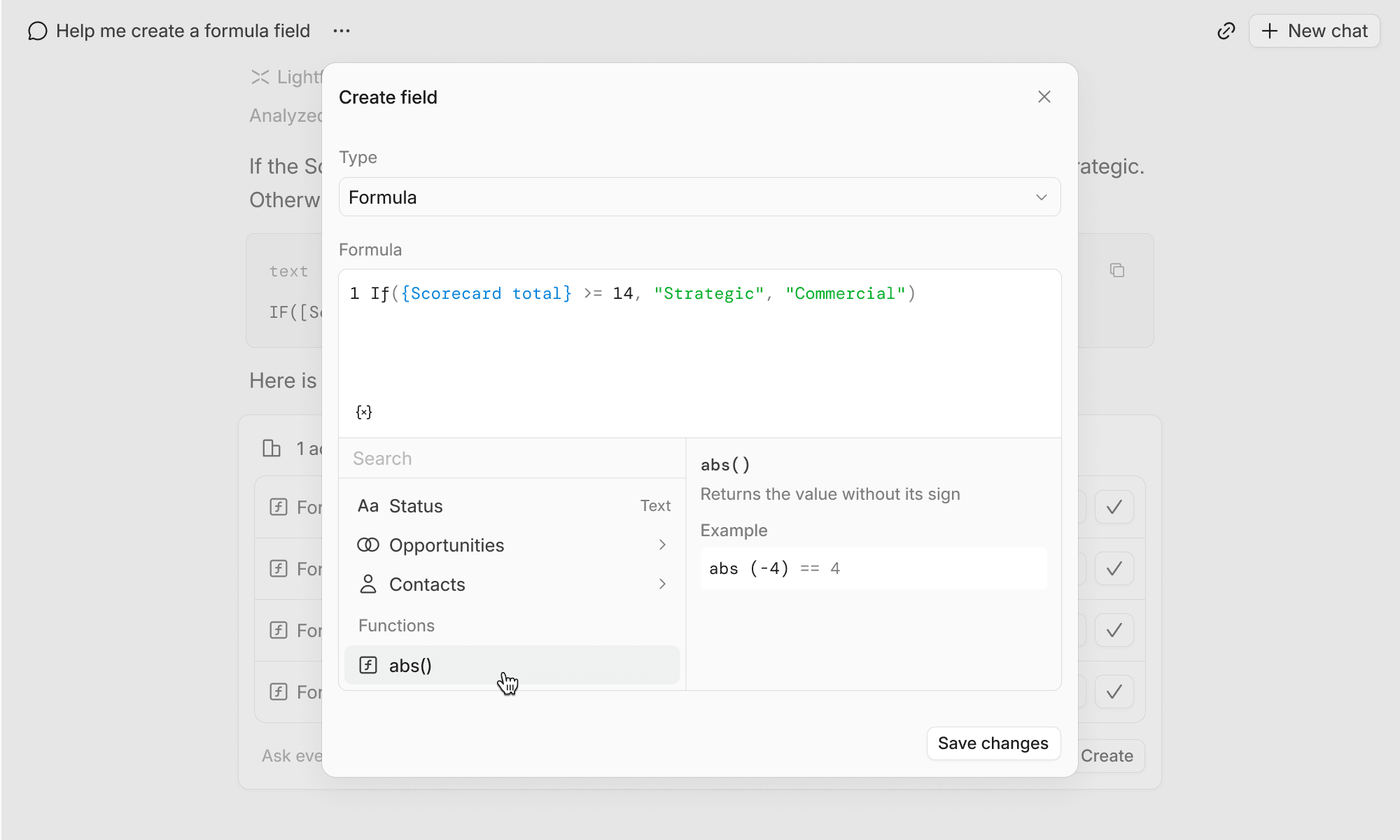
Formula field types
Custom fields can now be set to use formulas to calculate values using inputs from fields on any object in the CRM.
HTML signatures
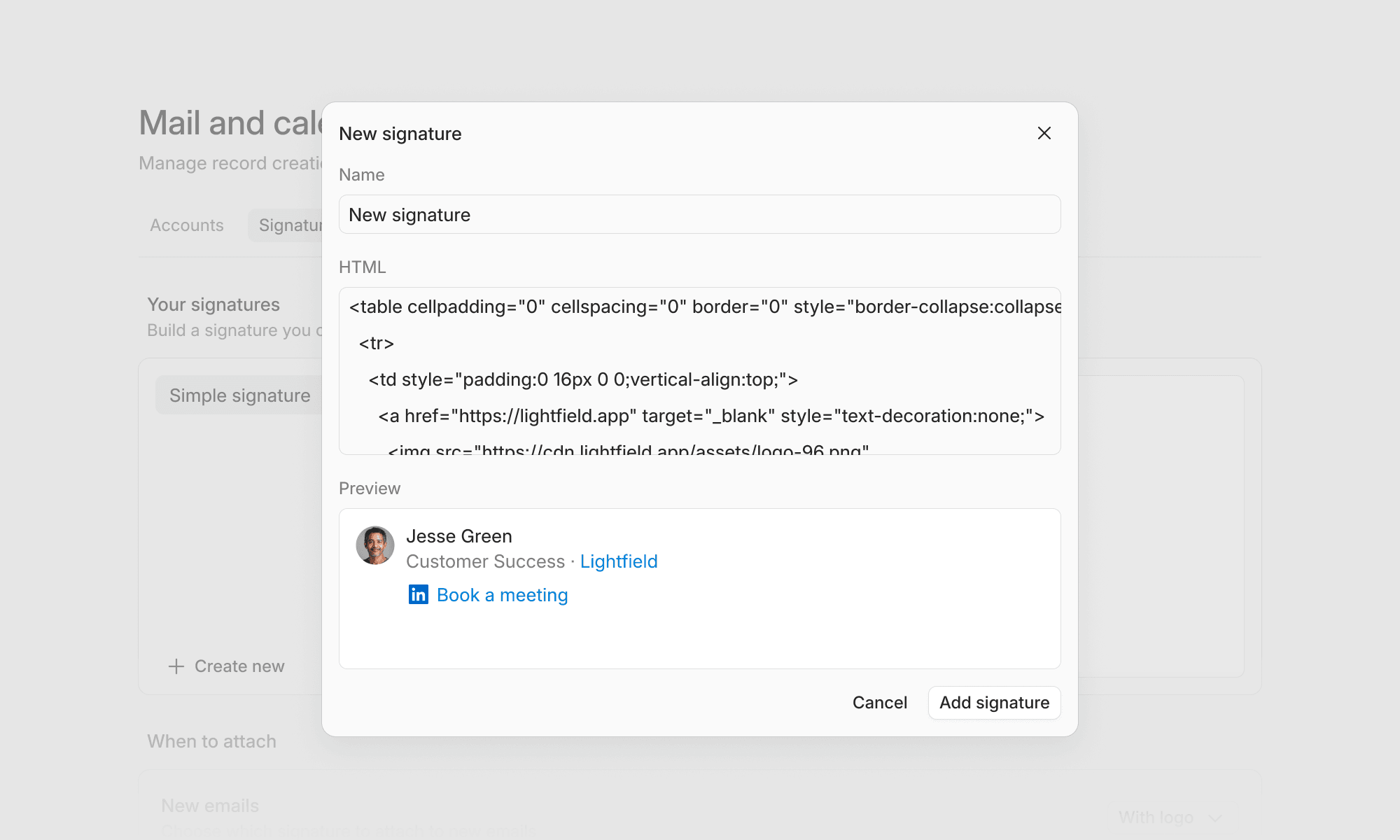
Email signatures can now be created in Settings → Mail and Calendar → Signatures and associated with connected Google or Outlook mailboxes. For now, you can create these by pasting HTML. The ability to create your own signature in Lightfield (WYSIWYG) is coming shortly.
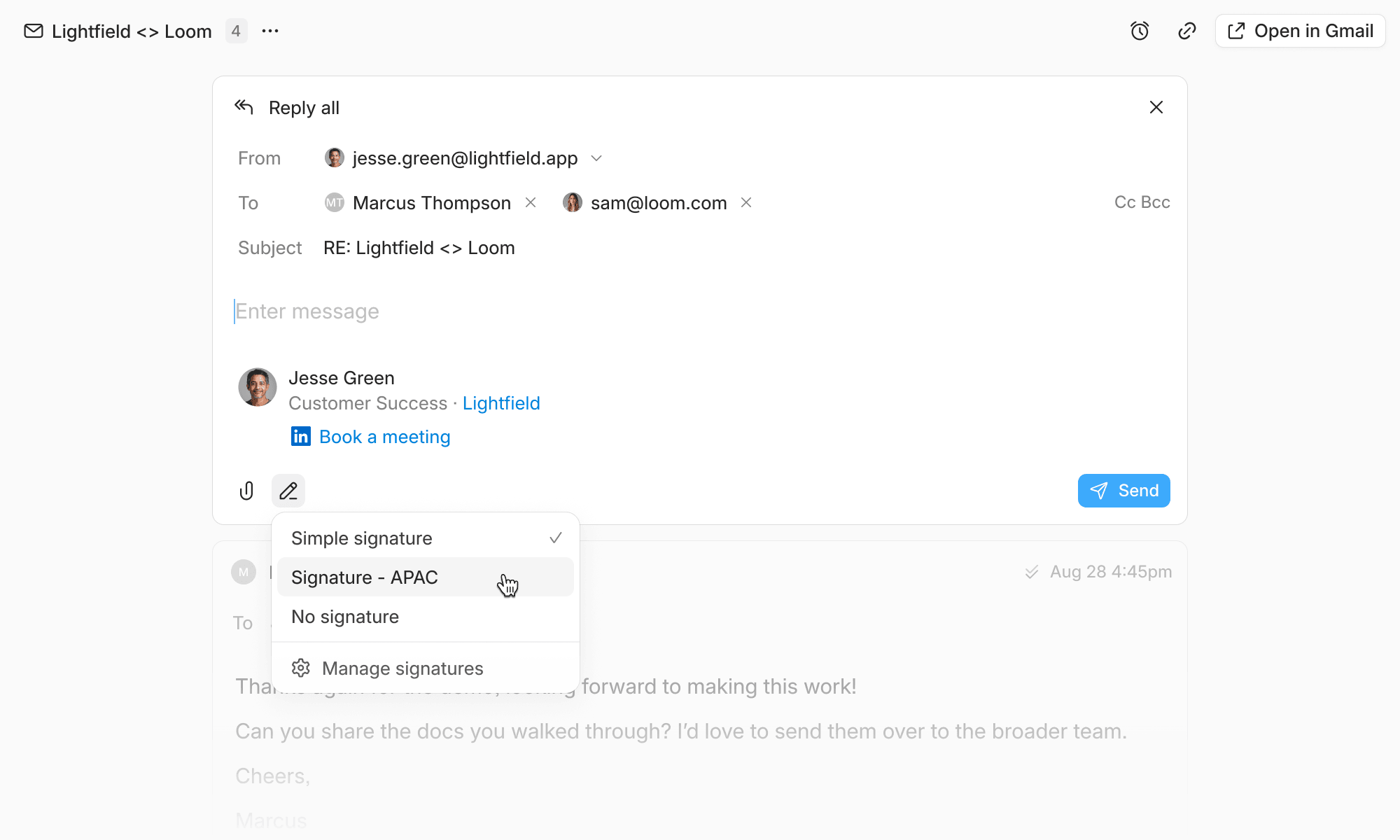
When drafting an email, you can select from the signatures you’ve created:
Smaller improvements
- Agent can now add custom instructions to system AI fields like account & opportunity summaries, meeting prep, and next steps.
- Added a time picker UI to task due dates
- Added CSV download button to dashboard report views
- Added support for uploading yaml files to the agent chat
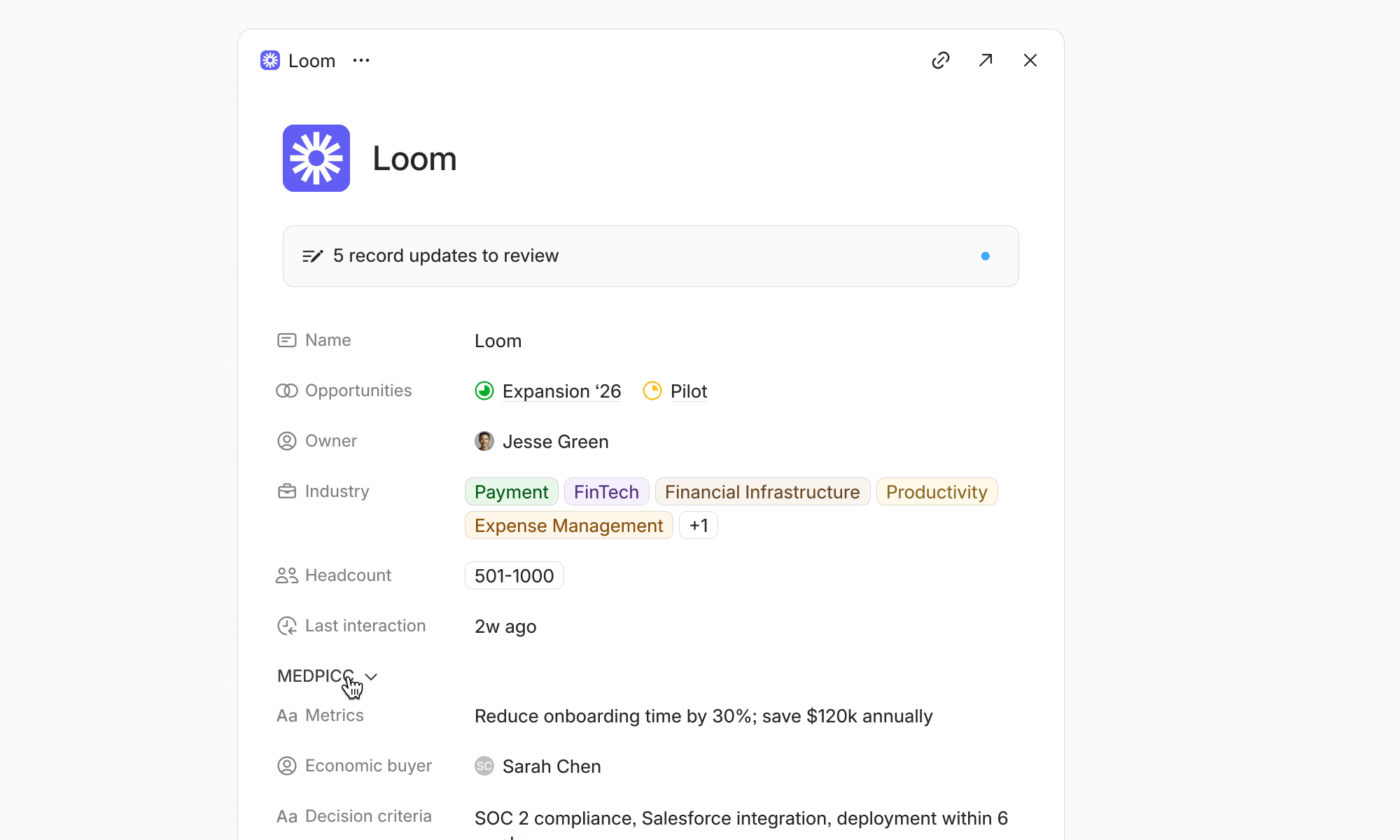
- Relationships (e.g. notes, tasks, files) are now displayed in record half-sheet views
- Table column width changes now persist across sessions
- Task generation can now be disabled in Settings → Tasks
- Agent is now better at reading transcript timestamps
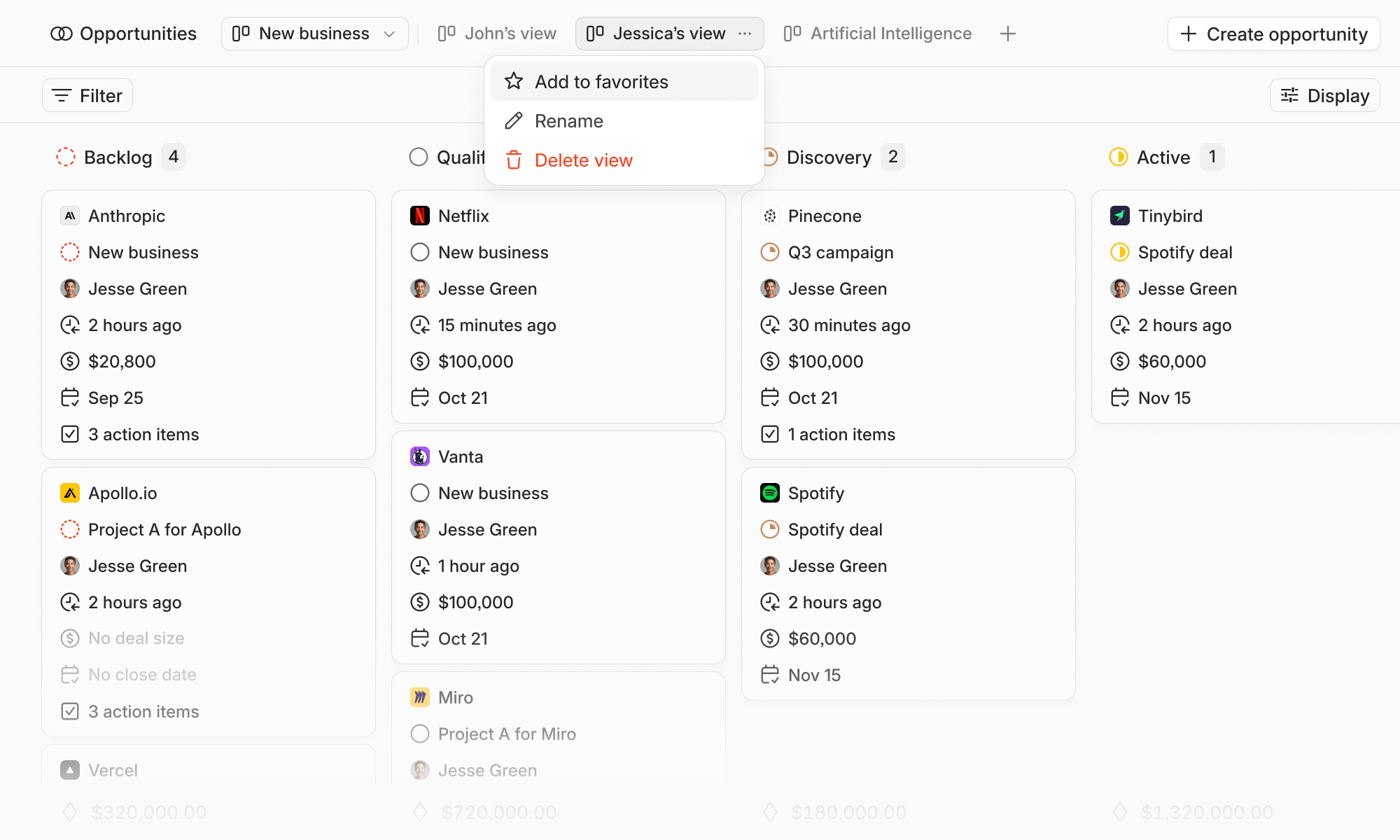
- Custom object table views can now be filtered by the related record owner