A CRM that fills itself in.
Emails, calls, and meetings — captured automatically.
Keeping a CRM up to date is busywork you don't have time for. Lightfield does it for you.
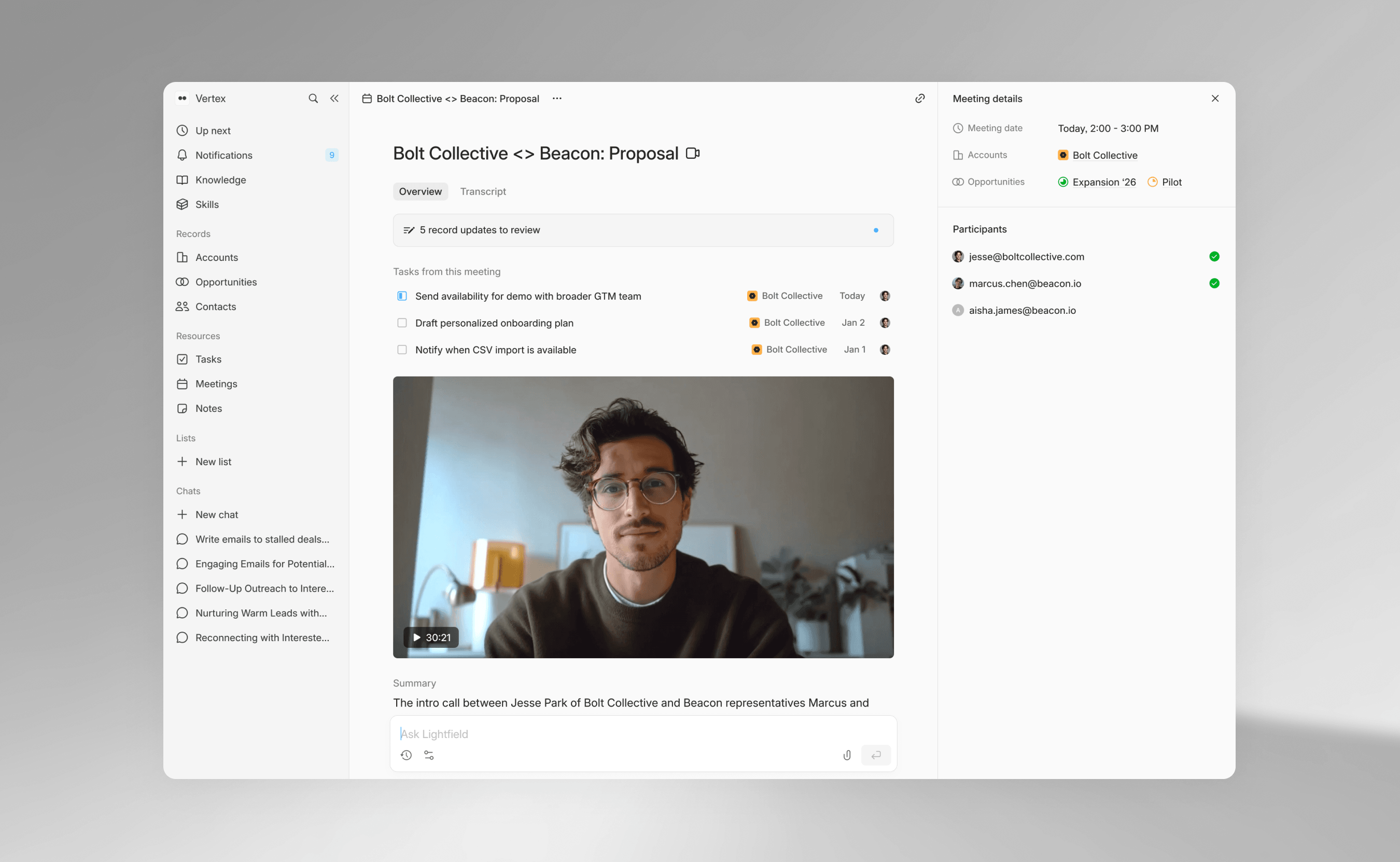







Your CRM is out of date. You don't have the time to update your CRM, so the data is always incomplete.

Activity never makes it into the CRM
You had five calls today. None of them are logged. Tomorrow there will be five more, and today's details will already be fuzzy. The CRM knows less than you do, and the gap keeps growing.

Records go stale within days
Someone filled in a deal stage three weeks ago. Since then there have been four emails and two calls, and none of it is reflected. The data in your CRM doesn't reflect how your deals are actually progressing.

Context lives in people's heads
You know why that deal stalled in August and which contact actually makes the call. Nobody else does. When you deploy agents or hire your first rep, they work off of incomplete context.
How automatic data capture works
Connect your email and calendar. Lightfield handles the rest.
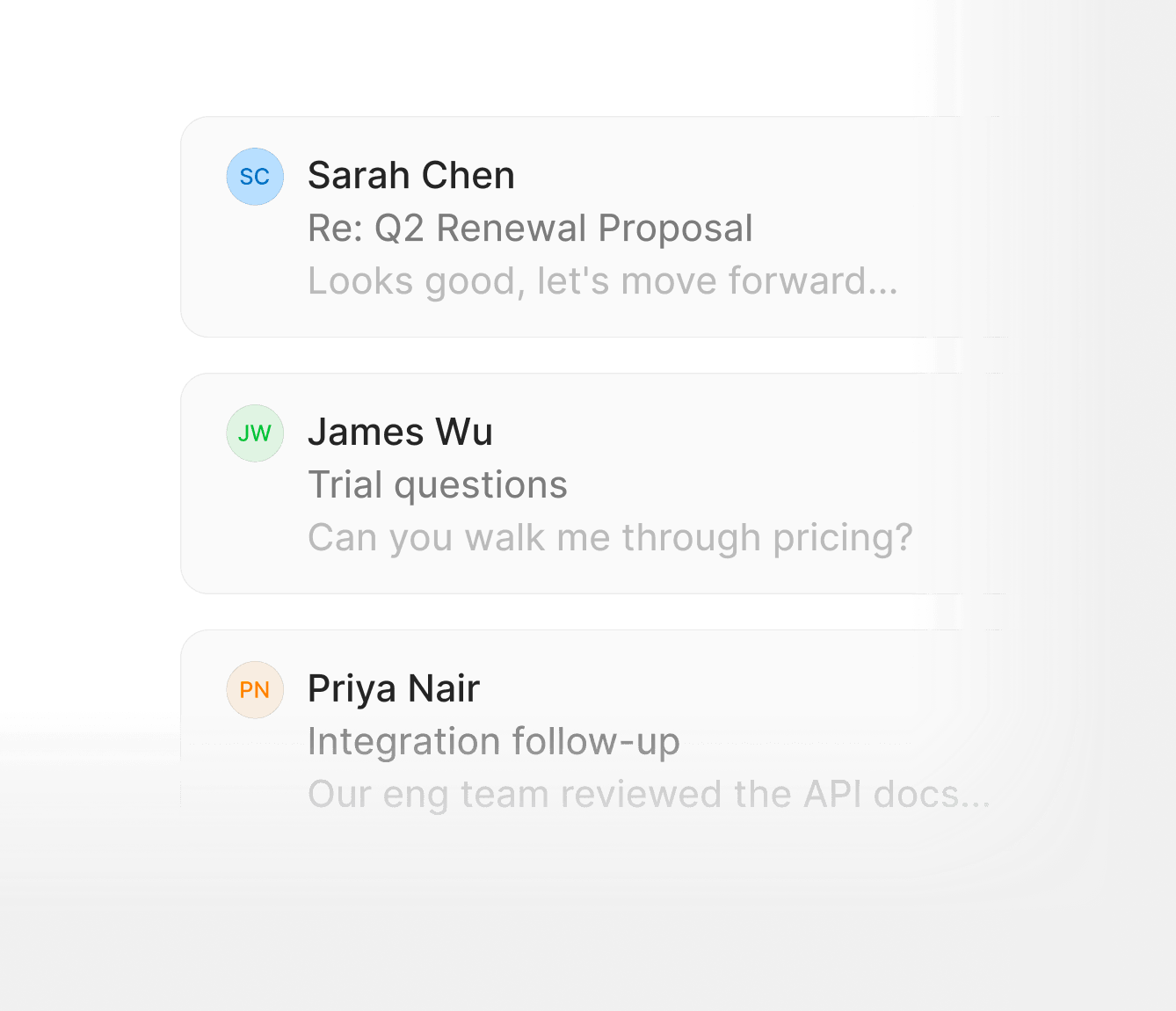
Every email logged to the right record
Connect Gmail or Outlook. Lightfield matches emails to contacts, accounts, and deals automatically. No forwarding, no BCCing, no manual logging.
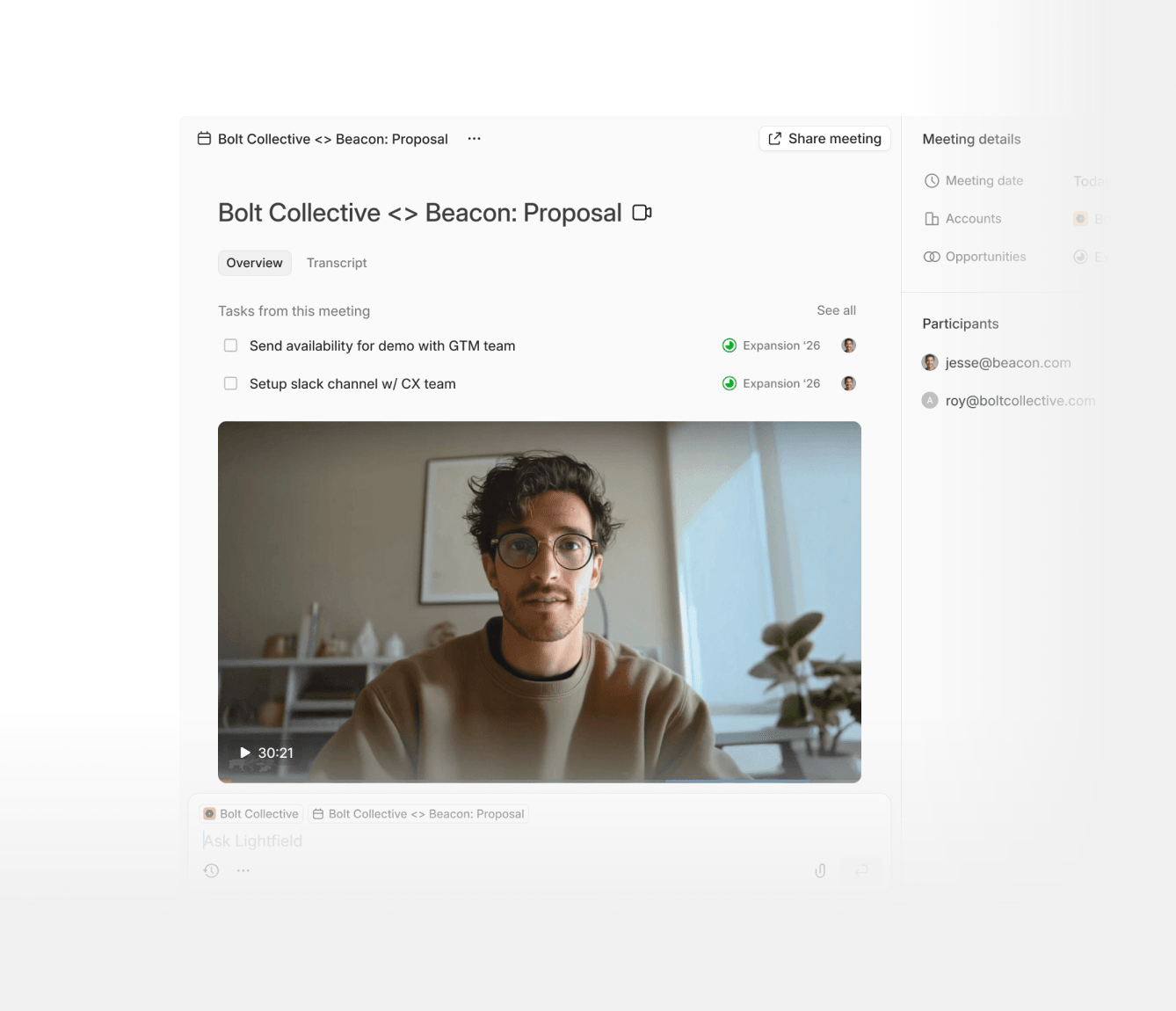
Every call recorded and linked to the right account
Lightfield records every external meeting with a built-in recorder. Transcripts are searchable and linked to the account, without copy-pasting between apps.
Meetings create and update records automatically
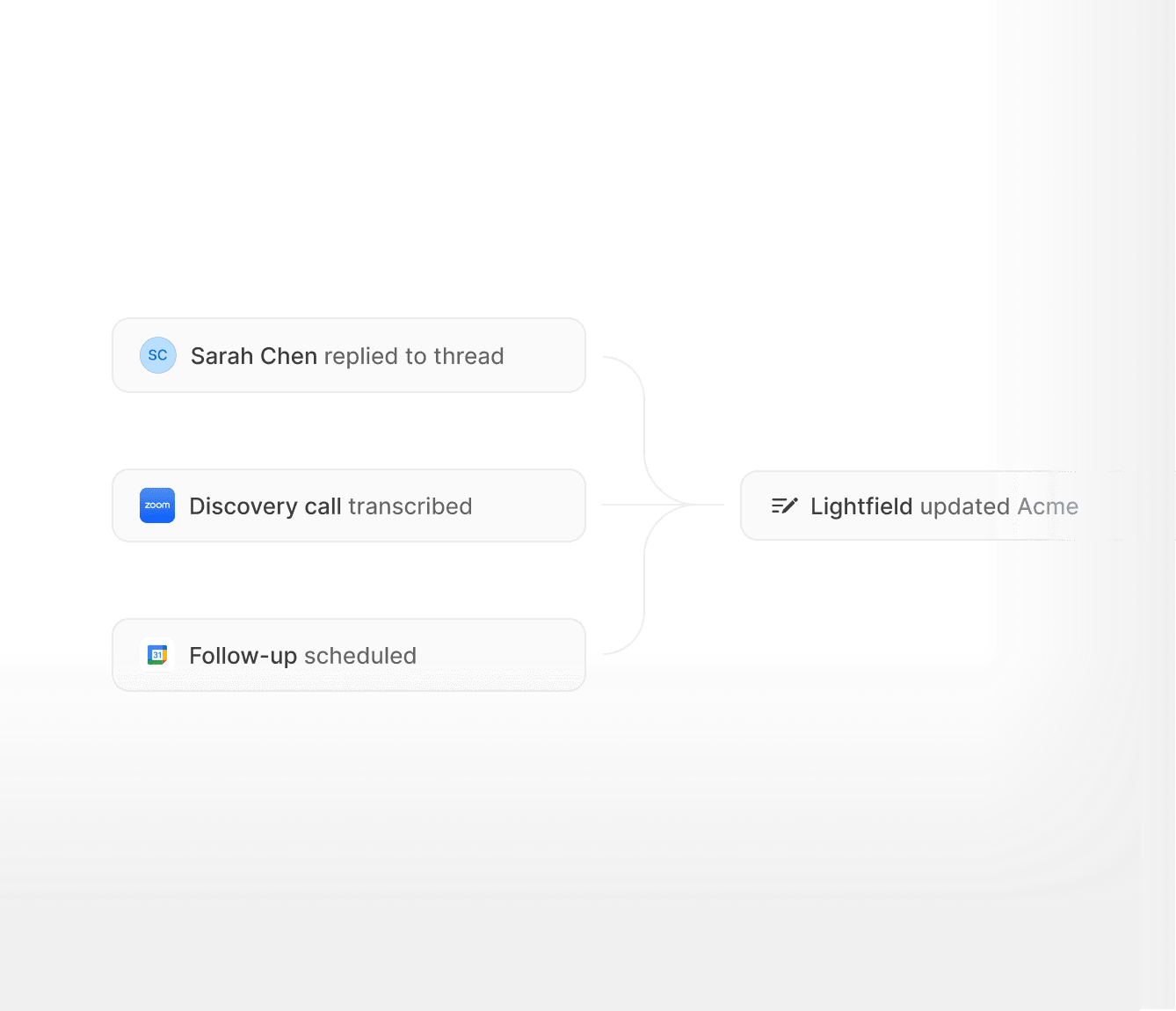
Schedule a meeting with a new prospect and Lightfield creates the contact and account before you join the call. Schedule a follow-up and the record updates itself. No data entry at any step.
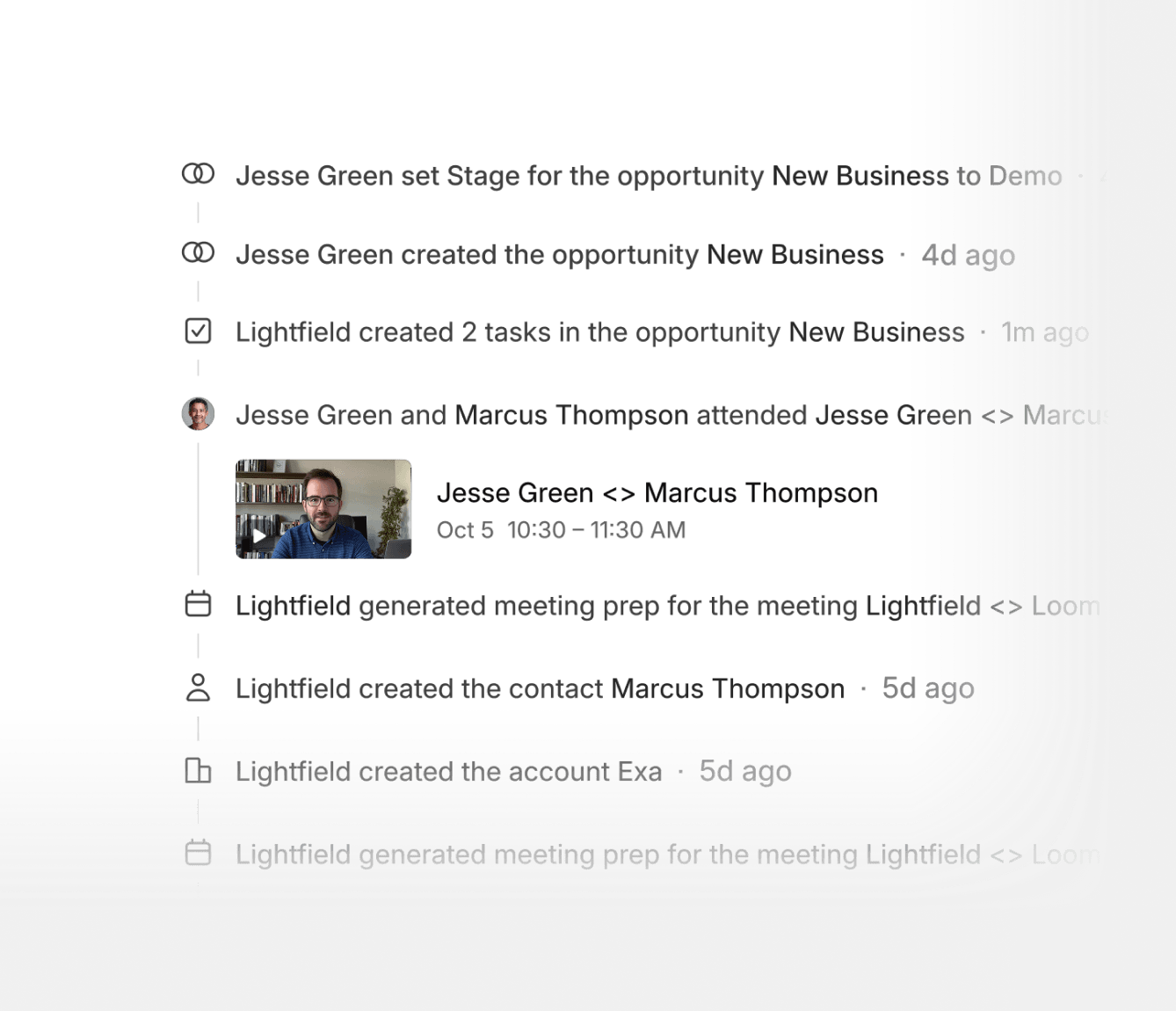
Records stay current without weekly cleanups
Every email or meeting updates the relevant record. Fields that go stale in other CRMs — last contacted, deal stage, key contacts — stay accurate without anyone maintaining them.
Works without changing how you sell
Keep using Gmail, Google Calendar, and Zoom the way you already do. Lightfield runs in the background.
Frequently asked questions
Watch your CRM update itself.
Connect your email and calendar. Watch your records populate.