Object display settings, LinkedIn DMs and sequence improvements
Keith Peiris & Henri Liriani
This week we added the ability to customize how objects and their fields are displayed in the CRM, expanded on how LinkedIn DMs are synced to contact activity, and added the ability to manually review sequence steps before sending.
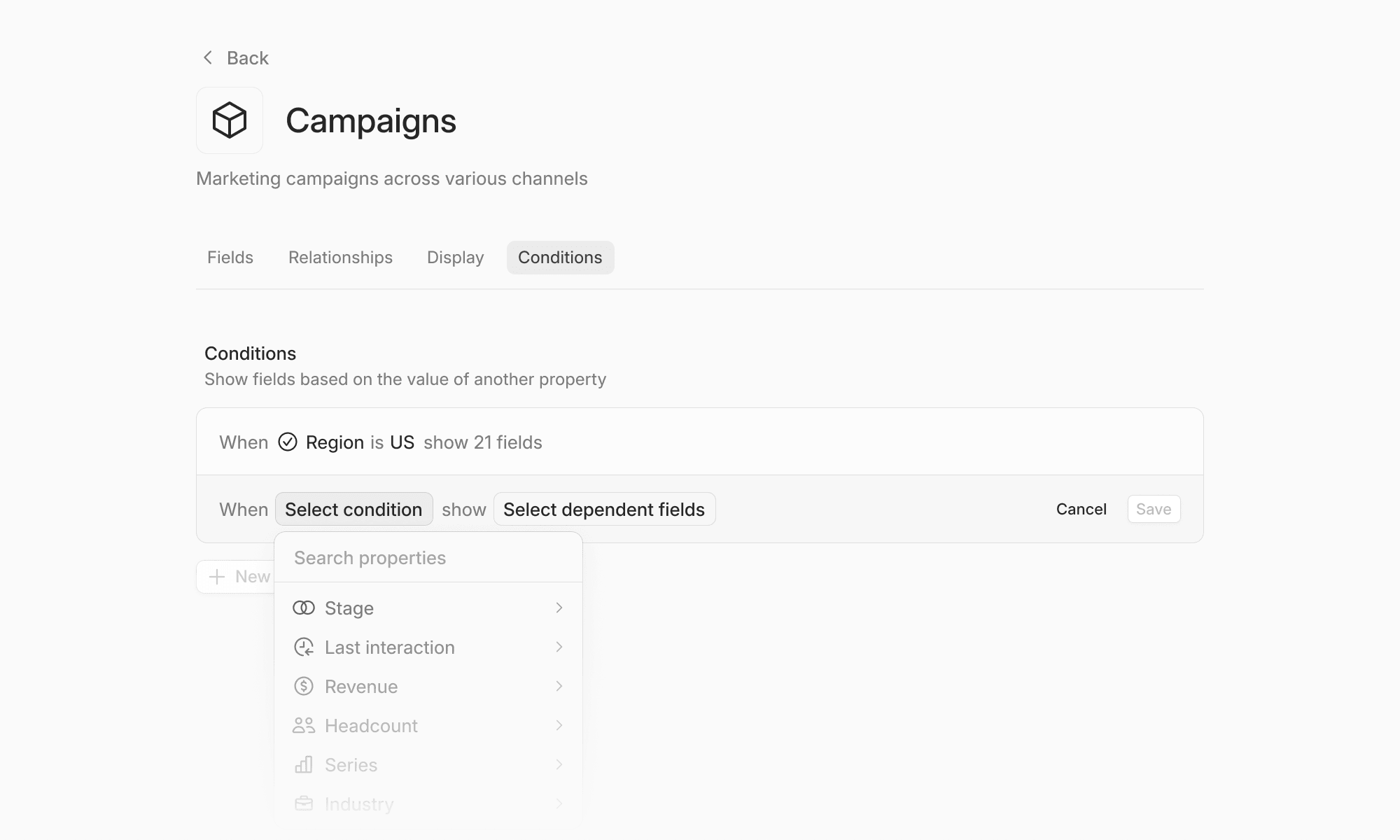
Object display settings
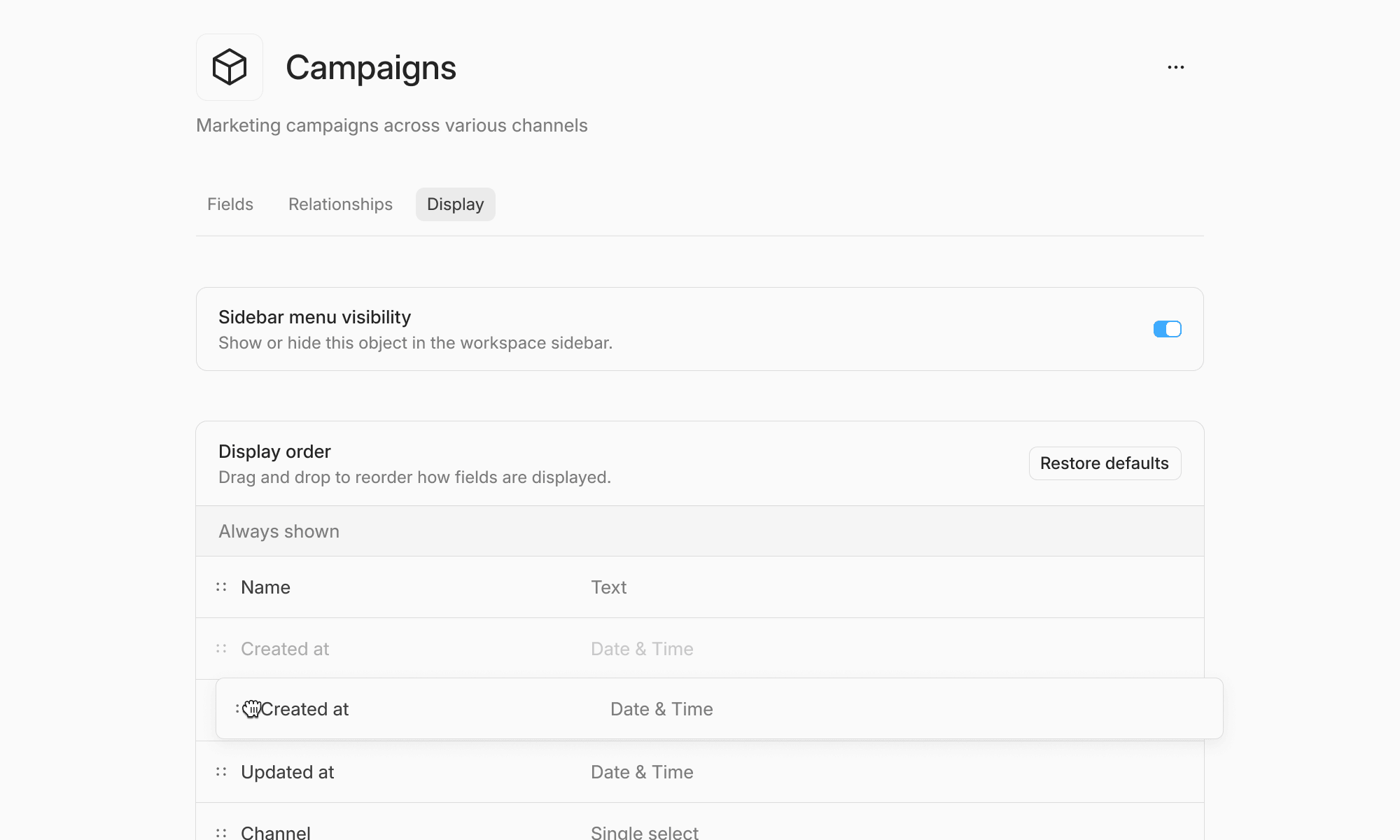
We added the ability to modify the order of fields displayed on objects in Settings → Data model. You can also determine which fields are displayed above the fold in the half-sheet view of a record.
We also added the ability to toggle visibility of these objects as a table in the workspace. This should help avoid clutter in your workspace tables as you add custom objects for signals or other activity types.
Deeper LinkedIn DM sync
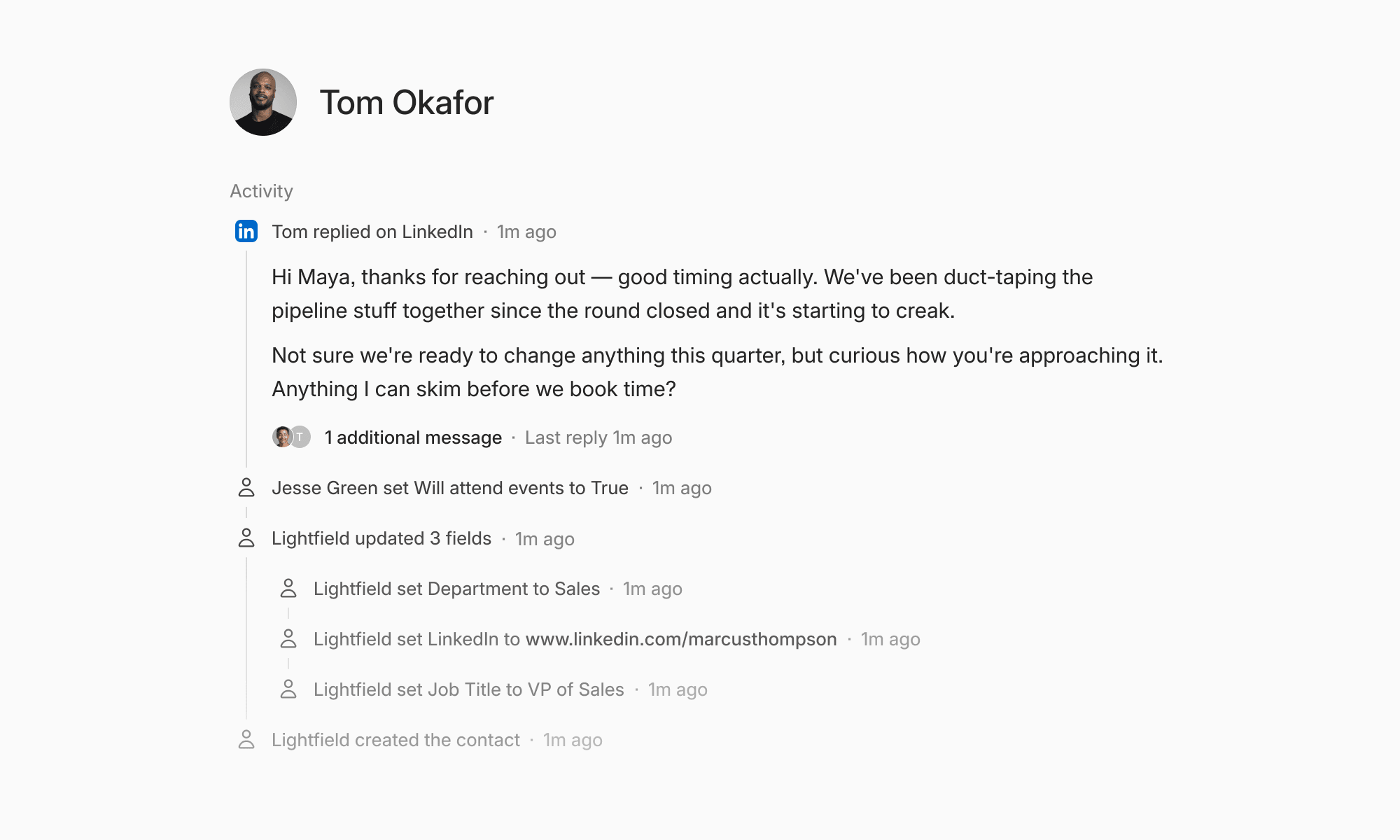
Lightfield can now track LinkedIn DM history for contacts enrolled in LinkedIn sequences. We’re planning to extend this beyond contacts in sequences over the coming weeks.
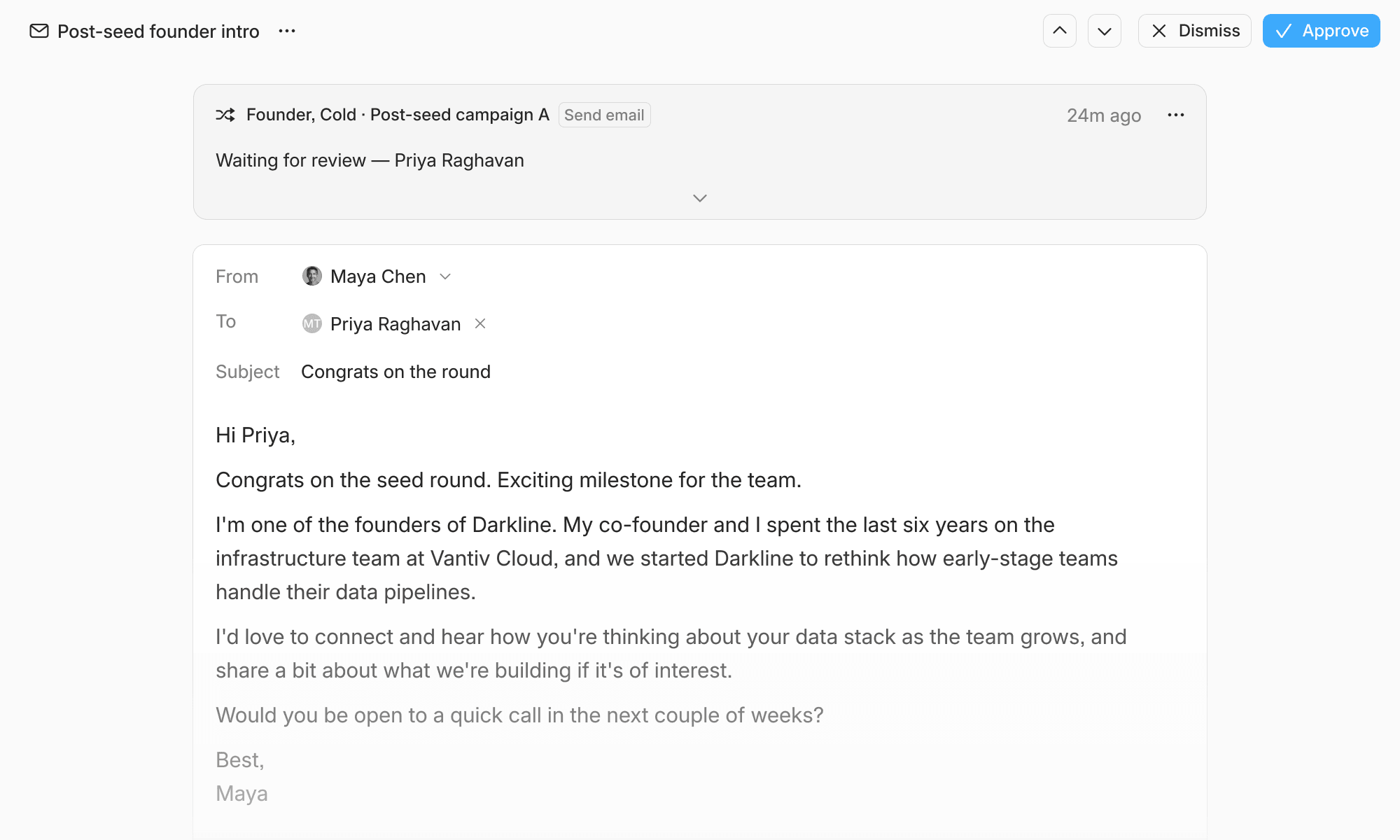
Human review for sequence steps
Sequences are now able to place drafts for emails or LinkedIn messages in For review for you to edit and send manually to ensure accuracy.
Sequences are available to Pro customers; respond to this email if you’d like to schedule time for us to set this up for your workspace.
Smaller improvements
- Automations now notify you when there are issues you can remediate
- Added a PDF creation and editing system skill
- Added sorting and filtering to contacts in sequences