REST API, Agentic CSV import, ⌘K
Keith Peiris & Henri Liriani
This week we released our REST API, enabling you to take control of your data in Lightfield, starting with a core set of objects. We’ll be releasing additional functionality every week. On top of that, we’ve also created a set of tools to make CSV imports much easier through chat.
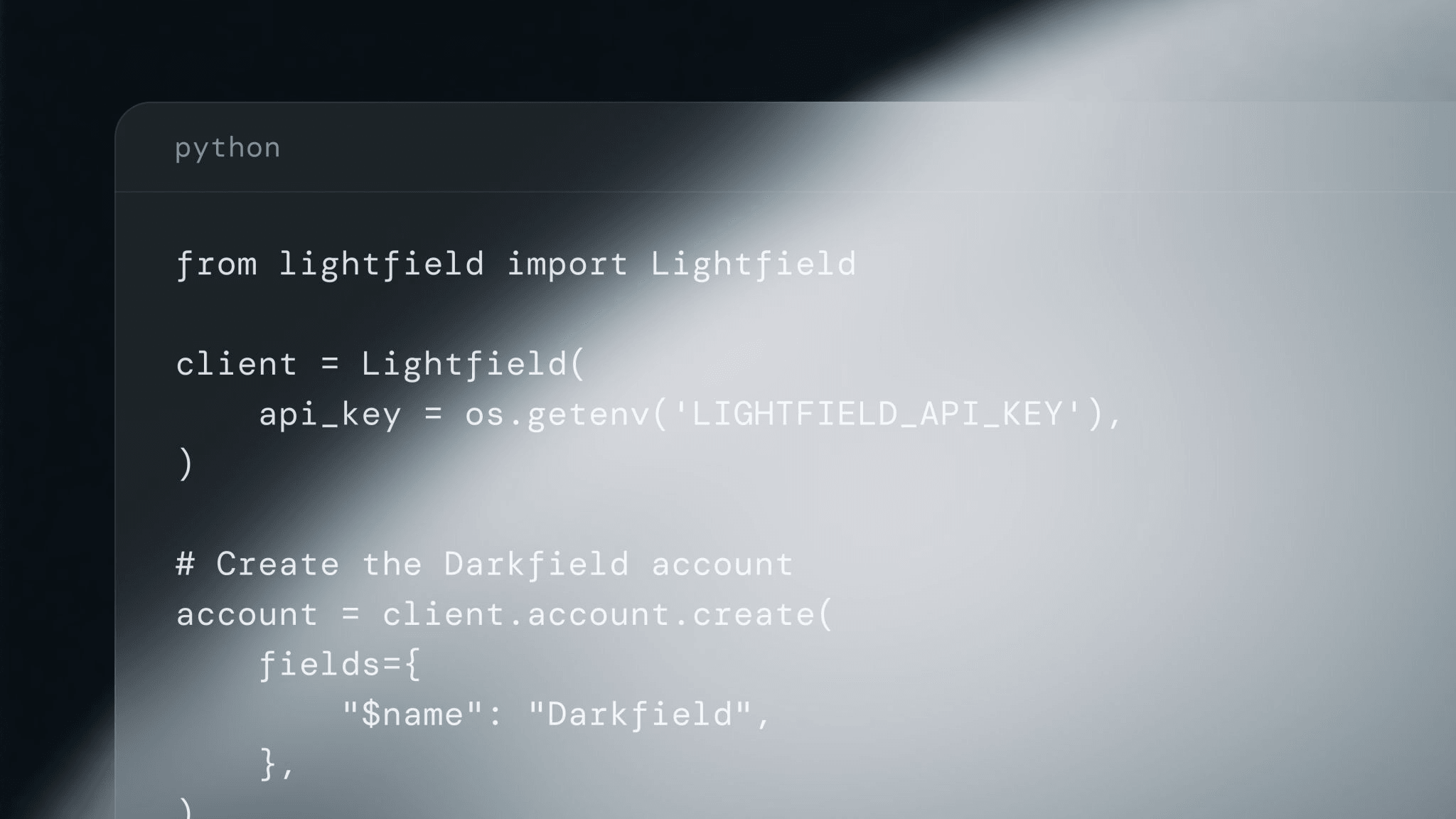
REST API Beta
We're building a shared common core for agents, humans, and external systems to access and work with your CRM data.
Today we shipped read / write access to Accounts, Opportunities, and Contacts, as well read access to the Member object. API access is available via HTTP or a Python SDK.
Next on our roadmap - support for Notes, Meetings, and Tasks; a TypeScript SDK and CLI; and an MCP server to enable agents to interact with Lightfield data through tools.
Everything you need to get started is at docs.lightfield.app.
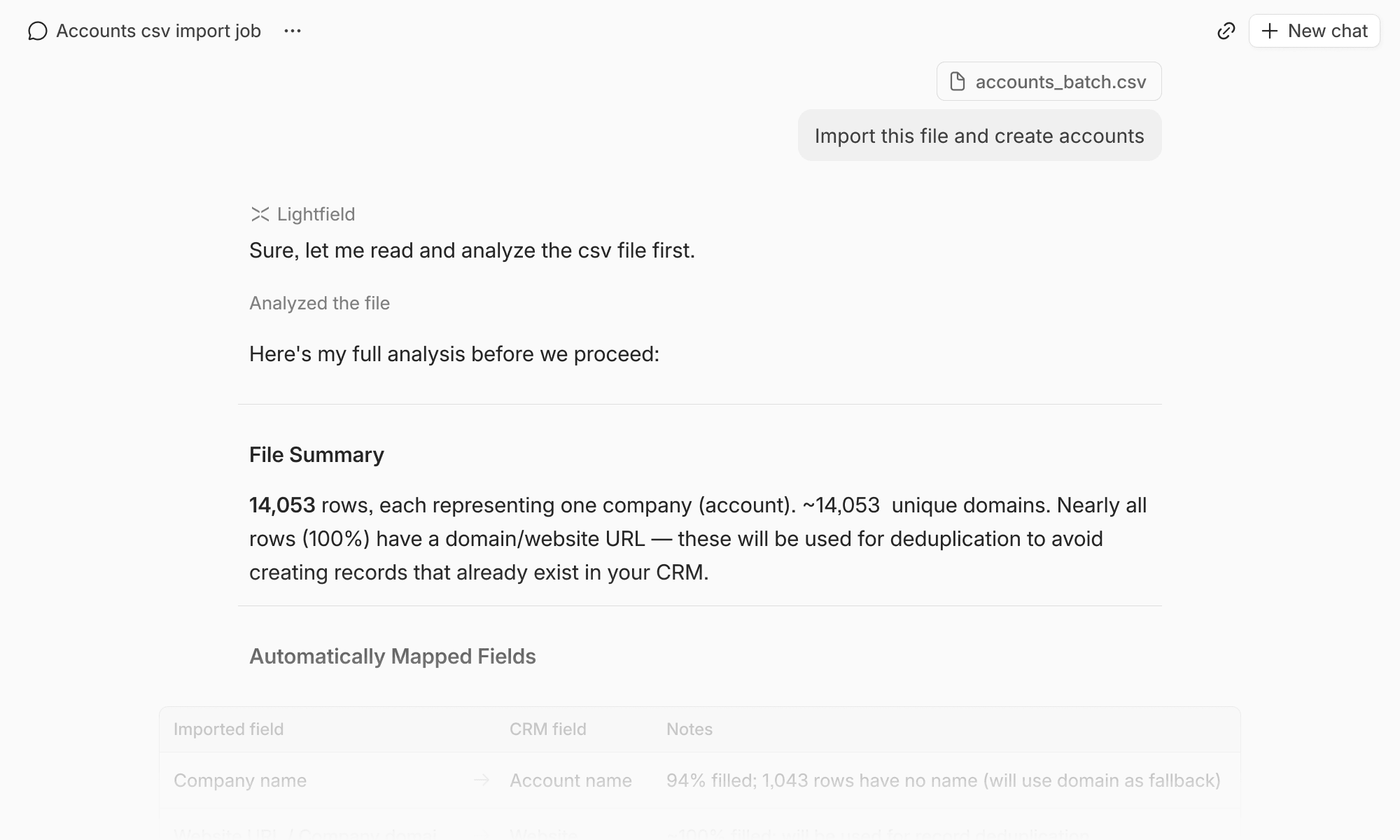
CSV import via agent
We’ve made significant upgrades to our chat infrastructure to allow the agent to work on long-running tasks, log its progress, and resume when able. The agent will also now indicate when tasks are in progress and notify you when your input is needed or a long task has been completed.
⌘K
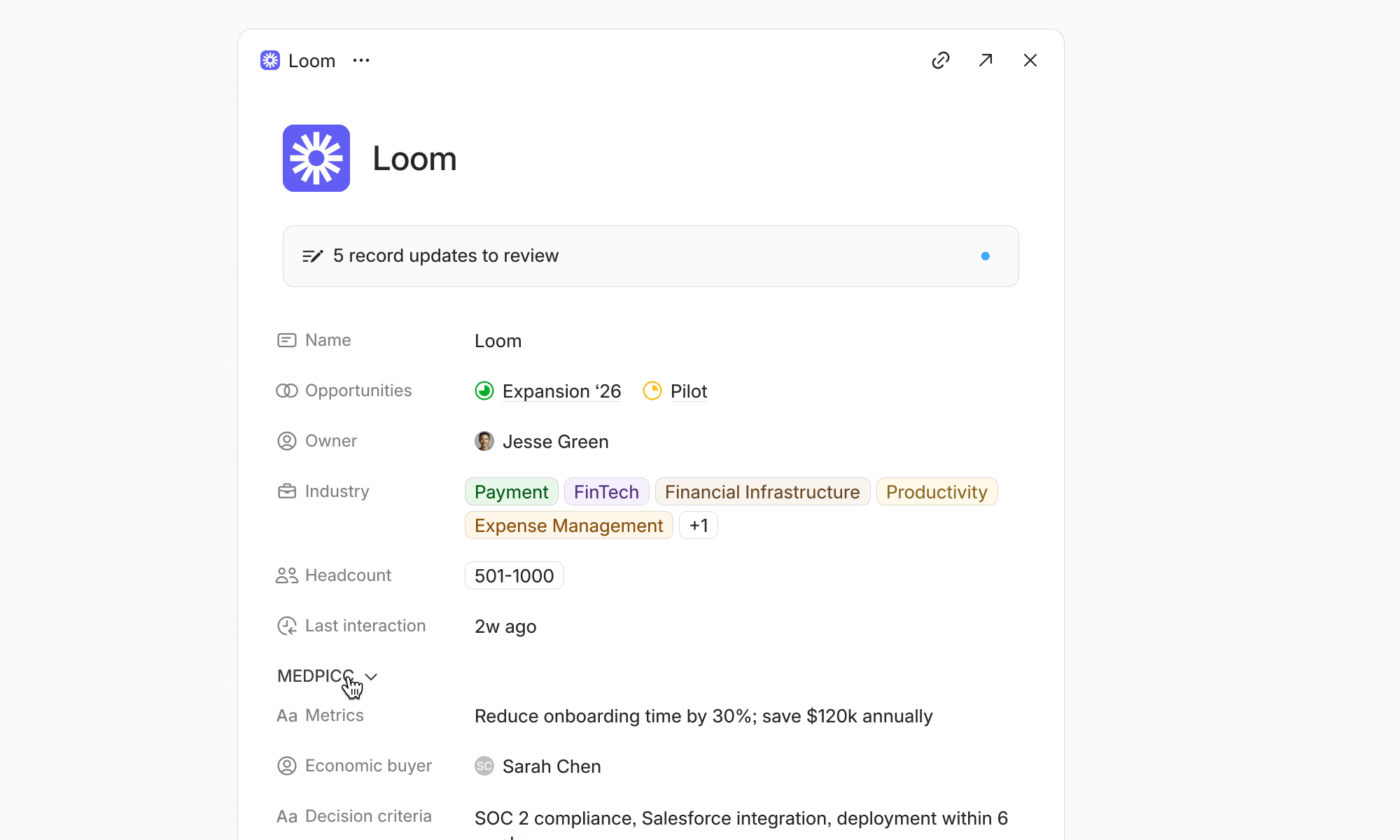
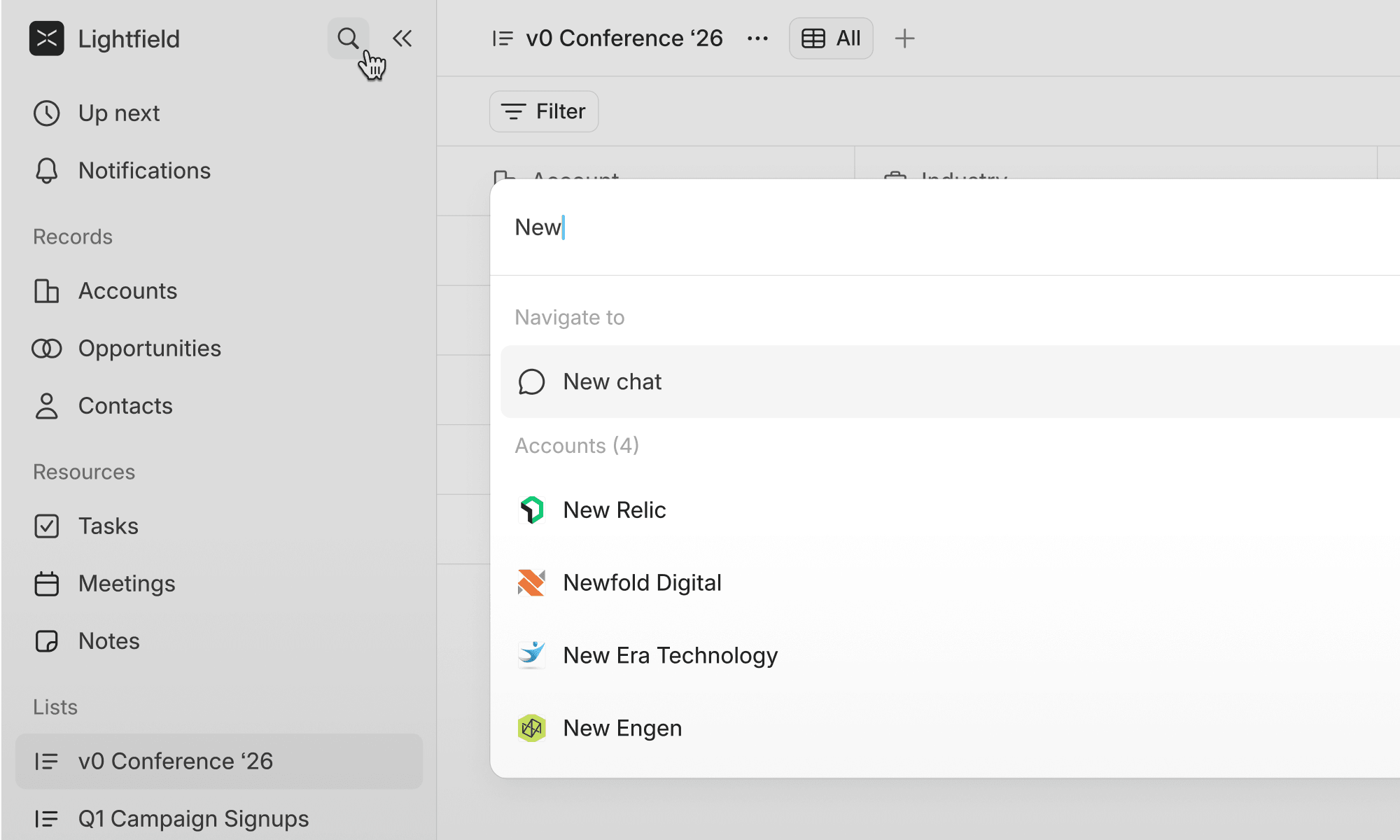
You can now use ⌘K to access search and navigate across records without a mouse click.
Smaller changes
- Data imports are now retry-safe — if an import is interrupted, re-running it won't create duplicates.
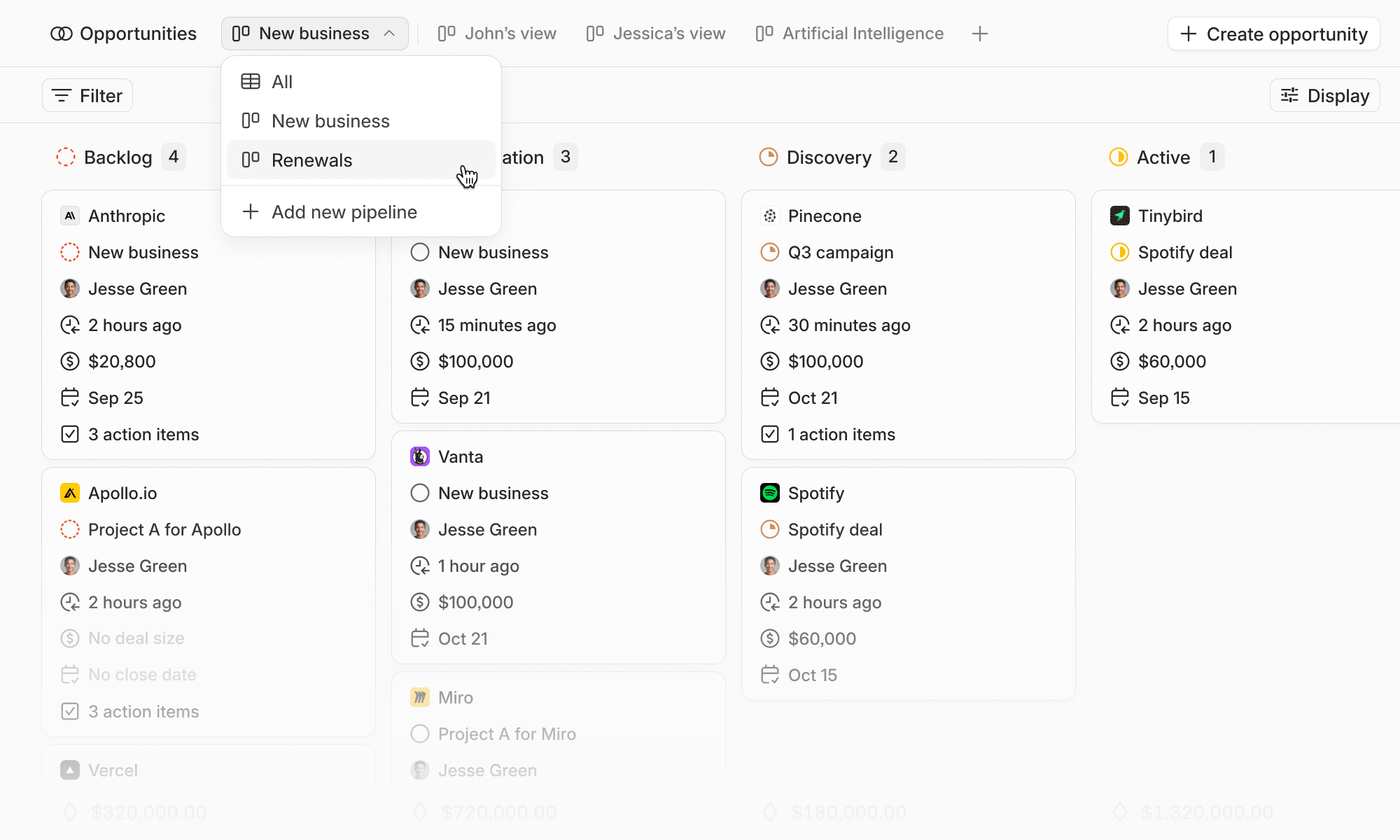
- List operations are now faster with optimistic UI updates, and list entries in the detail panel show counts and a quick "Remove from list" action.
- Partial assistant responses are now preserved when a chat is interrupted or fails, so you never lose context mid-conversation.
- Markdown now pastes correctly to and from notes.