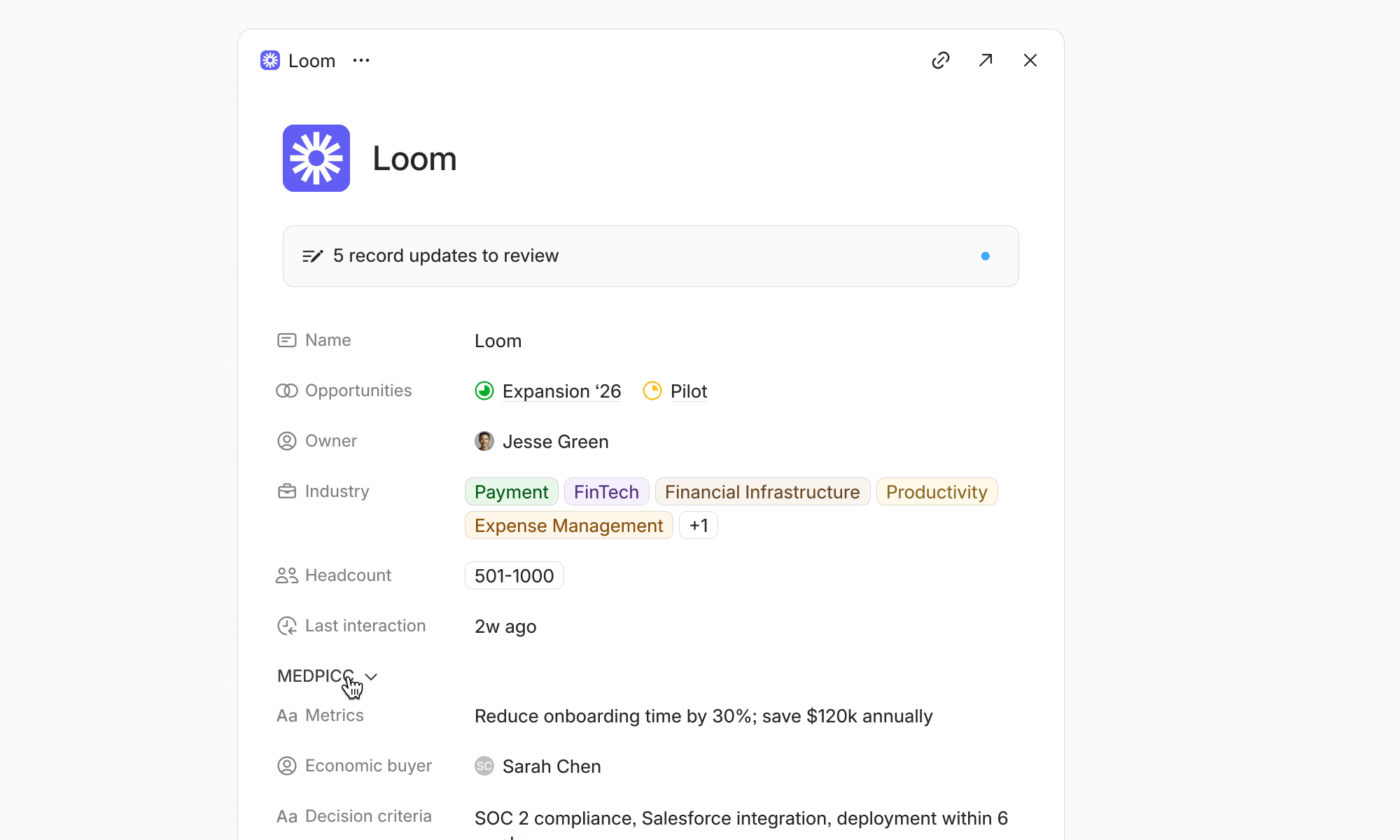
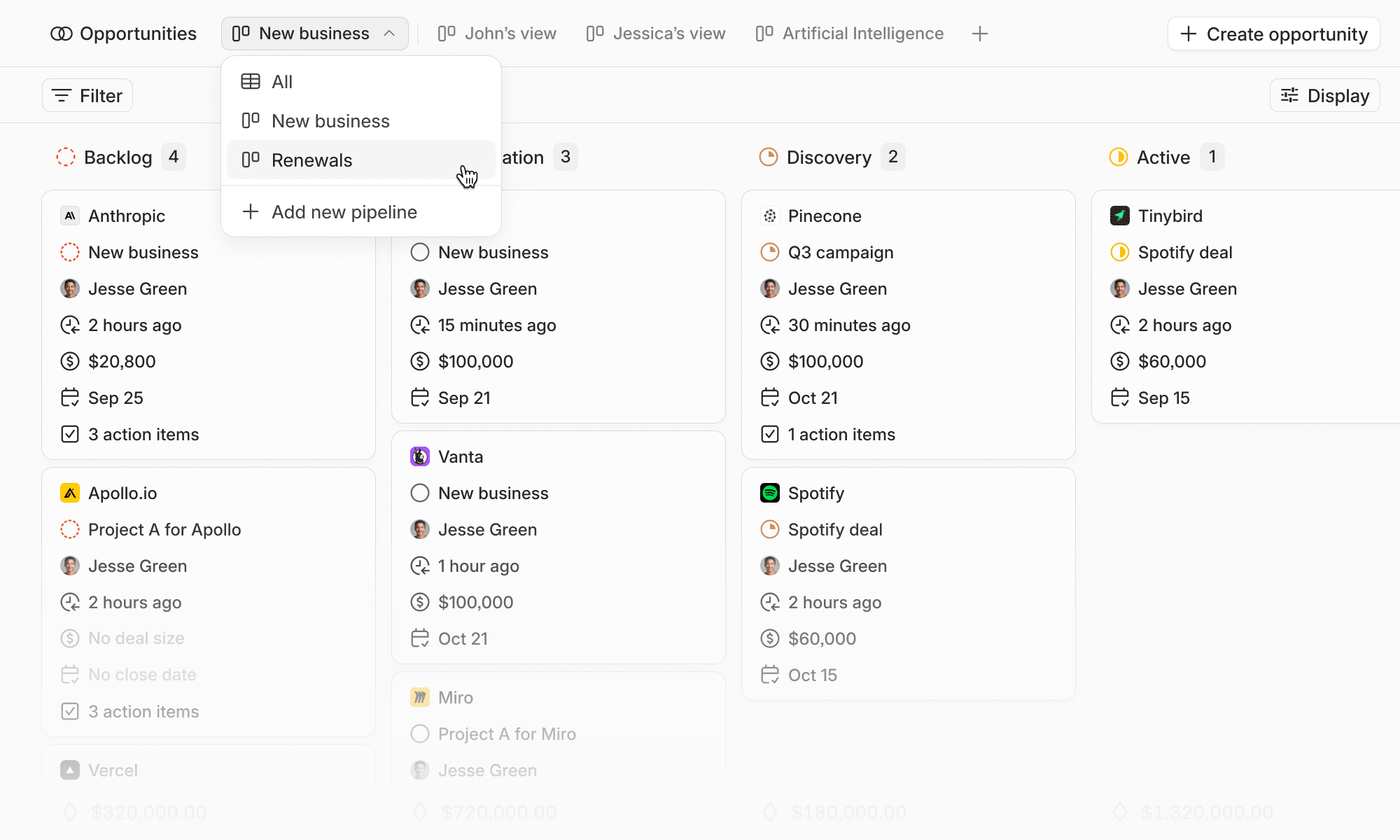
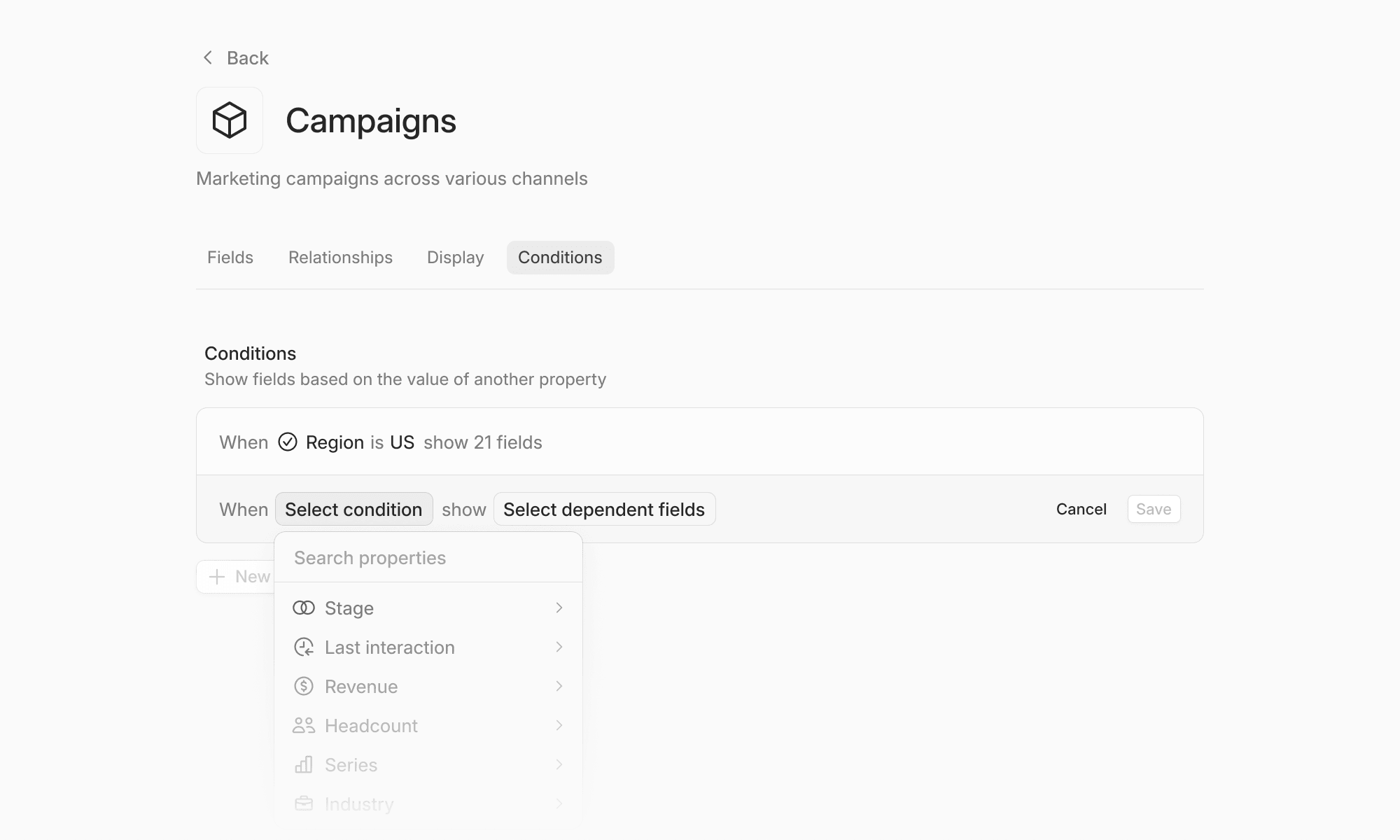
PPTX, DOCX, XLSX, Teams sync, Automations, Sequences improvements
Keith Peiris & Henri Liriani
This week we added the ability to create presentations, docs, and spreadsheets in chat, improved automation tools, added sequence controls, and added support for Teams channel sync.
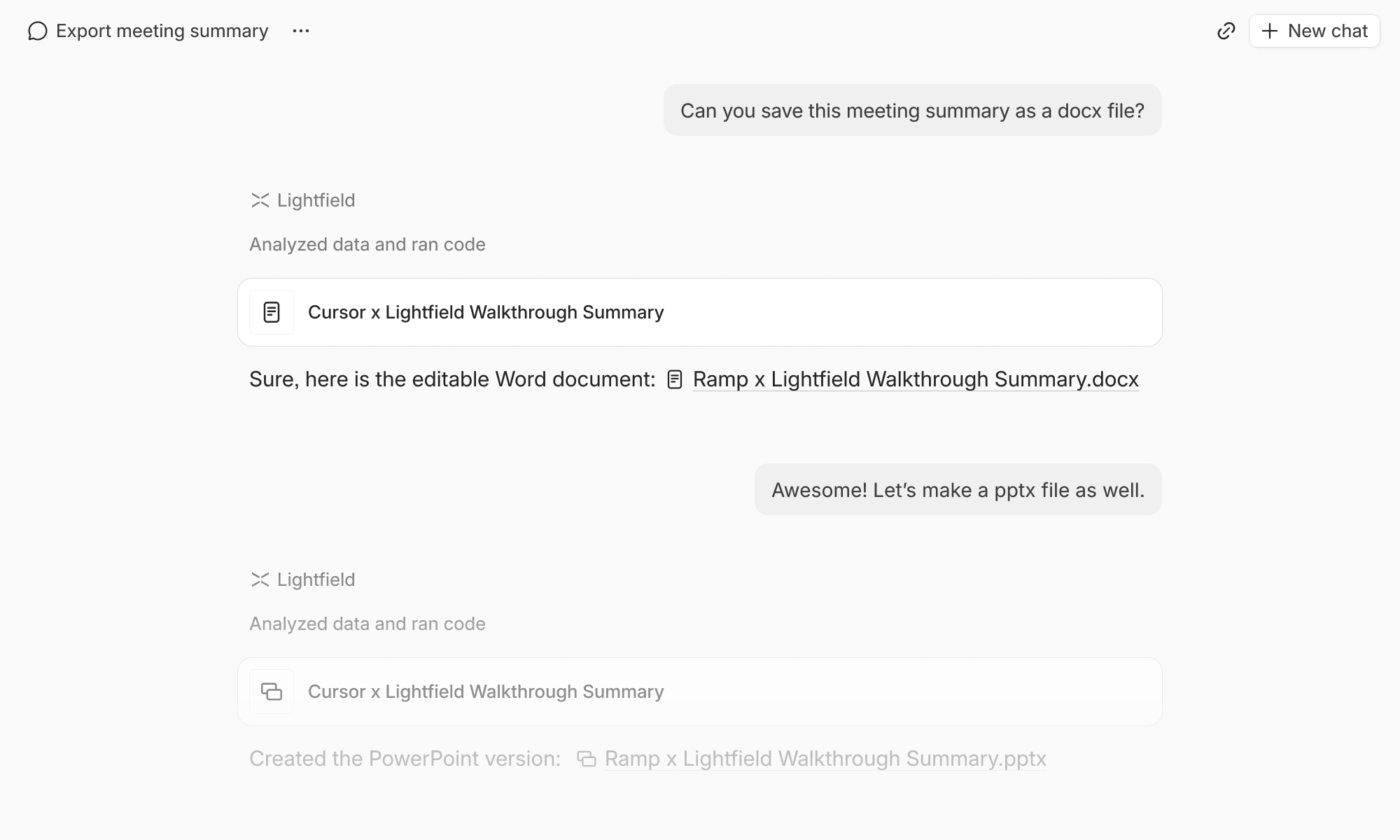
Create and edit PPTX, DOCX, XLSX files
Lightfield now has tools to create, edit, and preview office suite artifact files directly in chat. These tools read from knowledge and skills and can be tuned to match your brand and content guidelines.
Automation tools
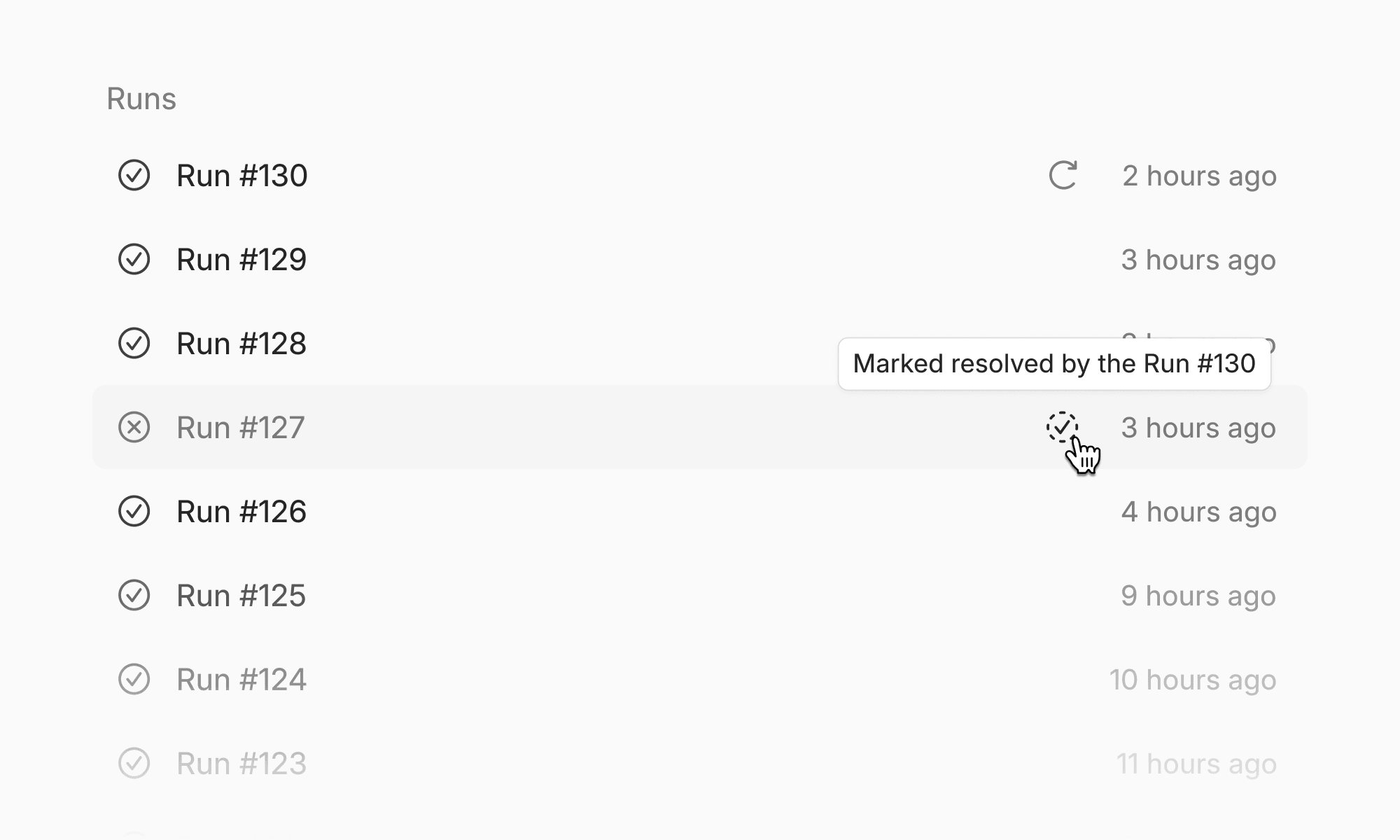
Added tools to remediate failed automation runs. Failed runs now include a detailed error description and a “Review with agent” action so you can work with the agent to analyze, fix, and rerun them.
Sequence controls
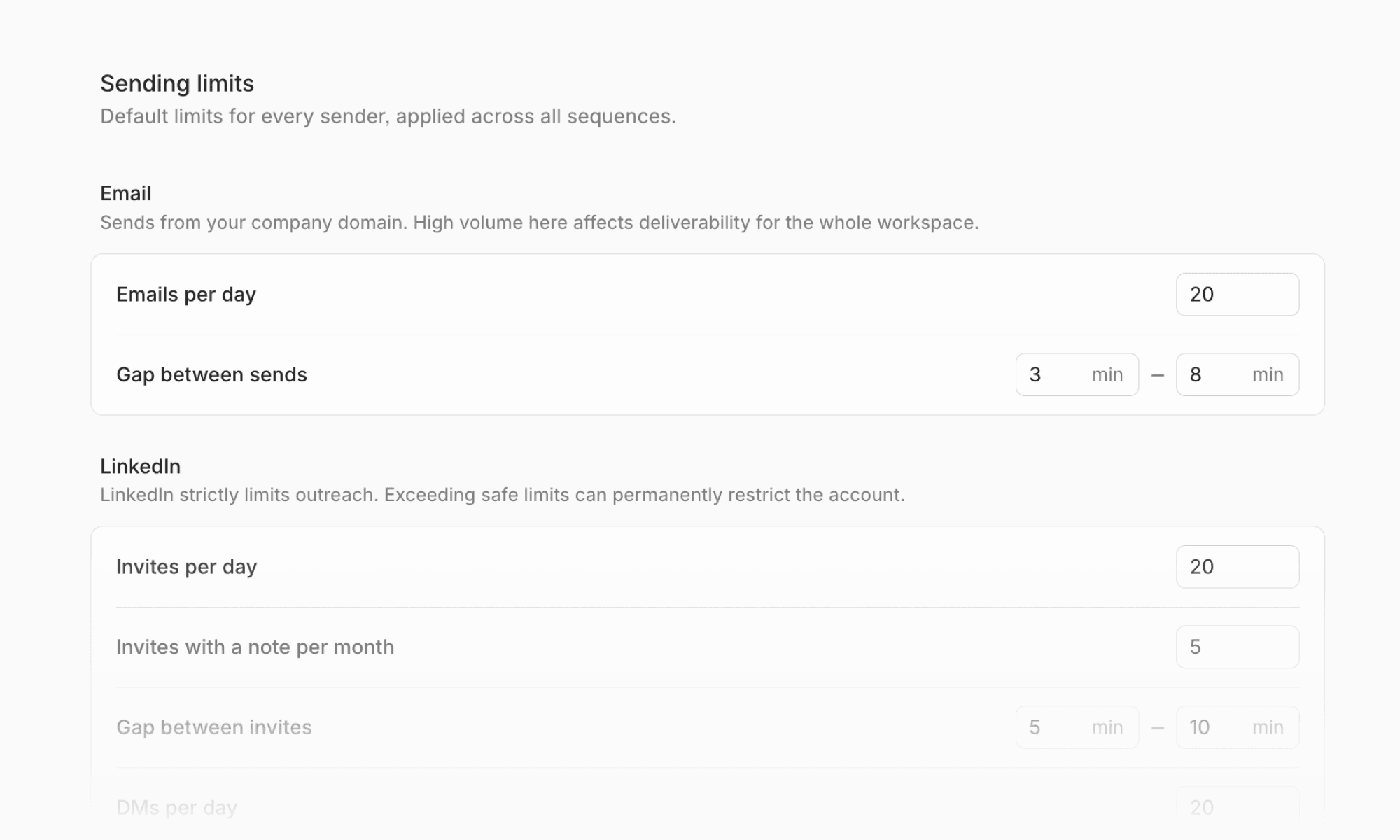
Added controls for throttling sequence mail and Linkedin message sends to help preserve domain authority and avoid deliverability issues.
Slack and Teams updates
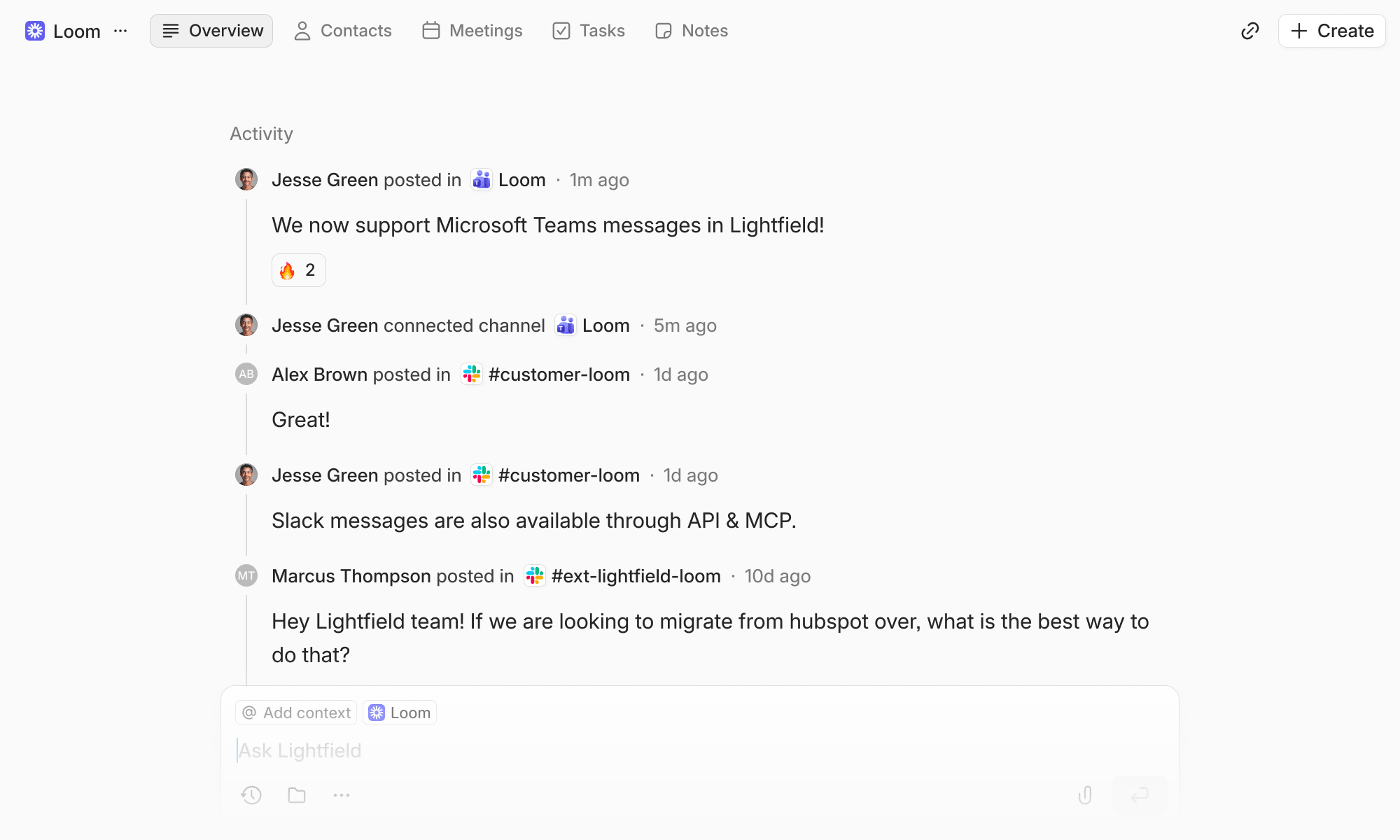
Added support for Microsoft Teams channel sync. Microsoft admins can connect a team and map channels to account and opportunity records to sync messages and threads. If you’re interested in testing this out, reply to this email.
Slack channel sync now allows messages to be retrieved via the API & MCP connector. Also added a manual refresh for available channels to relate to records.
Smaller improvements
- Added automation triggers for email sent/received
- Added code execution step capability in automations and sleep step!
- Added ability to disable recording of internal 1:1s by default if internal meeting recording is enabled