Agentic data import in Lightfield
Matt Serna
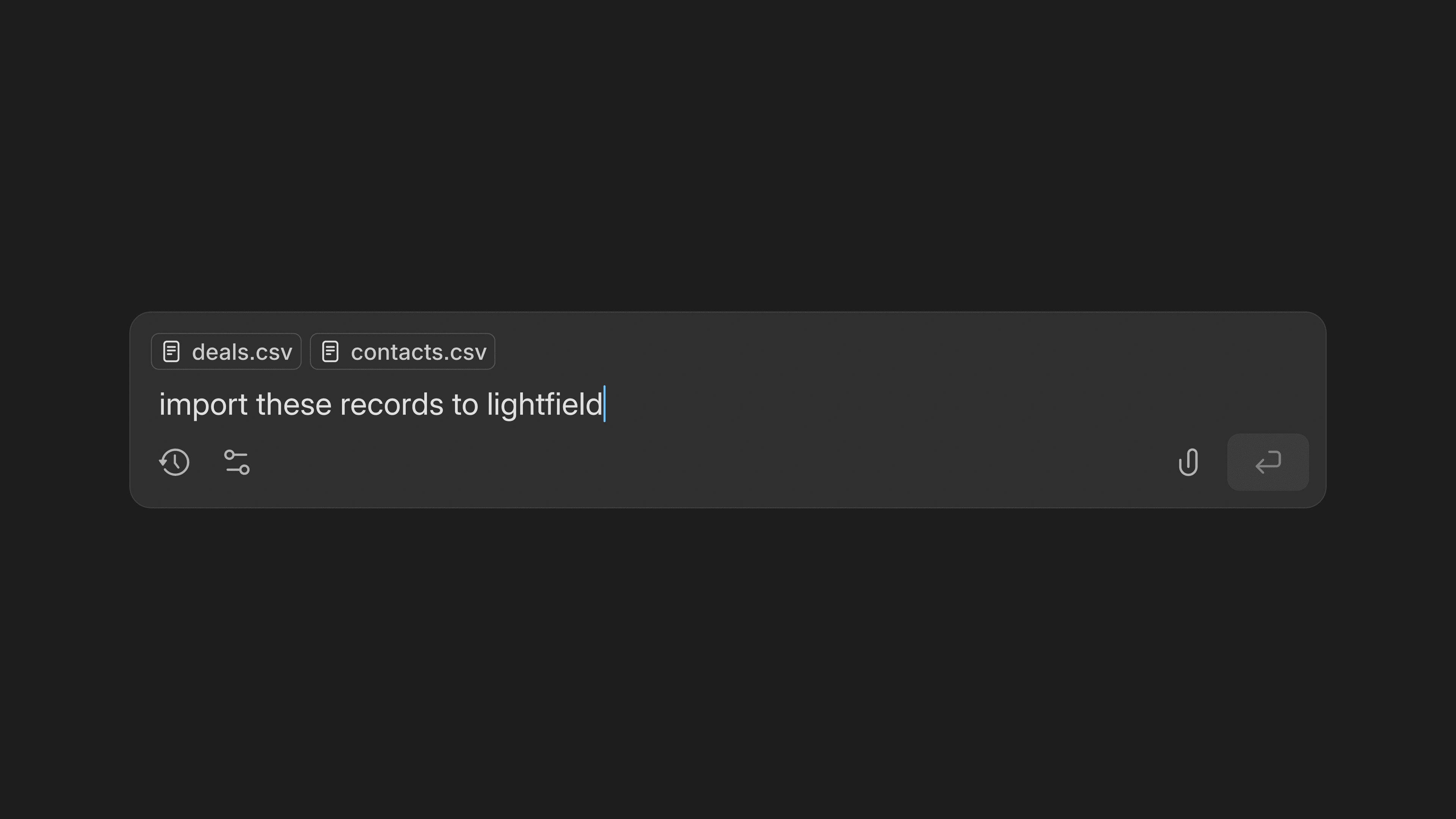
Lightfield's import agent can now take any CSV — from any CRM, spreadsheet, or tool — and turn it into a structured, relationship-aware CRM. You upload the file. The agent reads it, identifies the structure, maps it to accounts, contacts, and opportunities, wires up the relationships between them, and imports everything. No field mapping wizards. No cleanup beforehand. No schema configuration. You talk to the agent, it confirms what it found, and it does the work.
Most imports finish in under an hour. The agent can process up to 90,000 records per hour, handles deduplication automatically, and supports multiple files — so if your CRM export comes as three separate CSVs for companies, contacts, and deals, it stitches them together.
Why migration pain holds companies back
Migration is the reason most people stay in a CRM they don't like.
Until now, switching costs used to be very high. The prospect of exporting all your data, cleaning it, mapping it to a new schema, rebuilding the relationships, and praying nothing gets lost is enough to make CRM migration a non-starter. We heard this over and over from founders and CROs who would love to move off HubSpot or Salesforce but feel like they’re trapped. They weren't staying because they were satisfied. They were staying because migration felt like a project they didn't have time for.
We designed this product to feel like handing your files to a competent colleague who can look at your data, intuit what it represents, ask clarifying questions, and then do the work.
It reads the CSV and infers the structure: these columns are contacts, these are companies, this looks like deal data, these are custom fields you've been tracking. It proposes a mapping. You confirm or adjust. Then it builds out your Lightfield workspace to match — creating the custom fields, setting up pipeline stages, importing the records, and connecting everything.
After the import, you can connect your inbox, allowing Lightfield to ingest your email and calendar history — up to two years back — and layer that context on top of the imported records. This overlays a full chronology on top of every single record in your CRM, enabling Lightfield to understand how each relationship with each prospect and customer has evolved.
You can also bulk upload call transcripts from whatever recorder you were using. The agent matches them to the right contacts, opportunities, and accounts automatically.
How our customers are using agentic data import
The import agent was designed primarily for CRM migration, but there are many other use cases we’ve seen long-time Lightfield customers implement.
Loading lead lists from events. You come back from a conference with a spreadsheet of 200 contacts from badge scans or business cards you photographed into a CSV. The agent imports them, creates the contact records, enriches them with public data, and links them to existing accounts if any match. You can then ask the agent to draft personalized follow-ups for each one — referencing whatever notes you captured about the conversation.
Importing prospects from outbound tools. If you're running Apollo, Clay, or any enrichment tool for prospecting, you've got CSVs of target accounts and contacts. Import them into Lightfield and they become part of your CRM immediately — with enrichment, account creation, and relationship mapping handled. When you start emailing those prospects and they reply, Lightfield captures the full thread and attaches it to the right records.
Reconciling data that never made it to your CRM. Many companies have customer data living in places that aren't the CRM. Feature requests tracked in a Notion table. Customer notes in a Google Sheet. Support conversations logged in a spreadsheet someone started six months ago. The import agent can take that data and integrate it into your existing records — matching contacts and accounts to what's already in Lightfield, creating new records where they don't exist, and turning scattered context into something structured and queryable. The institutional knowledge that was locked in someone's personal spreadsheet becomes part of the system of record.
Importing account lists from external sources. Your investor sends you a portfolio company list as a CSV. A partner shares their customer directory for co-selling. You download a list of companies from a conference attendee directory or an industry database. The import agent turns any of these into CRM records — enriched, deduplicated, and connected to any existing data in your workspace. You start with a flat list of names and end with a set of accounts ready for outreach.
Getting started
Migration used to be the thing that kept companies from switching to a modern, AI-native CRM. It’s not anymore.
If you're not yet a Lightfield customer, you can use agentic CSV import to upload all of your data as part of your free trial. Upload a CSV to the workspace chat and tell the agent to import it. If you'd rather have us handle it, book time with our team and we'll migrate your data for you.