It's time to put your CRM to work for you
Keith Peiris & Henri Liriani
Skills and Knowledge are now native in Lightfield. Run your process across every account, every time. Grounded in what Lightfield already knows.
See it in action
Explore the pre-built Skills bank ready to run against your data out of the box. Pick one, point it at your pipeline, and make it your own. Here’s where to start:
Build pipeline
Your next deal might already be in your CRM. Build pipeline from what you have.
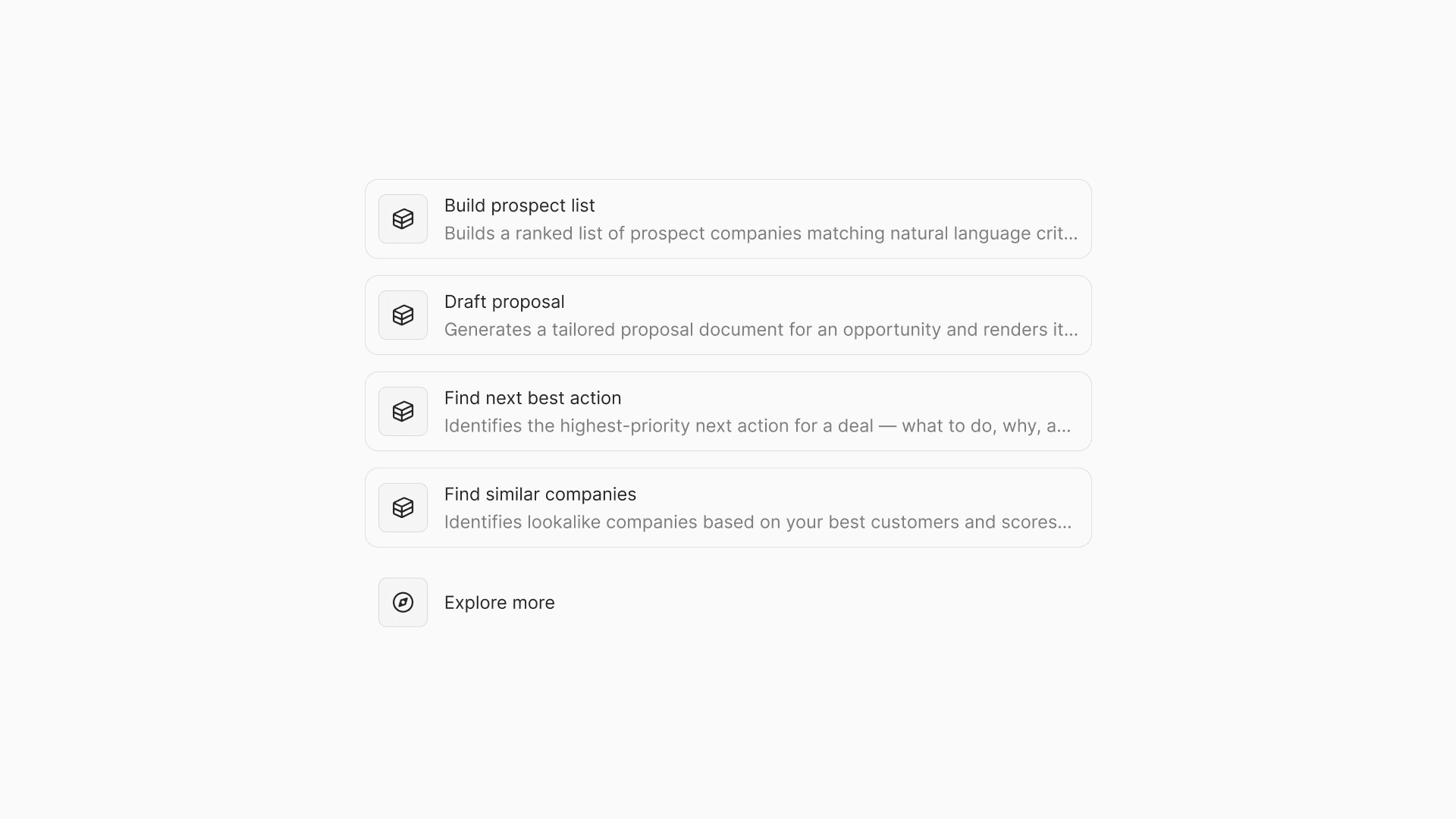
Find Similar Companies | Surfaces companies that match your best-fit customers, ranked by ICP fit. Feeds directly into outreach. |
Build Prospect List | Turns natural-language criteria into a scored, ranked list of target accounts ready to work. |
Resurrect Lost Deals | Identifies what's changed since you lost each deal. Drafts re-engagement for the ones worth going back to. |
Research & Write Outreach | Researches each prospect, scores ICP fit, and drafts personalized first-touch email and LinkedIn DM — tone auto-selected by seniority. |
Know your deals
Walk into every deal knowing who controls it and how they think.
Map Buying Committee | Cross-references org signals, LinkedIn, and email metadata to surface everyone who controls the deal — including the ones you don't know about yet. |
Find Next Best Action | Scans your full pipeline and surfaces the highest-priority action per deal, with a drafted message ready to send. |
Extract Buyer Language | Mines your deal history for exactly how your buyers describe their problems. |
Prep for Meeting | Synthesizes full account context into a pre-call briefing: relationship history, open items, competitive signals, recommended angles. |
Write Post-Meeting Follow-Up | Drafts your follow-up immediately after a meeting: key points, confirmed next steps, open questions. Ready before you close your laptop. |
Create / Update Opportunity from Meeting | Creates or enriches an opportunity from meeting context. Keeps your CRM current without manual entry. |
Win the deal
Turn everything Lightfield knows about a deal into something you can send.
Draft Proposal | Turns deal context into a finished proposal: executive summary, solution mapped to discovery, pricing, terms. Filed to the opportunity. |
Draft Sales Deck | Generates a tailored deck for a specific audience or stakeholder group. Attaches to the opportunity. |
Qualify Deal | Scores the deal against MEDDPICC or your custom framework. Surfaces gaps, risk flags, and recommended next steps. |
Run your GTM
Keep your finger on the pulse of every account, every rep, every quarter.
Account Health Score | Generates a Green/Yellow/Red health report per account: contributing factors, churn risk indicators, recommended interventions. |
Generate Pipeline Report | Builds your pipeline report on demand: forecast roll-up, activity gaps, stage conversion, rep scorecards. |
Draft Case Study | Builds a structured case study from account data and interview notes. Writes to your Knowledge base for reuse in decks and proposals. |
3 things worth knowing
Setup is minutes. Connect your calendar and email to Lightfield, run a Skill from the pre-built library, and you'll have output before your next meeting. No implementation project. No consultants. No custom fields to configure.
You don't need to build Skills from scratch. The Skills Bank covers the most common workflows out of the box. Start there. Customize when you know what you want to change.
The context graph gets better over time. Every captured interaction — email, meeting, transcript — sharpens Lightfield's understanding of every relationship. Skills run better on month-three data than day-one data. The system compounds.
Already on Lightfield? Skills and Knowledge are live in your account.