How to use Skills & Knowledge
Lightfield
Skills and Knowledge in Lightfield put your CRM to work for you. This post explains what they are, how they relate, and how to start using them.
What is a Skill?
A Skill is a repeatable workflow you define once and invoke on demand. You describe the task, the steps, and the constraints. The agent handles execution, consistently, every time.
Skills live in three scopes:
- Workspace skills are managed by Admins and shared across your team.
- User skills are personal to the user who creates them. These are useful for testing or customizing before rolling something out more broadly.
- System skills are platform-wide, maintained by Lightfield, and not editable by users.
What is Knowledge?
Knowledge is the structured context layer that Skills draw on when they run. It includes things like your ICP definition, competitive positioning, objection handling, buyer language, and qualification criteria.
Skills produce well-structured outputs by default. Add Knowledge and they start reflecting how you specifically think. If you find yourself typing the same background context into chat at the start of sessions, that context belongs in Knowledge.
Put your CRM to work for you
Skills are for execution. Use them when the task is repeatable, consistency matters, and you've done it manually enough times to know what good looks like.
Knowledge is for context that doesn't change. Use it when the agent keeps needing the same background, or when output quality depends on company-specific details.
A useful test: if you've given the same instructions to a new hire three times, that's a Skill. If you keep re-explaining the same company context before each task, that's Knowledge.
Using pre-built Skills
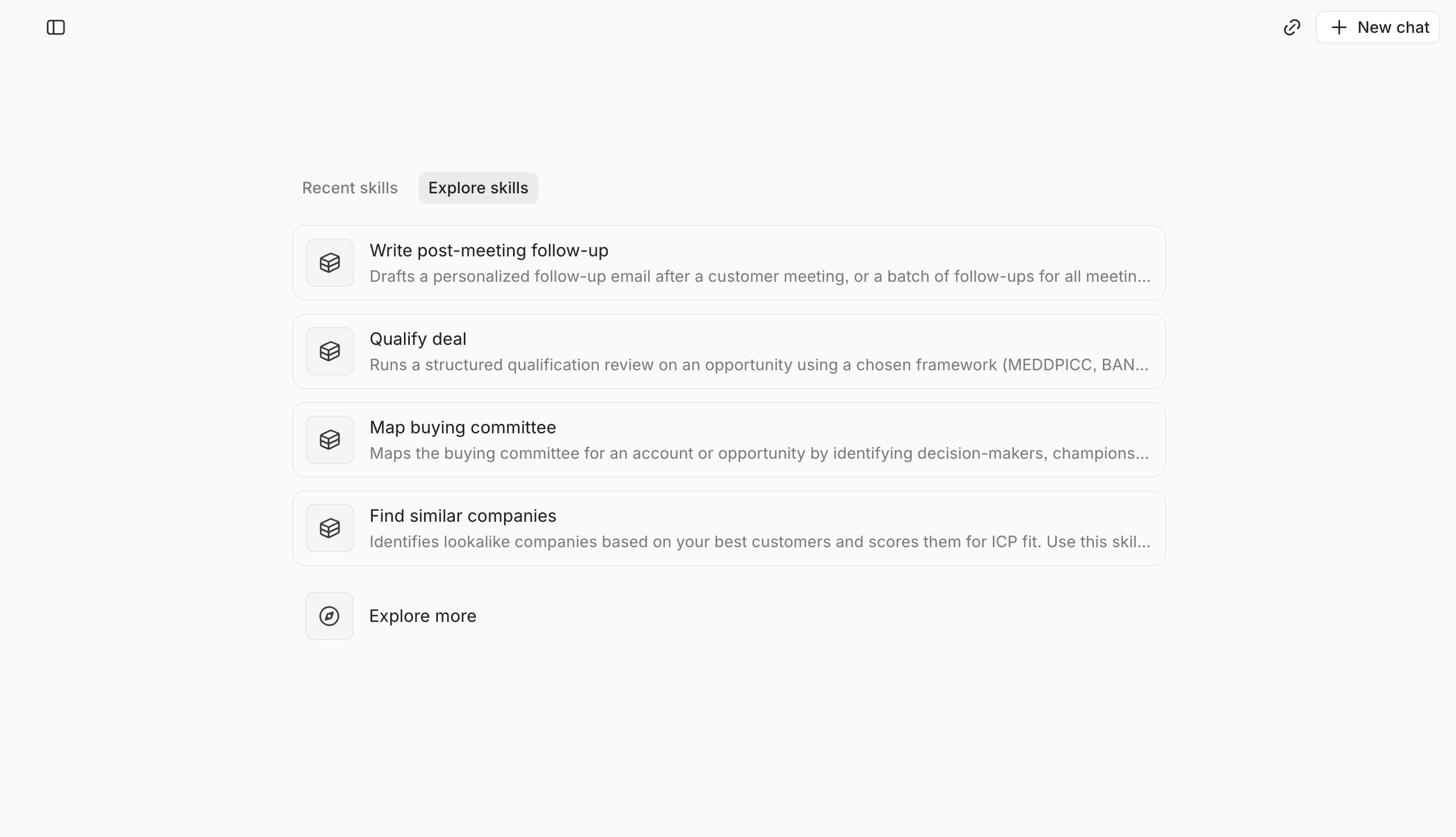
Lightfield ships with pre-built Skills for common GTM workflows. They work out of the box and get sharper as you add Knowledge and customize the steps to match your actual process.
Treat the library as a starting point. Customization is where your institutional knowledge lives.
Getting started with Skills and Knowledge
- Start with one pre-built Skill. Discovery prep or post-meeting follow-up are great starting points. Pick whichever matches the workflow you repeat most often.
- Run it on a real account. Look at the output critically. Where is it generic? Where doesn't it reflect how you actually work? Those gaps are your customization backlog.
- Add your Knowledge. Start with what you repeat most often: ICP definition, competitive positioning, top objection handling. This improves the quality of every Skill output immediately.
- Customize the Skill. Edit the steps and constraints to match your real process. The closer the Skill reflects how your best rep handles the task, the better the output.
- Build from there. Once the first Skill runs well, move to the next highest-leverage workflow. The library grows with your process.