10 Best AI Meeting Note Takers for Sales Teams in 2026
Matt Serna
Quick Summary
AI meeting note takers capture conversations, extract action items, and sync to other tools. The difference is whether notes sit in another tab or actually update your systems automatically. This guide compares ten tools.
Here are our top three picks:
| Tool | Best For | Why Teams Pick It |
|---|---|---|
Lightfield | B2B sales teams, from founder-led to 10 to 30 sellers | CRM with built-in recording. Notes auto-populate fields, generate tasks, and answer questions about past calls. |
Fathom | Solo founders wanting quick summaries | Fast summaries within seconds of call ending. |
Fireflies | Teams needing high transcription volume | Unlimited transcription, conversation intelligence, 40+ integrations. |
For revenue leaders
If you manage 10 to 30 sellers, the question is whether notes sit in another tab or update the system your team forecasts from. Lightfield records and transcribes meetings inside the CRM, then applies what was said to the right account and opportunity.
Finding the Right AI Meeting Note Taker
Sales teams run dozens of calls per week. Manual note-taking splits attention between the conversation and capturing what's said. Details get lost. Follow-ups slip. Context disappears when someone else needs to pick up the thread.
AI meeting note takers solve this by recording, transcribing, and summarizing conversations automatically. Some stop at transcription. Others extract action items, generate follow-up emails, or sync data to CRMs and project management tools.
This Lightfield guide compares 10 options across different use cases (from lightweight transcription to full meeting intelligence) so you can find the right balance.
The 10 Best AI Meeting Note Takers
Lightfield
Best for: B2B sales teams, from founder-led to 10 to 30 sellers
Key differentiator: CRM with built-in recording. Auto-populates fields from calls.
Pricing: 14-day free trial, then $89/user/month. Up to 3 users.
Fathom
Best for: Solo founders wanting quick summaries
Key differentiator: Fast summaries within seconds of call ending.
Pricing: $14/user/month
Fireflies
Best for: Teams needing transcription volume
Key differentiator: Unlimited transcription, 40+ integrations.
Pricing: $10/seat/month
Otter.ai
Best for: General meeting transcription
Key differentiator: Real-time transcription, voice-activated queries.
Pricing: $8.33/user/month
Grain
Best for: Sales coaching and call review
Key differentiator: Video highlights, desktop capture without bots.
Pricing: $15/seat/month
HappyScribe
Best for: Multilingual teams, content creators
Key differentiator: 120+ languages, optional human proofreading.
Pricing: $9/month
Chorus (ZoomInfo)
Best for: Mid-market sales teams with ops support
Key differentiator: Conversation intelligence, ZoomInfo integration.
Pricing: Custom pricing
Avoma
Best for: Teams wanting end-to-end meeting workflows
Key differentiator: Full lifecycle: scheduling, prep, notes, analytics.
Pricing: $19/user/month
Circleback
Best for: Teams focused on task management
Key differentiator: Task extraction, project management integration.
Pricing: $25/user/month
Radiant
Best for: Action-driven sales and GTM teams
Key differentiator: Structured notes with decisions, action items, highlights.
Pricing: $18/member/month
1. Lightfield — Best for: B2B sales teams, from founder-led to 10 to 30 sellers
What it is
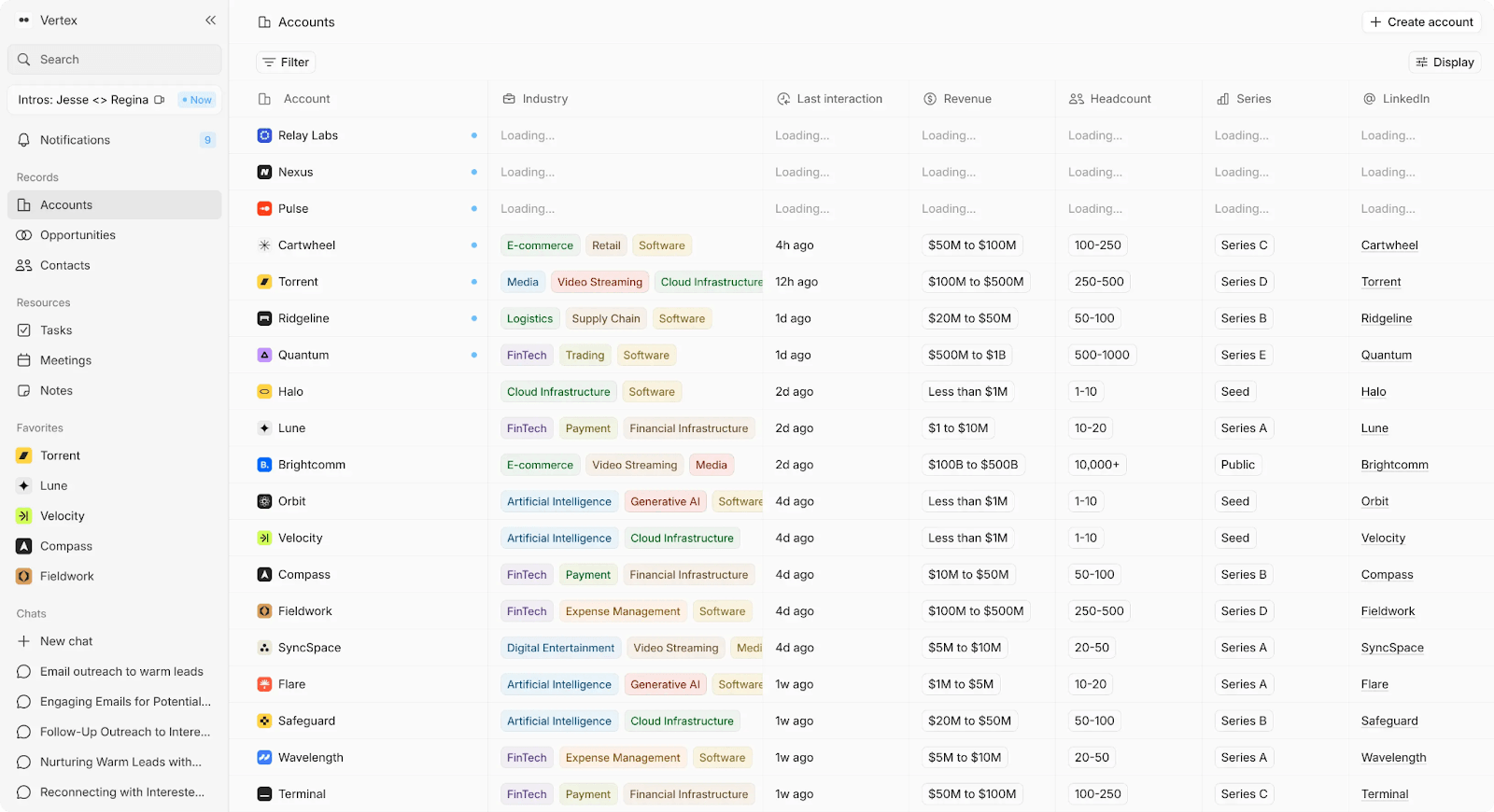
AI-native CRM with integrated meeting recording. Notes become CRM data automatically.
Key Features
- Integrated call recorder—no separate Fathom, Fireflies, or Granola subscription
- Conversations auto-create and update accounts, contacts, opportunities, and custom fields
- Action items extracted from every call and visible in central task panel
- Natural language search across all past meetings with citations to exact moments
- AI-filled fields: create a field today and Lightfield suggests values from new emails and meetings. Ask the agent in chat to update records from past conversations
- Personalized email drafting using prospects' own words from recorded calls
Tradeoffs
- Purpose-built for B2B sales, not general meeting notes
- Built as a CRM, so it fits teams that want recording and customer records in one system
Pricing
14-day free trial, then $89/user/month. Up to 3 users.
Larger teams doing more complex agentic work can move to a team plan with unlimited viewer seats.
Best for
Founders and sales teams running 10+ calls per week who want meeting notes that update the CRM automatically.
Bottom line
Not a meeting tool that integrates with CRMs. A CRM with built-in meeting intelligence.
2. Fathom — Best for: Solo founders wanting quick summaries
What it is
AI meeting assistant focused on speed. Summaries generate within seconds of calls ending.
Key Features
- Fast AI-generated summaries
- Highlight moments during calls
- CRM sync for notes (manual review required)
- Video highlight reels
- Multi-language support
Tradeoffs
- No automatic field population
- Notes sit in a separate tool from your CRM
- Limited intelligence beyond summaries
Pricing
Team plans start at $14/user/month
Best for
Founders who need quick reference summaries after calls.
Bottom line
Fast and accurate summaries. Doesn't eliminate manual CRM updates.
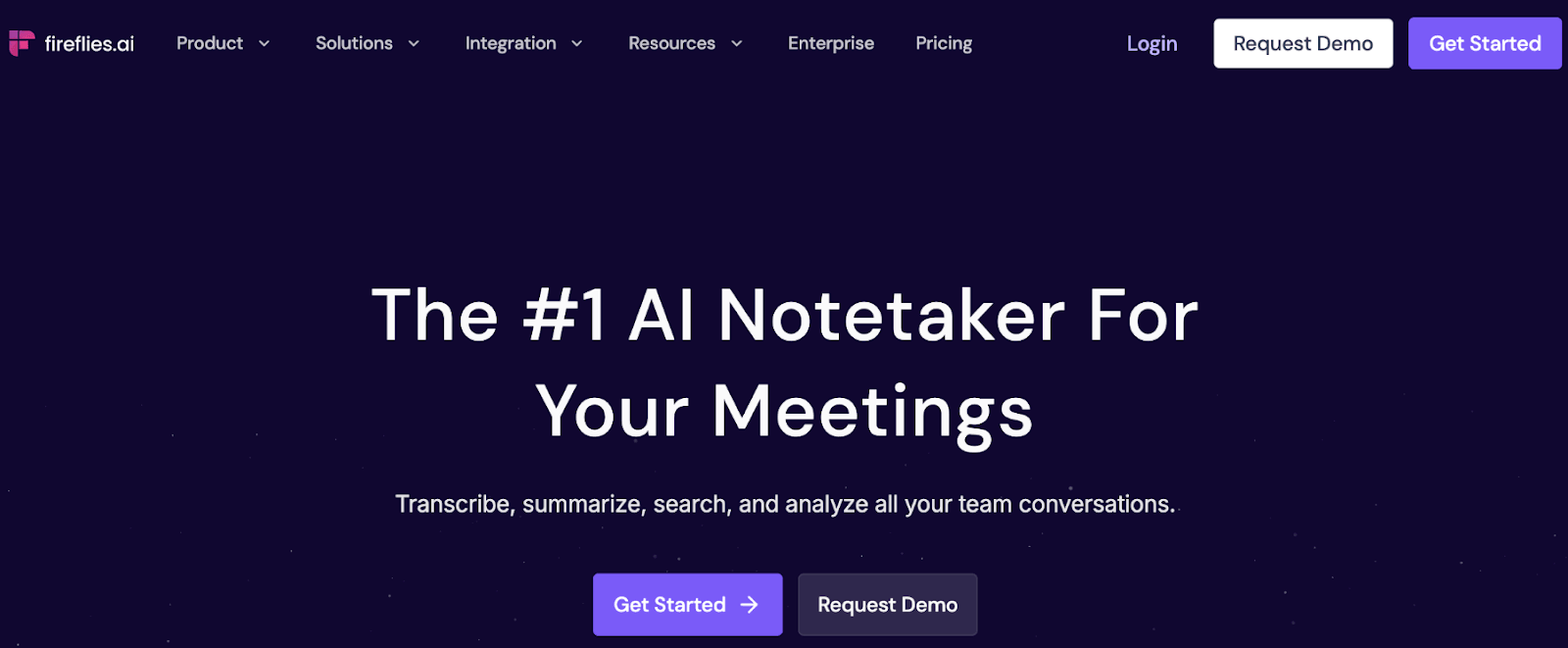
3. Fireflies — Best for: Teams needing high transcription volume
What it is
Unlimited transcription with conversation intelligence and broad integrations.
Key Features
- Unlimited transcription on paid plans
- Conversation intelligence and topic tracking
- Speaker sentiment analysis
- 40+ app integrations
- Team collaboration features
Tradeoffs
- Transcripts live in a separate tool
- Manual work to get data into CRM
- Feature density can feel overwhelming
- Another system for team members to check
Pricing
Paid plans start at $10/seat/month
Best for
Teams running high call volume who need searchable transcripts.
Bottom line
Comprehensive transcription and analytics. Doesn't solve disconnected tools.
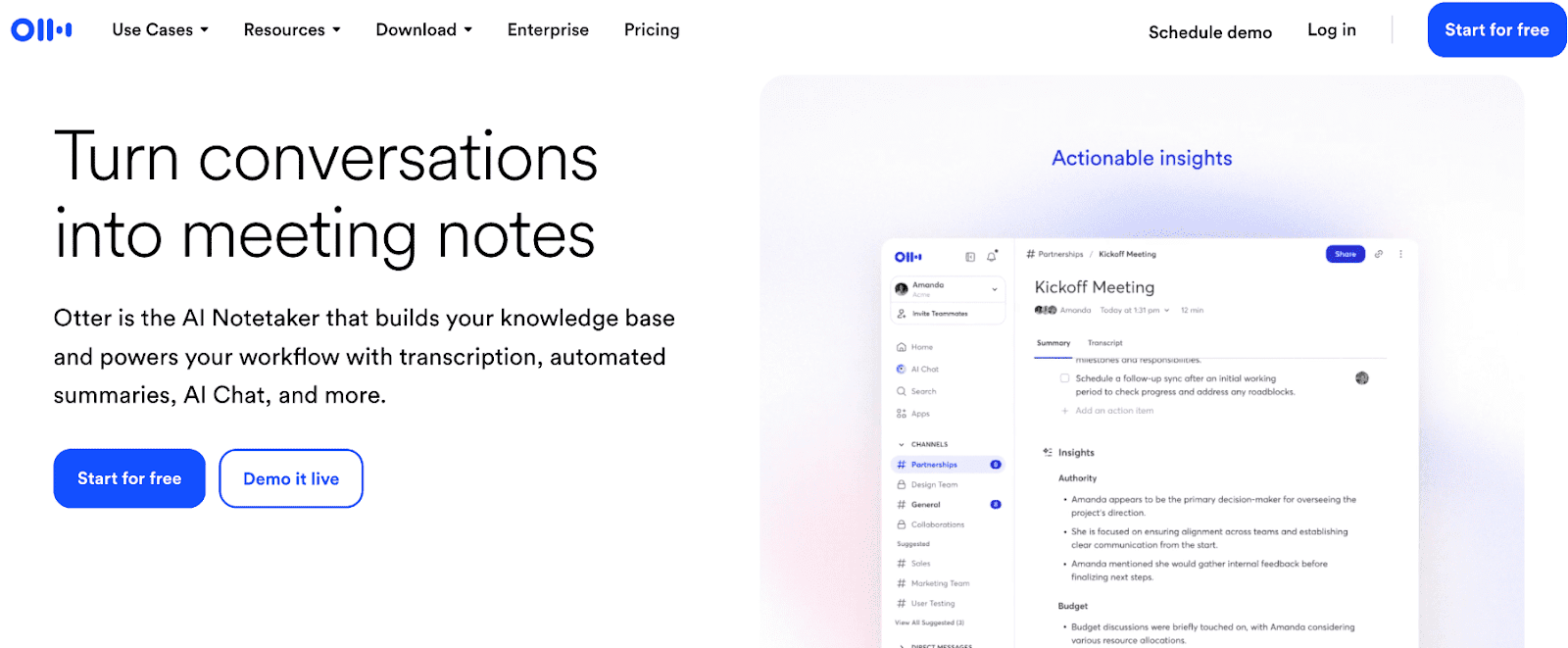
4. Otter.ai — Best for: General meeting transcription
What it is
Real-time transcription and collaborative note-taking across any meeting type.
Key Features
- Real-time transcription during meetings
- Voice-activated queries ("Hey Otter")
- Collaborative note editing
- Automated slide capture
- Action item detection
Tradeoffs
- Not sales-specific
- No CRM auto-population
- Action items need manual follow-up
- General purpose, not optimized for sales workflows
Pricing
Paid plans start at $8.33/user/month
Best for
Teams needing transcription across sales, education, media, and general meetings.
Bottom line
Accurate real-time transcription. Not purpose-built for sales workflows.
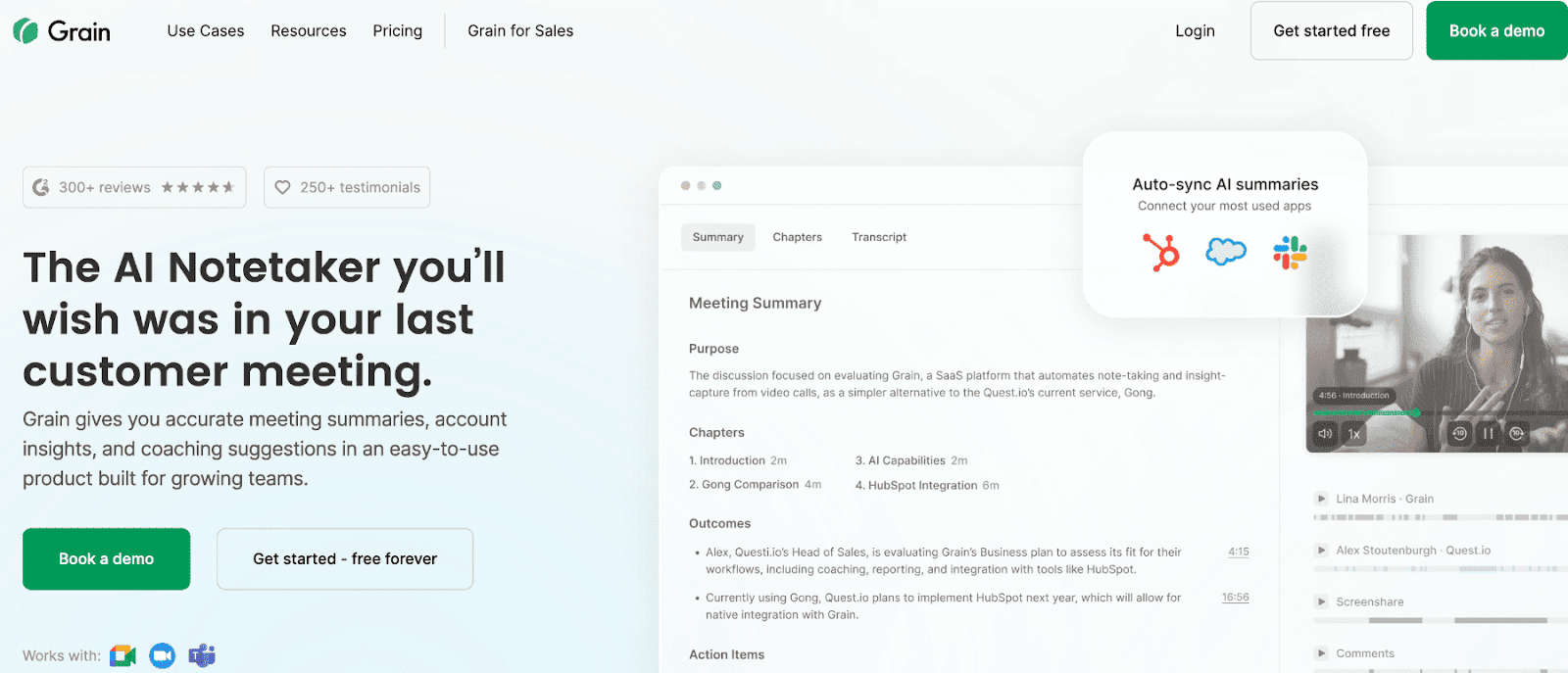
5. Grain — Best for: Sales teams focused on coaching and call review
What it is
AI meeting notes with video highlights for coaching and collaboration.
Key Features
- AI meeting notes with customizable templates
- Desktop capture without bots joining calls
- Automatic action items with assignees
- AI-powered follow-up email generation
- CRM sync and field enrichment for HubSpot and Salesforce
- Video clips and playlists for sharing
Tradeoffs
- Focused on review and sharing, not full automation
- More tooling for sales managers than founders
- Doesn't eliminate all post-call work
Pricing
Paid plans start at $15/seat/month. Free plan available.
Best for
Growing sales teams that need call review, coaching, and team collaboration.
Bottom line
Strong for coaching and sharing. Doesn't fully automate data entry and follow-up.
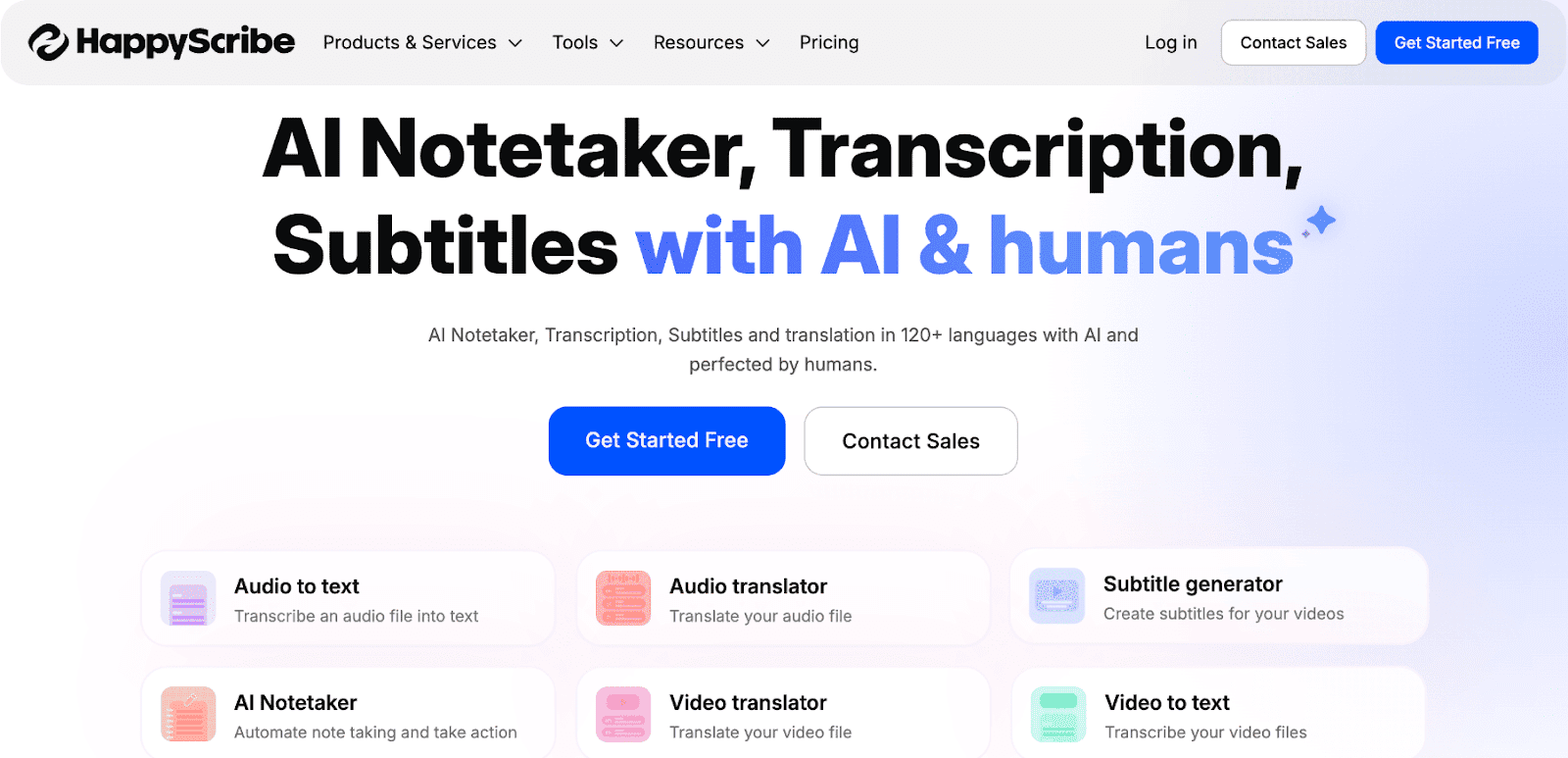
6. HappyScribe — Best for: Multilingual teams and content creators
What it is
AI notetaker with transcription and subtitles in 120+ languages. Optional human proofreading.
Key Features
- AI meeting notetaker with calendar integration
- Transcription and subtitles in 120+ languages
- Human proofreading add-on for production quality
- AI summaries, highlights, and action items
- Custom prompts for content extraction
- GDPR-compliant and SOC 2 Type II certified
Tradeoffs
- Not purpose-built for sales workflows
- Human services add cost
- No automatic CRM population
Pricing
Paid plans start at $9/month
Best for
Content teams, media organizations, and multilingual companies needing production-ready transcripts.
Bottom line
Strong multilingual support with optional human QA. Not optimized for sales CRM workflows.
7. Chorus (ZoomInfo) — Best for: Mid-market sales teams with ops support
What it is
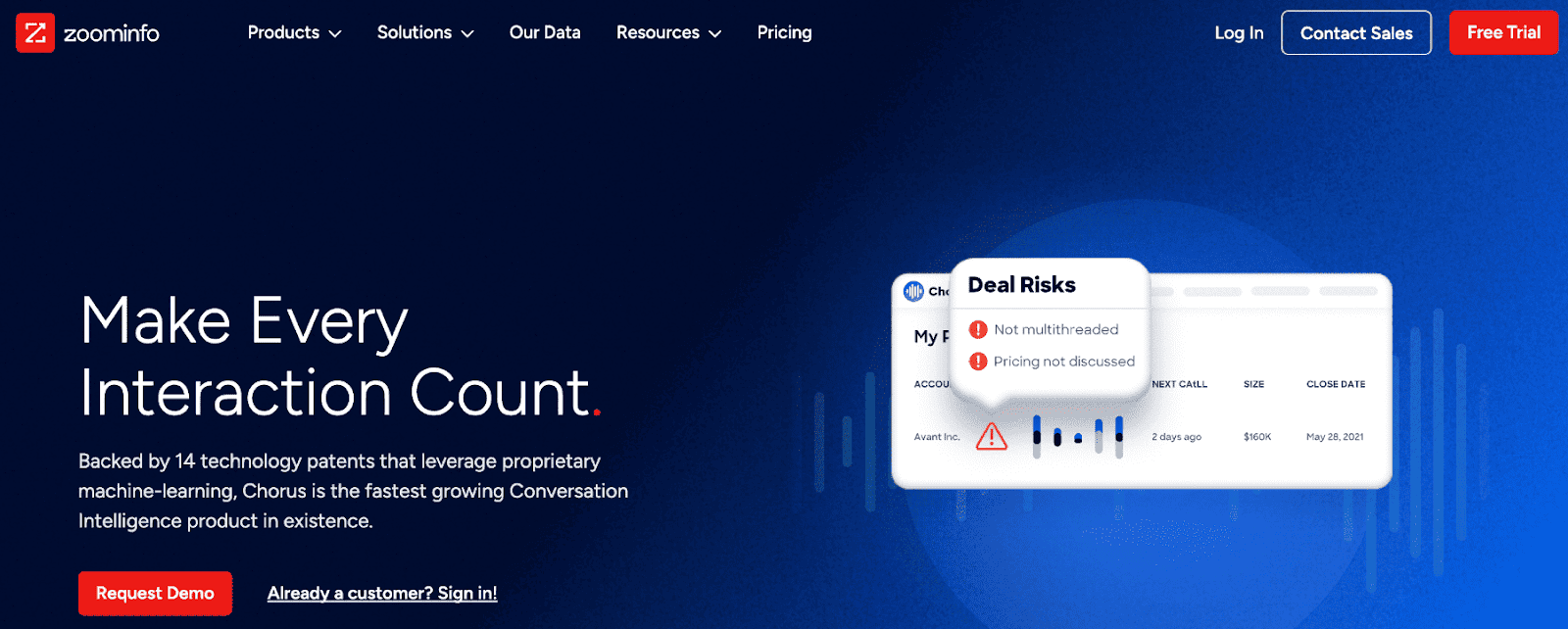
Conversation intelligence platform integrated with ZoomInfo's go-to-market data.
Key Features
- Conversation intelligence across calls
- Deal tracking and insights
- Market intelligence extraction
- Team coaching tools
- Integration with ZoomInfo platform
Tradeoffs
- Mid-market pricing
- Requires sales ops support
- Not built for founder-led sales
Pricing
Custom pricing as part of ZoomInfo platform
Best for
Mid-market sales teams with dedicated ops resources.
Bottom line
Strong conversation analytics for teams with budget and ops support. Not for early-stage founders.
8. Avoma — Best for: Teams wanting end-to-end meeting workflows
What it is
Meeting lifecycle platform covering scheduling, prep, notes, and analytics.
Key Features
- Meeting scheduling and prep
- Agenda templates
- AI note-taking and transcription
- Conversation intelligence
- CRM data entry automation
- Meeting analytics
Tradeoffs
- Comprehensive feature set adds complexity
- Another system to manage alongside CRM
Pricing
Paid plans start at $19/user/month
Best for
Teams that want to standardize their entire meeting process from scheduling to analytics.
Bottom line
End-to-end meeting management. Saves time on notes, follow-ups, and CRM data entry.
9. Circleback — Best for: Teams focused on task management
What it is
Meeting notes focused on task extraction and project management integration.
Key Features
- AI meeting notes and summaries
- Automatic task extraction
- Project management integrations
- 100+ language support
- AI-powered search across conversations
- Follow-up reminders
Tradeoffs
- Another tool to check
- Not sales-specific
- Limited conversation intelligence
Pricing
Paid team plans start at $25/user/month
Best for
Teams that need strong task follow-through and project management integration.
Bottom line
Good for task extraction. Doesn't auto-populate CRM data or provide sales-specific intelligence.
10. Radiant by Supernormal — Best for: Action-driven sales and GTM teams
What it is
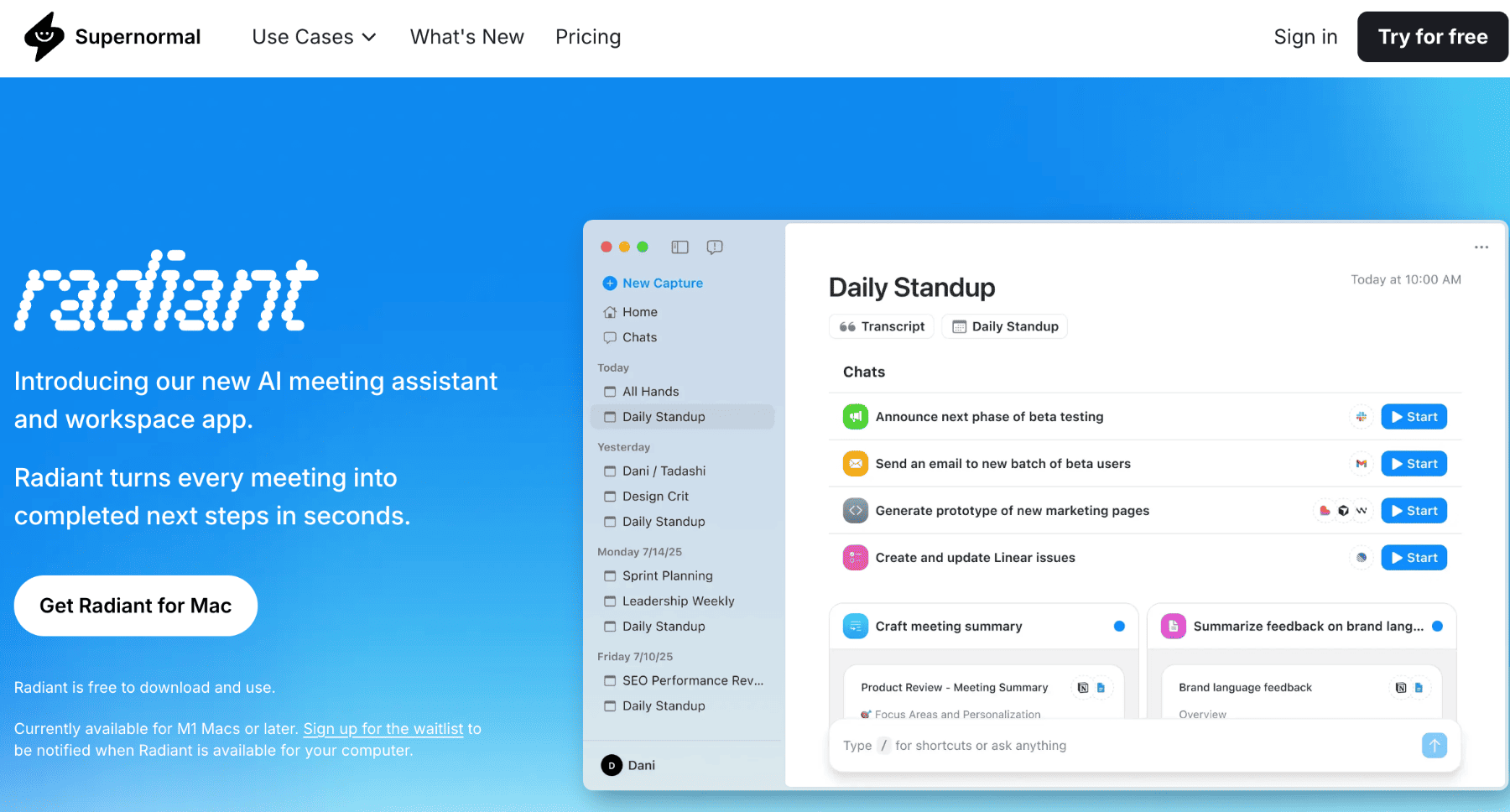
AI meeting assistant generating structured notes with decisions, action items, and highlights.
Key Features
- AI-generated meeting notes with clear sections
- Google Meet and CRM integrations
- Task and follow-up extraction
- Support for multiple meeting types (sales, internal, customer success)
Tradeoffs
- Still lives as a separate tool from CRM
- CRM fields may require manual review and mapping
Pricing
Paid plans start at $18/member/month
Best for
Teams that want structured, ready-to-use notes after every call.
Bottom line
Fast structured notes and follow-ups. Doesn't replace CRM or fully automate pipeline updates.
Why Teams Choose Lightfield Over Standalone Note Takers
Meeting Notes Nobody Reads
Transcripts pile up in a dedicated tool. Nobody goes back to read them. Important details get lost.
Lightfield: Notes become CRM data and searchable knowledge. Ask questions, get answers with citations.
Copy-Paste Between Tools
Record in Fathom, update CRM manually, create tasks in Notion. Every call means updating three systems.
Lightfield: Same system captures recording, updates CRM, and generates tasks.
Lost Context When Hiring
First sales hire starts. Customer knowledge exists in your head and scattered transcripts.
Lightfield: Complete conversation history structured in CRM. New hires inherit full context immediately.
Can't Find What Prospects Said
Someone asks "What did that prospect say about security?" You search through ten transcripts across multiple tools.
Lightfield: Ask in natural language, get answers with links to exact meeting moments.
Action Items Fall Through
Great call, clear next steps. Tasks never get captured, follow-ups don't happen.
Lightfield: AI extracts every action item and makes it visible across all accounts.
Choosing the Right AI Meeting Note Taker
Most AI meeting note takers solve transcription. Few solve the actual problem: notes that sit in one tool while your CRM, task list, and follow-ups live somewhere else.
The right tool depends on what you need notes to do. If you need searchable transcripts, Fireflies or Otter work well. If you need coaching and call review, Grain fits. If you need meeting notes that actually update your CRM and surface follow-ups automatically, Lightfield eliminates the post-call work entirely.