12 Best AI CRM Tools for Sales Teams in 2026

Matt Serna
Quick Summary
Every CRM says they are AI-native. Few deliver on the promise or potential of AI.
Most have added an AI assistant for drafting emails or scoring leads, but still expect you to log calls, update fields, and comb through records to answer basic questions. The architecture hasn't changed. The busy work hasn't disappeared.
The real question: Is AI native to how the CRM works, or bolted onto a system built twenty years ago?
Here are our top three picks:
| Tool | Best For | Why Teams Pick It |
|---|---|---|
Lightfield | Founder-led B2B sales, high-growth AI-native startups | AI-native CRM with an agent that understands your business, can answer any question, and does work for you. |
Salesforce | Complex sales organizations (250+ AEs) with dedicated ops and admin teams | Complex multi-org workspace configuration and permissioning. Largest ISV and system integrator ecosystem. |
Affinity | VCs, PE, and relationship-driven sales | Network mapping and relationship intelligence. Built for deals that happen through intros. |
What is an AI CRM?
An AI CRM uses artificial intelligence to automate data entry, surface insights, and perform work for you. Unlike traditional CRMs that require manual logging after every call and email, AI CRMs capture information automatically and use it to develop a comprehensive understanding of your customers, your product, and your business.
Most self-styled AI CRMs bolt on AI tools to legacy infrastructure. A writing assistant here, a lead score there. Maybe some automated data entry. You save a bit of time after each meeting, but you aren’t fundamentally transforming how you sell or run your business.
The best AI CRMs go beyond basic automation and automated data entry and include:
- Schema-less architecture: Traditional CRMs require you to define your data model before you start—fields, stages, objects. This assumes you know what matters. Early-stage companies don't. Your ICP shifts. Your sales process evolves. What you need to track in month six isn't obvious in month one. Rigid schemas make changing your model painful. Schema-less systems let you start immediately, capture everything as unstructured data, and add structure later as you learn. You can remodel without migration headaches or lost history.
- Retroactive intelligence: Most CRMs only know what happens after you connect them. Retroactive intelligence means you can add a field today and have it populated from months of past conversations. The system reads your historical emails and transcripts and extracts information you didn't think to track at the time.
- Queryable memory: Search finds keywords. Queryable memory answers questions. "What objections came up in deals we lost?" "Who asked about enterprise pricing?" The system synthesizes information across conversations and returns answers with citations to specific moments. This requires the AI to reason across your data, not just index it.
- Native call recording: If your CRM requires a separate tool for call recording, you're maintaining two systems. Native recording means meetings are captured, transcribed, and linked to CRM records automatically. No copying summaries between tools.
This Lightfield guide breaks down 12 AI CRM tools—what each one automates, what still requires manual work, and which teams they're built for.
The 12 Best AI CRM Tools
Lightfield
Best for: Founder-led B2B sales and AI-native high-growth startups
Key differentiator: AI agent that understands your business, can answer any question, and does work for you.
Pricing: 14-day free trial, then $89/user/month. Up to 3 users.
Salesforce
Best for: Large orgs with ops teams
Key differentiator: Built-in AI and Agentforce for forecasting. Highly customizable.
Pricing: $100/user/month
Affinity
Best for: Relationship-driven sales, VCs, PE
Key differentiator: Automated relationship intelligence and network mapping.
Pricing: Custom pricing
HubSpot CRM
Best for: Teams that want a marketing-first CRM
Key differentiator: AI across sales, marketing, and service hubs.
Pricing: Free CRM; Sales Hub Professional from $90/seat/month
Attio
Best for: Companies with a product-led motion and dedicated RevOps teams.
Key differentiator: Modern UI, custom objects.
Pricing: $35/user/month
Close
Best for: High-volume outbound teams
Key differentiator: Built-in dialer and sequences.
Pricing: $35/seat/month
Pipedrive
Best for: Teams wanting visual pipeline management
Key differentiator: Kanban-style pipeline with activity reminders.
Pricing: $14/seat/month
Copper
Best for: Google Workspace teams with tight budgets
Key differentiator: Simple Gmail and Calendar integration.
Pricing: $9/seat/month
Folk
Best for: Non-tech small business
Key differentiator: Lightweight contact management. Fast setup.
Pricing: $24/member/month
Freshsales
Best for: SMBs managing a high volume of leads
Key differentiator: Freddy AI for scoring and prioritization.
Pricing: $9/user/month
Monday CRM
Best for: Monday.com users
Key differentiator: Visual boards with CRM workflows.
Pricing: $12/user/month
Zoho CRM
Best for: Cost-conscious teams
Key differentiator: Feature breadth
Pricing: $14/user/month
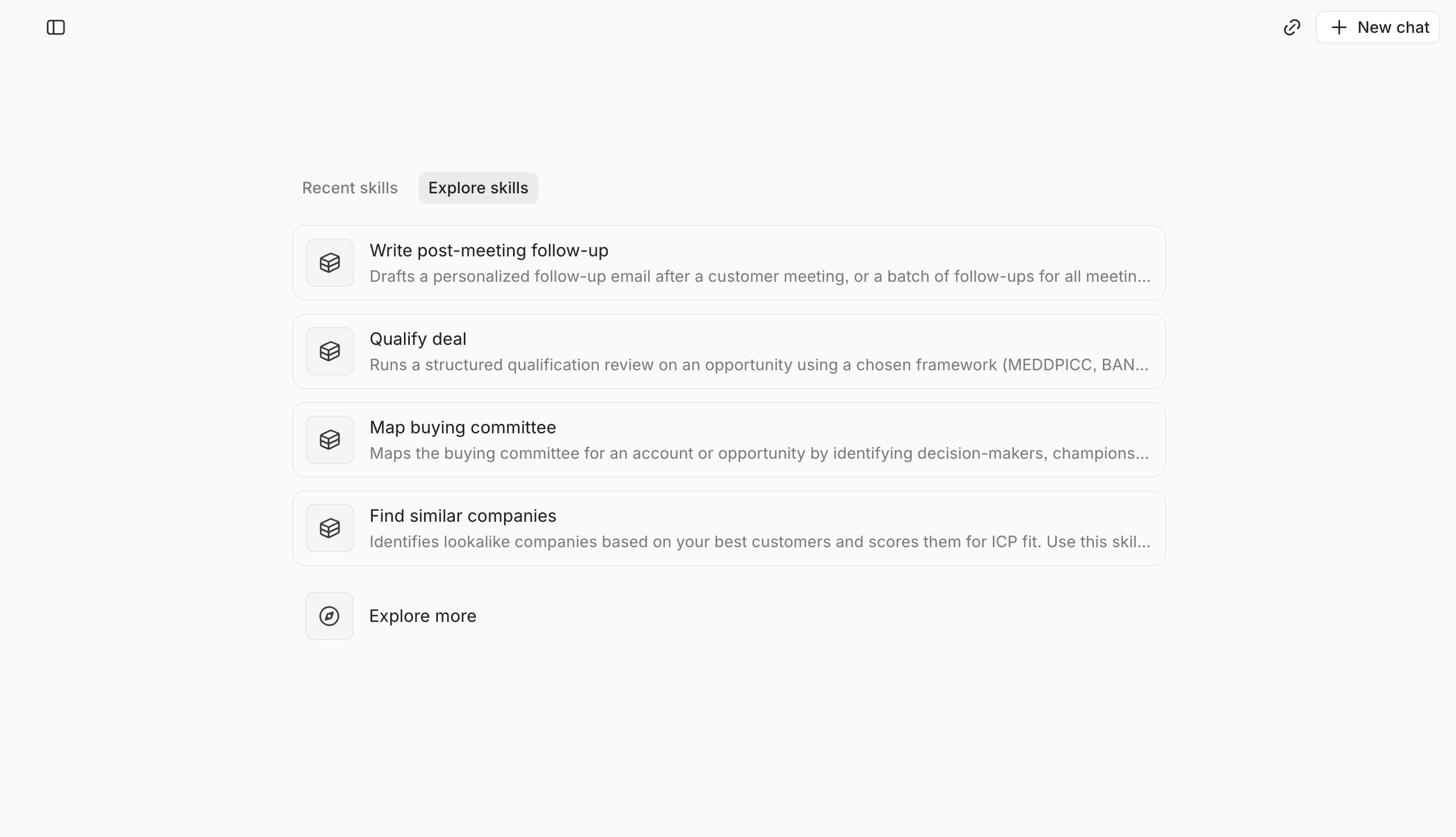
1. Lightfield — Best for: Founder-led B2B sales and high-growth start-ups
What it is
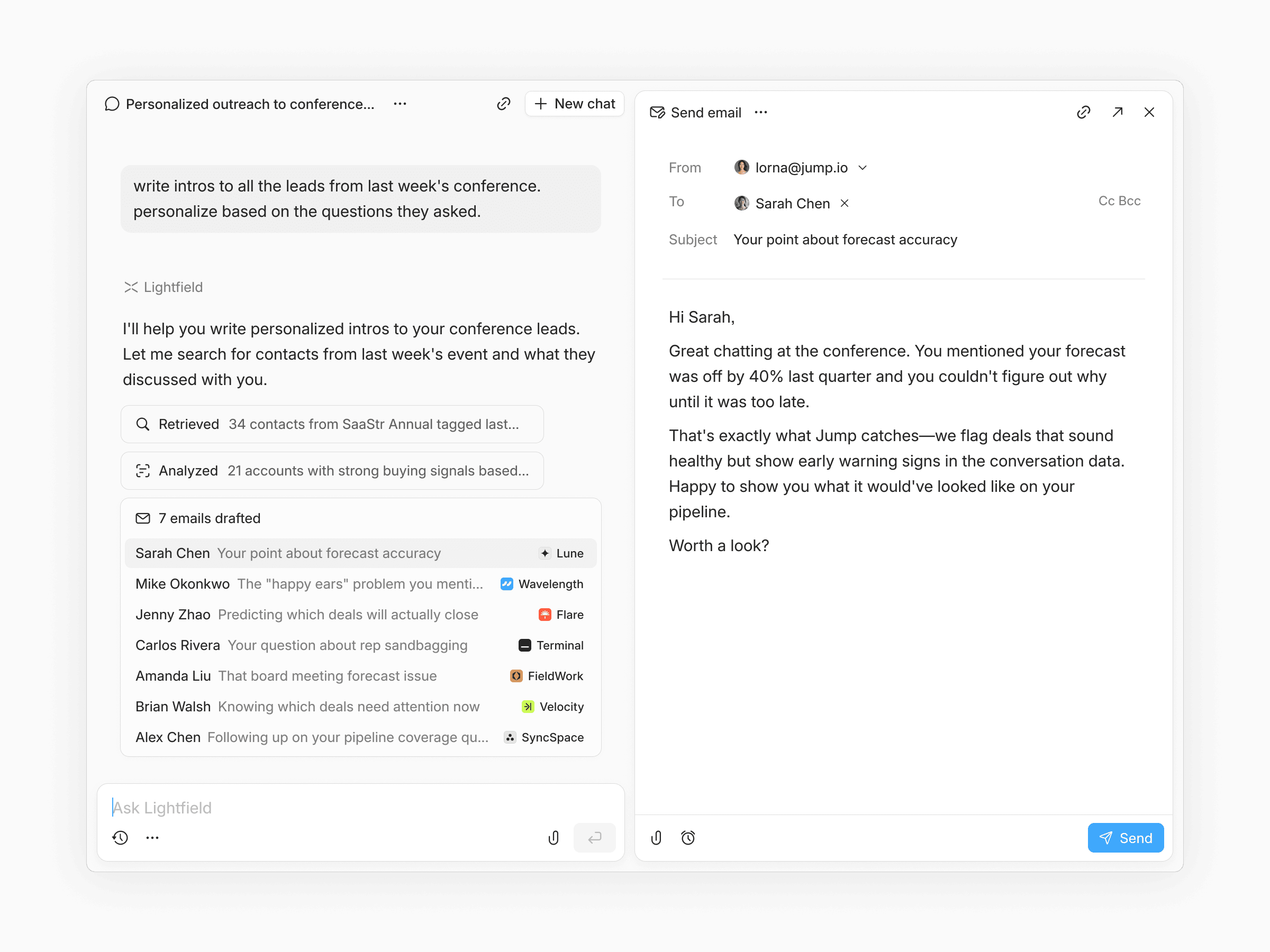
AI-native CRM that auto-captures emails, meetings, and calls and turns them into structured CRM data.
Most AI CRMs stop at capture. Lightfield starts there.
Yes, it auto-creates accounts, contacts, and opportunities from your email and calendar. Yes, meetings get recorded and transcribed without a separate tool. That's the foundation—but it's not the point.
The point is what happens next: Lightfield builds a working understanding of your business. It learns your products, your pricing, your sales motion, your competitors—all from the conversations you're already having. Then it puts that understanding to work.
The agent is the product. Ask "What objections keep coming up in demos?" and get an answer synthesized from dozens of calls, with citations. Ask "Who should I follow up with now that we ship Slack integration?" and get a list of every prospect who requested it—with draft emails ready to send. Ask "What does our ICP actually look like based on closed deals?" and get analysis that would take a human days to compile.
This isn't search. It's not keyword matching. The agent reasons across your entire customer history—emails, transcripts, notes, CRM fields—and returns answers grounded in what actually happened.
Retroactive intelligence. Create a custom field today. Lightfield populates it from six months of past conversations. Budget, timeline, current tools, pain points—extracted automatically from calls you've already had. No other CRM does this.
Schema-less architecture. Start using Lightfield before you know what to track. No predefined data model. No field configuration upfront. As you learn what matters—new ICP signals, different deal stages, custom attributes—add them anytime. Your history stays intact. Other CRMs lock you into rigid structures; changing them means migration projects or lost context.
Work gets done, not just suggested. The agent doesn't just surface insights. It drafts follow-up emails using prospects' actual words. It extracts action items and adds them to your task panel. It updates CRM fields based on what was said in meetings. You review and approve. The busy work disappears.
What's automated
- Account, contact, and opportunity creation
- Call recording, transcription, and summaries
- Action item extraction and task management
- Custom field population (including retroactive from 6+ months)
- Personalized email drafts using real conversation context
- Any question about your customers, pipeline, or market
What stays manual
- Strategic decisions on deals
- Reviewing and approving AI suggestions
Tradeoffs
- Built for startups and growth-stage companies, not large enterprise sales orgs
- Focused on B2B, not B2C
Pricing
14-day free trial, then $89/user/month. Up to 3 users.
Larger teams doing more complex agentic work can move to a team plan with unlimited viewer seats.
Bottom line
The only AI CRM that actually understands your business, and does the work for you.
2. Salesforce — Best for: Large organizations with sales ops teams
What it is
Enterprise CRM platform that can be customized for the needs of the most complex businesses.
Salesforce is the enterprise standard for a reason: deep customization, built-in AI and Agentforce for forecasting and scoring, industry-specific solutions across 16+ verticals. If you have the ops team to configure and maintain it, the capabilities are unmatched.
For founder-led teams and startups with under 100 AEs, it's overkill. Setup requires significant investment. Ongoing maintenance requires dedicated headcount.
What's automated
- Forecasting
- Lead scoring
What stays manual
- Requires Salesforce admin
- Significant configuration
- Ongoing maintenance
Tradeoffs
- Complex for small teams
- Expensive total cost of ownership
- Long implementation timeline
Pricing
Starts at $100/user/month for enterprise.
Bottom line
Industry standard for enterprise. Wrong tool for startups and high-growth companies.
3. Affinity — Best for: Relationship-driven sales, VCs, and PE
What it is
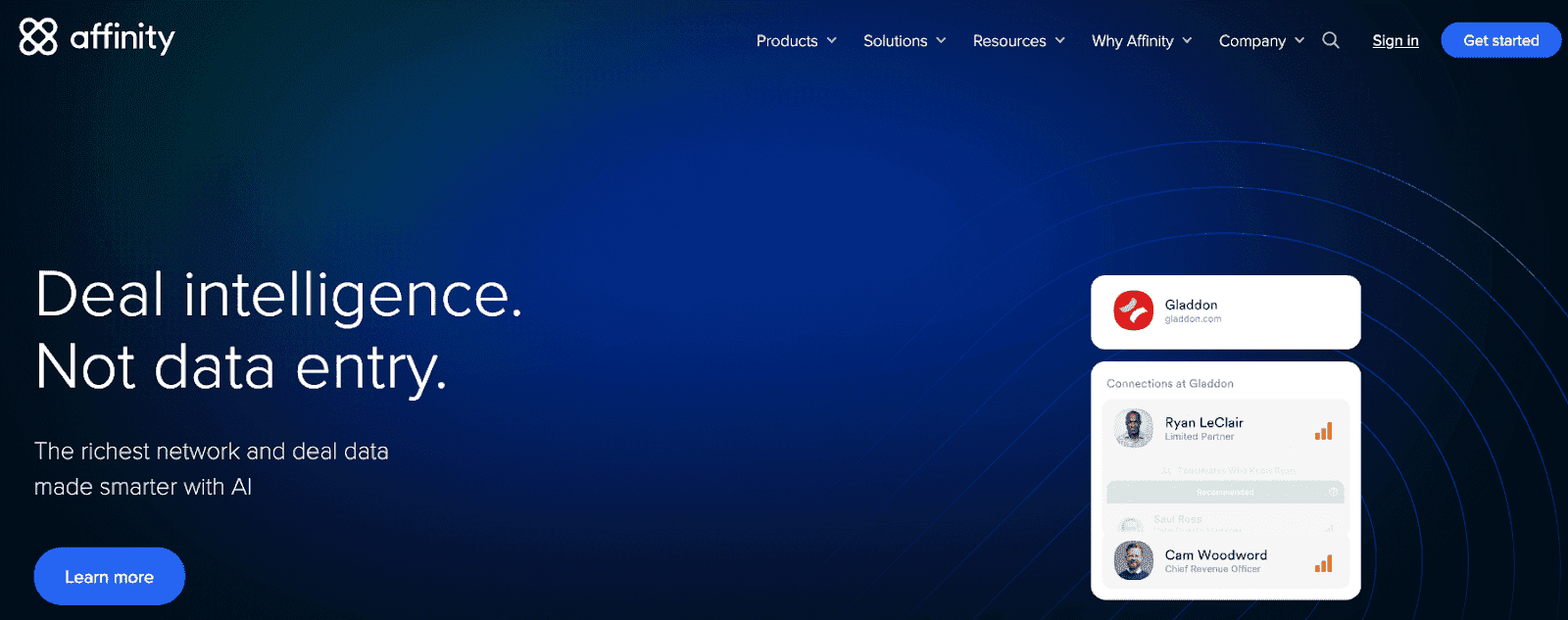
Relationship intelligence CRM that maps networks and surfaces warm paths into companies
Affinity calls itself "relationship intelligence"—a CRM built for industries where deals happen through networks, not pipelines. The product is used by over 3,000 firms managing more than $1 trillion in assets, primarily in venture capital, private equity, investment banking, and commercial real estate.
The core idea: your firm's collective network is an asset, but it's invisible. Affinity makes it visible. The system auto-captures every interaction from email and calendar across your team, then maps relationship strength, surfaces warm introduction paths, and shows which partner or associate has the best connection to a target founder or LP.
For a VC fund sourcing deals, that means discovering that your portfolio CEO went to Stanford with the founder you're trying to reach. For a PE firm, it means tracking relationships across hundreds of limited partners and co-investors. Affinity's "Alliances" feature extends this across firms—shared deal flow and relationship data between funds that invest together.
This is a different product category than sales CRMs. Affinity doesn't optimize for pipeline velocity or conversion metrics. It optimizes for relationship leverage in industries where who-knows-whom determines deal access.
What's automated
- Contact and company creation from email/calendar activity
- Relationship strength scoring based on interactions
- Network mapping across team members
- Warm introduction path suggestions
- Activity capture and timeline views
What stays manual
- Deal progression and stage updates
- Notes and context beyond captured interactions
- Strategic relationship decisions
Tradeoffs
- Not designed for transactional or high-volume sales
- Expensive—enterprise pricing typically starts at $20k+ annually
Pricing
Custom
Best for
Relationship-driven sales teams, venture funds, and founders who rely on intros and warm outreach.
Bottom line
Purpose-built for relationship-driven dealmaking in VC, PE, and investment banking. If deals in your industry close through network leverage and warm introductions, Affinity solves a problem other CRMs ignore. If you're running demos and trials, it's the wrong tool.
4. HubSpot Smart CRM — Best for: Teams that want a marketing-first CRM
What it is
CRM platform with AI features layered across legacy sales, marketing, and service products.
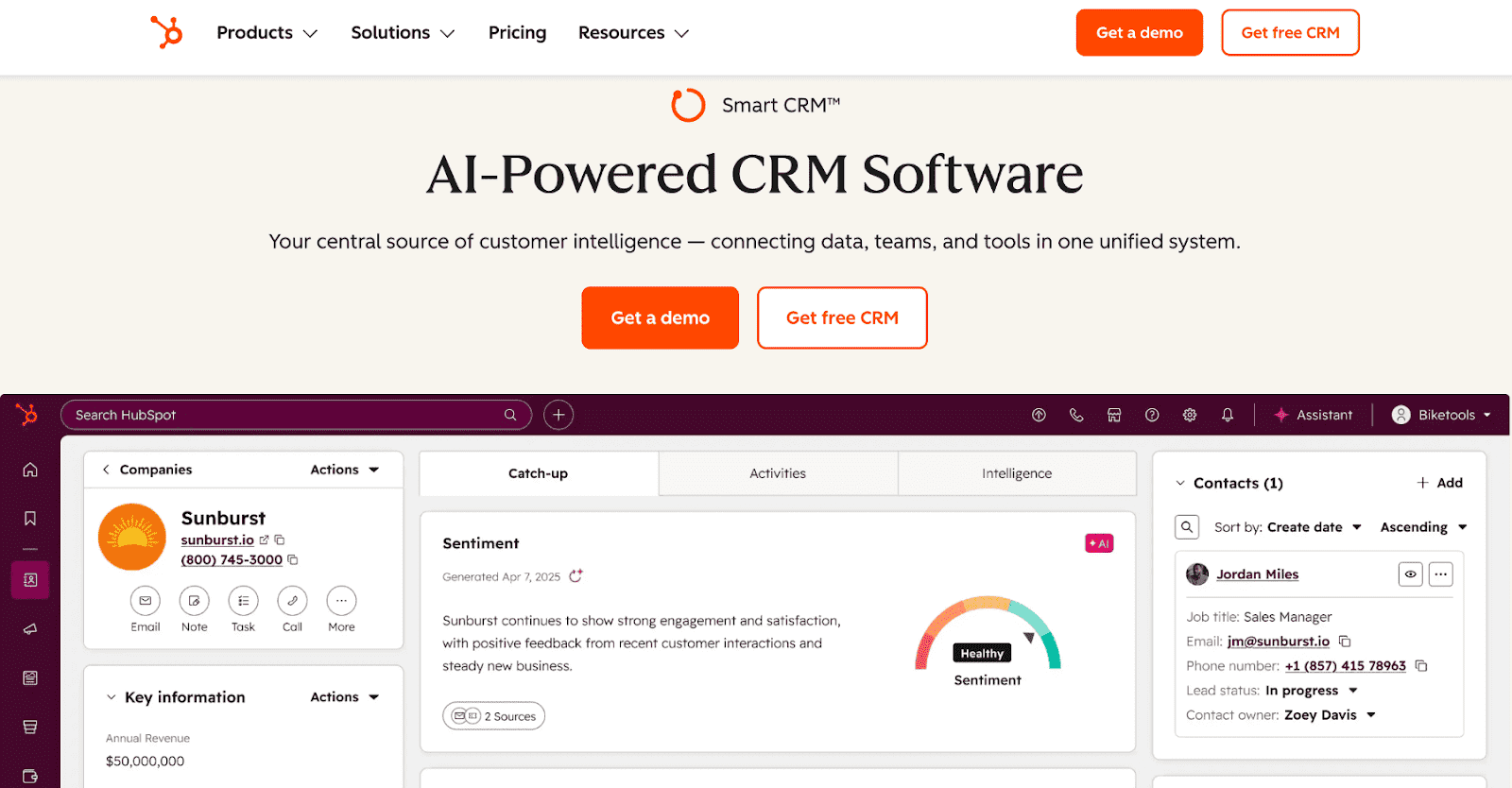
HubSpot started as a marketing automation company in 2006 and added CRM in 2014. That history shows in the product. The marketing hub is mature and full-featured—email campaigns, landing pages, lead nurturing, attribution reporting. The CRM exists to support marketing workflows, not the other way around.
For teams where marketing drives the funnel and sales closes what marketing generates, this makes sense. The integration between marketing automation and CRM is native. Lead scoring flows into sales queues. Campaign attribution connects to closed revenue.
The challenge is pricing. HubSpot's free CRM is genuinely free, but it's limited. Most useful features—custom reporting, sequences, forecasting, playbooks, conversation intelligence—are gated behind Sales Hub Professional ($90/seat/month) or Enterprise ($150/seat/month). Teams start on free, grow into Starter, then face a significant jump to unlock the features they actually need.
The AI capabilities (Breeze) follow the same pattern. Basic AI assistance is available at lower tiers. The more powerful features—AI agents, advanced analytics, predictive tools—require premium plans. And even with AI, the architecture is traditional: you're still logging calls and updating records manually.
What's automated
- Marketing email sequences and nurturing
- Lead capture and scoring
- Basic workflow triggers
- AI content assistance (with limits)
What stays manual
- Post-call logging and notes
- CRM field updates
- Pipeline maintenance
- Significant configuration and setup
Tradeoffs
- Pricing jumps significantly at Professional tier
- Most valuable sales features are paywalled
- Marketing-first architecture—sales workflows feel secondary
- AI is additive, not foundational
Pricing
Free tier available. Starter at $20/seat/month (monthly billing). Professional at $90/seat/month (billed annually). Enterprise at $150/seat/month. Most teams need Professional to get real value.
Bottom line
Strong choice you need tight integration between marketing campaigns and CRM. For founder-led sales teams without dedicated marketing or larger teams with a sales-led motion, you're paying for capabilities you won't use—and the sales features you need are locked behind expensive tiers.
5. Attio — Best for: Companies with a product-led motion and dedicated RevOps teams.
What it is
Newer CRM with customizable objects, views, and collaborative interface.
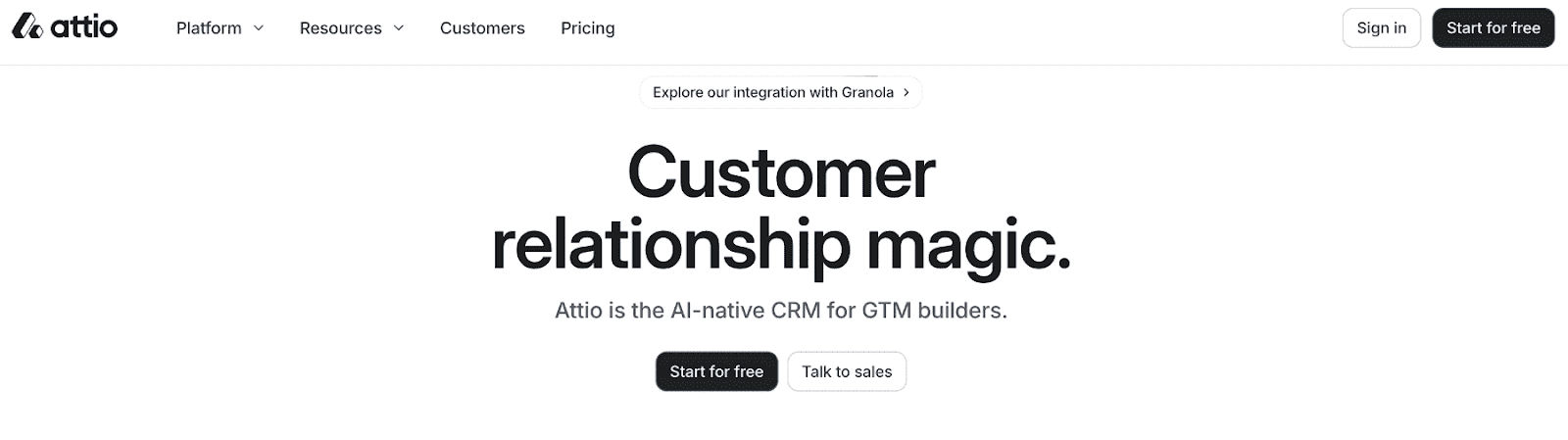
Attio is a modern CRM built around flexible data modeling. You can create custom objects, define relationships between them, and build views tailored to your workflow. The interface is clean—a departure from legacy CRM clutter.
This flexibility is the product. Attio gives RevOps teams a toolkit to build exactly the system they want. Custom objects for product usage data. Calculated fields pulling from multiple sources. Views segmented by any attribute. For PLG companies tracking user behavior alongside sales conversations, this matters—you can model the relationship between product activity and pipeline in ways rigid CRMs don't allow.
The tradeoff: Attio requires someone to build and maintain it. You need to design your data model, configure objects, build views, and maintain the system as your process evolves. For PLG companies with RevOps headcount, this is expected—they're already instrumenting funnels and thinking about data architecture.
For sales-led teams without RevOps, Attio becomes overhead. The CRM doesn't update itself. No integrated call recording—you'll need Gong or Fireflies alongside it. No retroactive field population. You're building a better database, not eliminating database work.
What's automated
- Email sync and activity tracking
- Workflow triggers
- Custom calculated fields
- API integrations
What stays manual
- Data model design and configuration
- Post-call logging (no native recording)
- Field updates and CRM hygiene
- Ongoing system maintenance
Tradeoffs
- Requires RevOps to configure and maintain
- No integrated call recording
- No retroactive data population
- Built for PLG data modeling, not sales-led workflows
Bottom line
Strong for PLG companies with RevOps who want to model product usage alongside pipeline. Not a fit for sales-led teams or founders who don't want to own CRM configuration.
6. Close — Best for: High-volume outbound SDR teams
What it is
CRM with built-in calling, SMS, and email sequences for outbound sales.
Close is built for inside sales teams making 50+ calls per day. Power dialer, predictive dialer, built-in SMS, email sequences—everything optimized for outbound velocity.
The AI handles call notes and email drafting. But it's focused on volume, not depth. For consultative B2B sales with complex discovery calls, the intelligence layer is thin.
What's automated
- Call notes and email drafting
- Lead enrichment
- Dialer and sequences
What stays manual
- Complex call documentation
- Non-call activity logging
- Meeting notes (no recording)
Tradeoffs
- Outbound-focused, not consultative
- Limited for complex sales cycles
- No meeting intelligence
Pricing
Starts at $35/seat/month
Bottom line
Strong for high-volume calling. Missing depth for non-transactional selling.
7. Pipedrive — Best for: Teams wanting visual pipeline management
What it is
Visual CRM with kanban-style pipeline and activity-based selling framework.
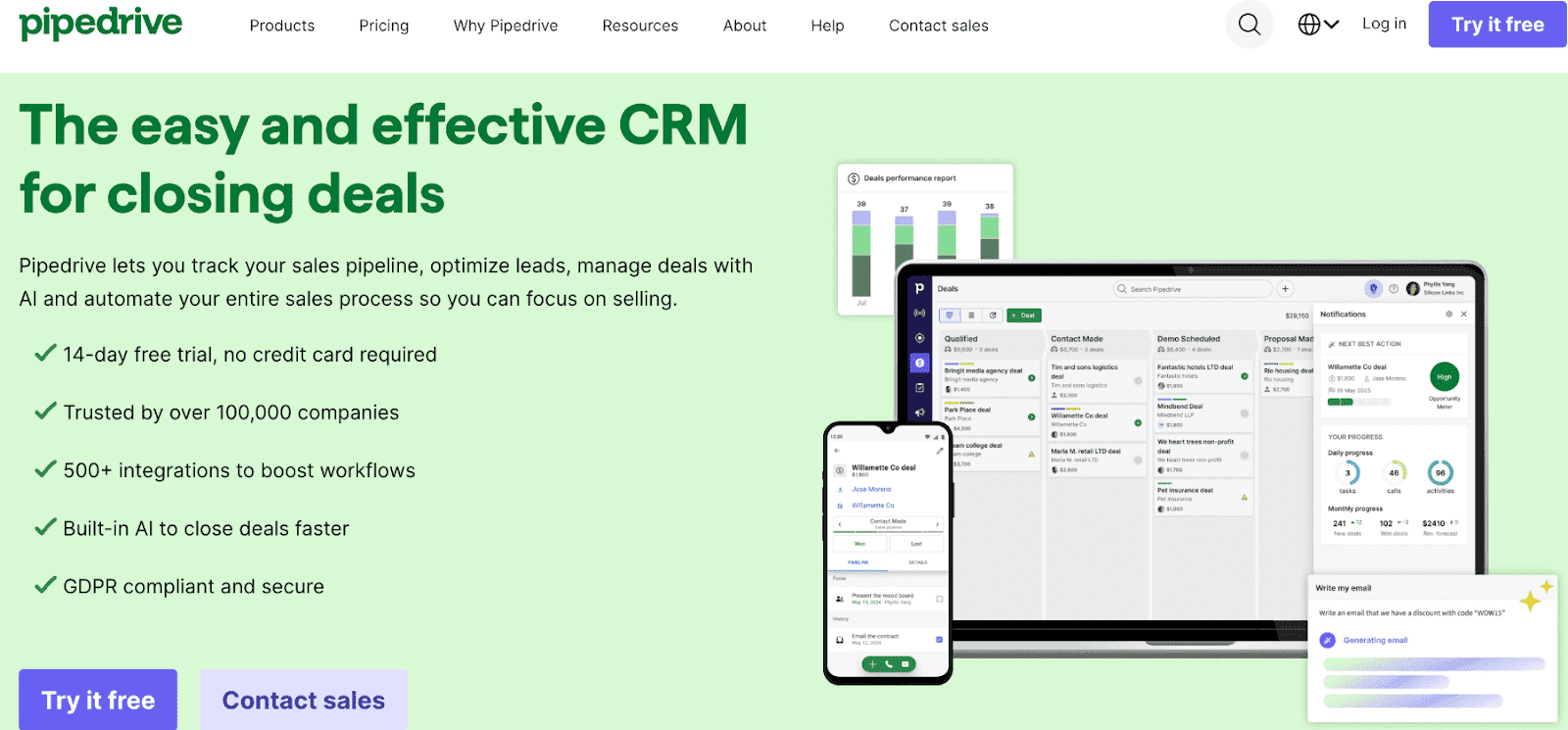
Pipedrive's kanban pipeline is intuitive. Drag deals between stages, set activity reminders, see your forecast at a glance. The AI handles email drafting and report generation.
It's a clean visual tool at an affordable price. It doesn't pretend to eliminate manual work—the value prop is making that work more organized, not removing it.
What's automated
- Email drafting and summarization
- Report generation
- Activity reminders
What stays manual
- Post-call logging
- Field updates
- All meeting documentation
Tradeoffs
- Basic AI capabilities
- No call recording
- Limited for complex B2B
Pricing
Starts at $14/seat/month
Bottom line
Good visual pipeline. Doesn't reduce the busy work.
8. Folk — Best for: Non-technical SMB sales teams
What it is
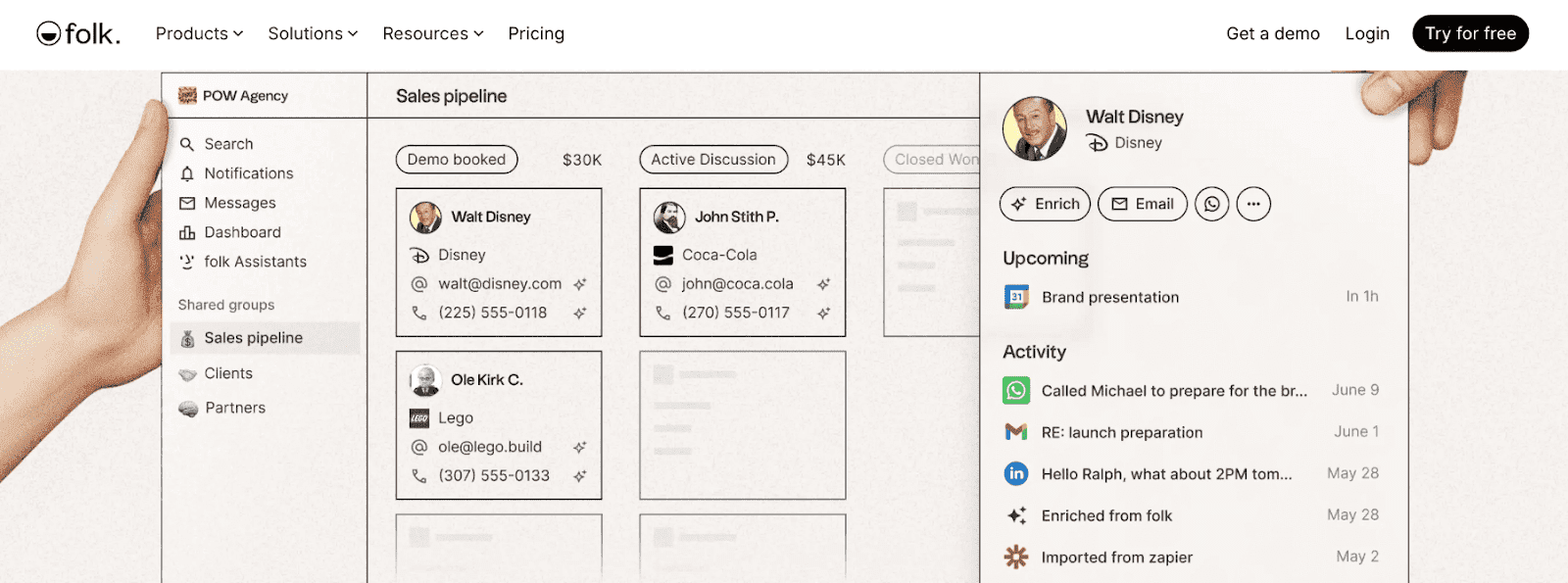
Lightweight contact management tool with CRM features.
Close is a straightforward CRM built for small businesses that need to make calls and send emails without a complex setup. The interface is simple—pipeline on one side, communication tools on the other. No configuration required to get started.
The product is designed for teams without technical resources. Built-in calling, SMS, and email mean you're not stitching together integrations or managing multiple tools. Power dialer for high-volume calling. Email sequences for follow-up automation. Everything works out of the box.
This simplicity is intentional. Close doesn't try to be a platform for custom workflows or complex data modeling. It's a tool for salespeople who want to pick up the phone and close deals. For SMBs selling straightforward products—local services, simple B2B offerings, transactional sales—it removes friction.
The tradeoff is depth. Close is built for velocity, not complex B2B sales cycles. Limited reporting. No native meeting recording. The AI features handle call summaries and email drafts but don't go further. If your deals involve multiple stakeholders, long timelines, or consultative discovery, you'll outgrow it.
What's automated
- Built-in calling and SMS
- Email sequences
- Call summaries and email drafting
- Lead enrichment
What stays manual
- Complex deal documentation
- Meeting notes (no recording)
- Custom reporting
Tradeoffs
- Limited for complex or consultative sales
- Basic reporting and analytics
- No meeting intelligence
- Outgrown quickly by growing teams
Pricing
Starts at $35/seat/month
Bottom line
Good fit for non-technical SMB teams running simple, high-velocity sales. Not built for complex B2B cycles or teams that need deep analytics.
9. Freshsales — Best for: SMBs needing AI lead scoring
What it is
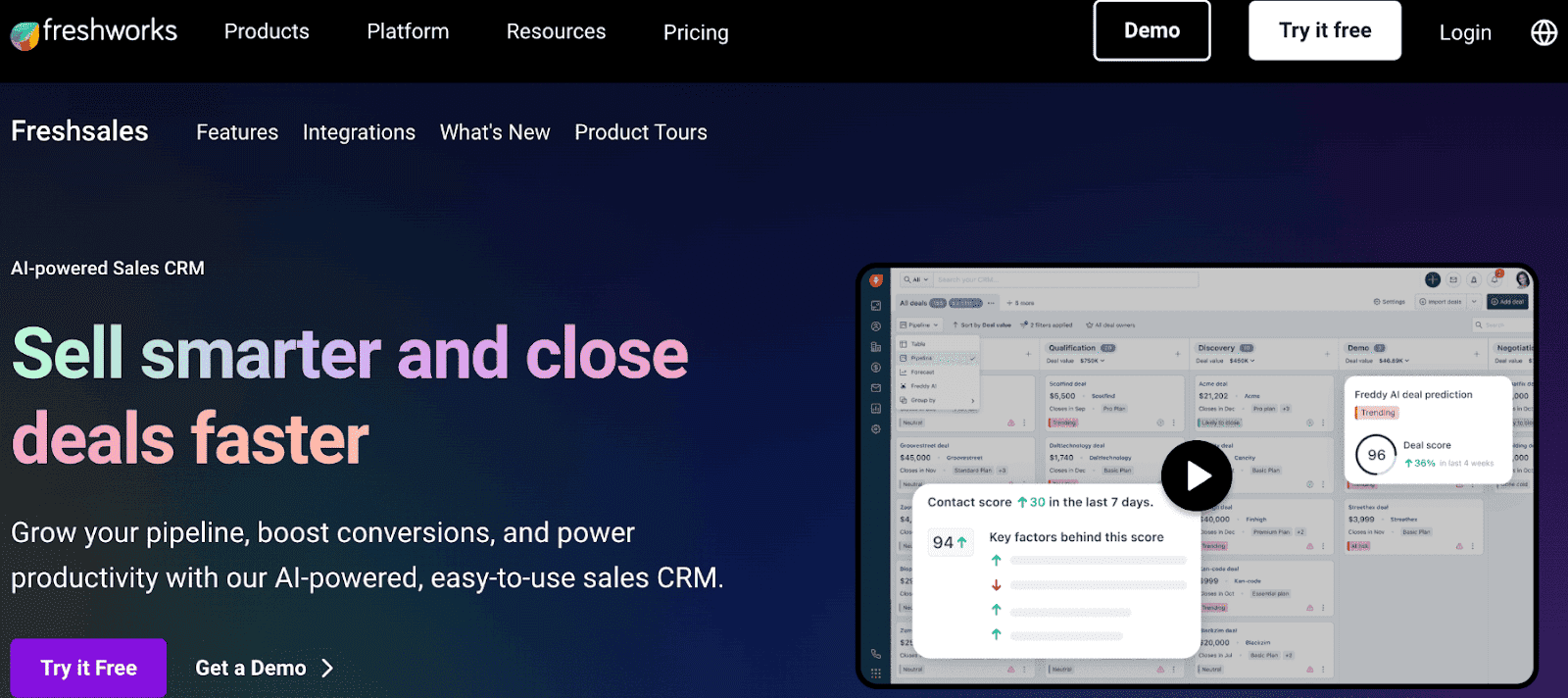
CRM with AI for lead scoring, prioritization, and workflow automation.
Freshsales offers Freddy AI for lead scoring and prioritization at an accessible price point. Built-in phone and email. Workflow automation. It's a solid SMB tool.
The AI focuses on scoring and prioritization—helpful, but narrow. You're still logging calls and updating fields manually. The architecture is traditional CRM with AI features added.
What's automated
- Lead scoring
- Prioritization suggestions
- Workflow triggers
What stays manual
- Post-call logging
- Field updates
- CRM maintenance
Tradeoffs
- AI capabilities are narrow
- Scoring requires pipeline data to improve
- Traditional architecture
Pricing
Free tier available. Paid starts at $9/user/month.
Bottom line
Affordable AI lead scoring. Doesn’t make working those leads more efficient.
10. Monday CRM — Best for: Teams already using Monday.com
What it is
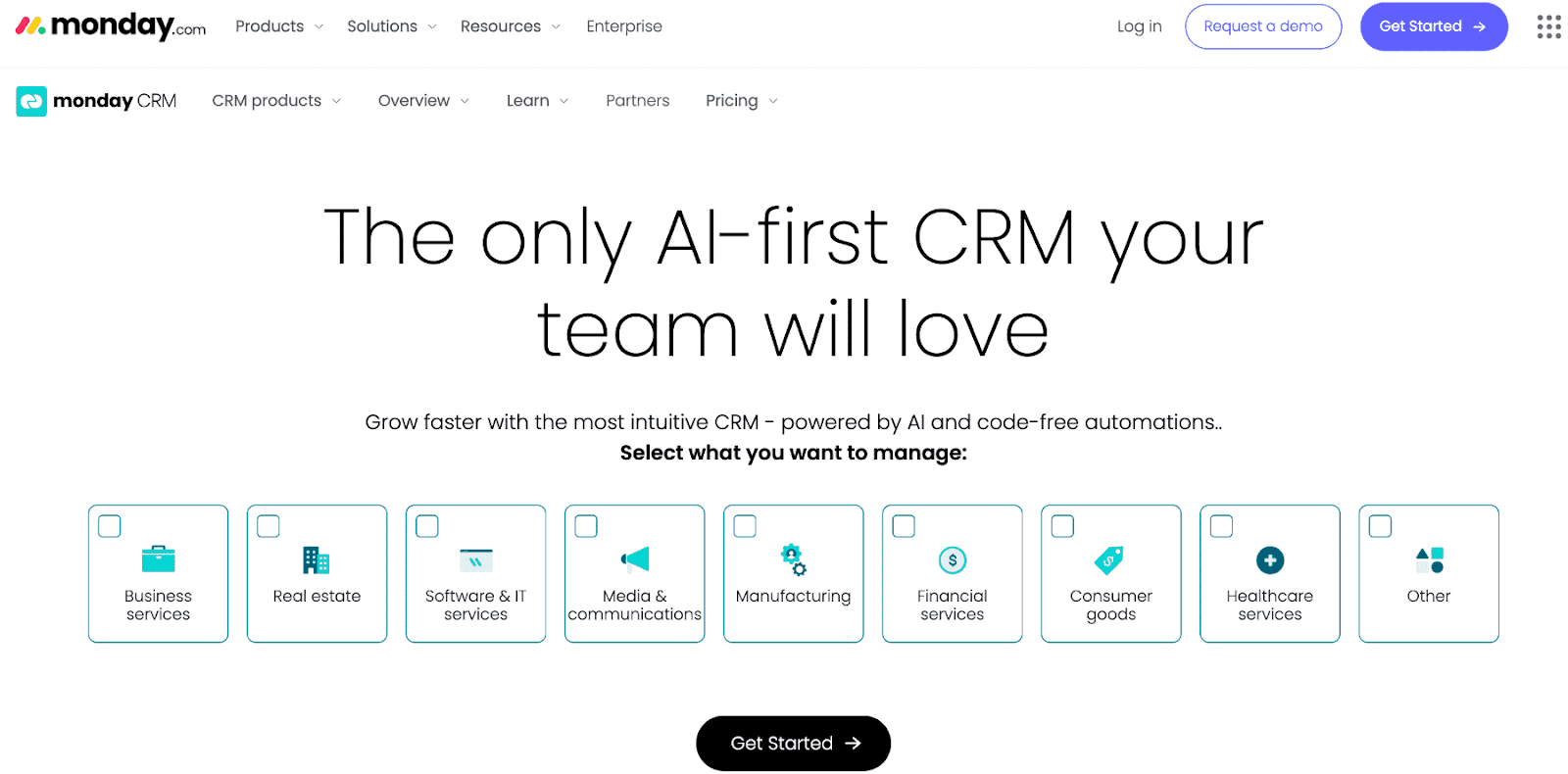
Visual board-based CRM built on Monday.com's project management platform.
Monday Sales CRM brings CRM workflows to Monday's visual board interface. AI handles content generation and meeting-to-task conversion. If your team already thinks in Monday boards, the learning curve is minimal.
The DNA is project management, not sales. It works for teams that want CRM functionality without leaving Monday. It's not built for B2B sales depth.
What's automated
- Content generation
- Task creation from meetings
- Board automations
What stays manual
- Call logging
- Field updates
- Sales-specific workflows
Tradeoffs
- Project management DNA
- Limited sales intelligence
- No call recording
Pricing
Starts at $12/user/month
Bottom line
Good for Monday users. Not purpose-built for sales.
11. Zoho CRM — Best for: Cost-conscious teams needing breadth
What it is
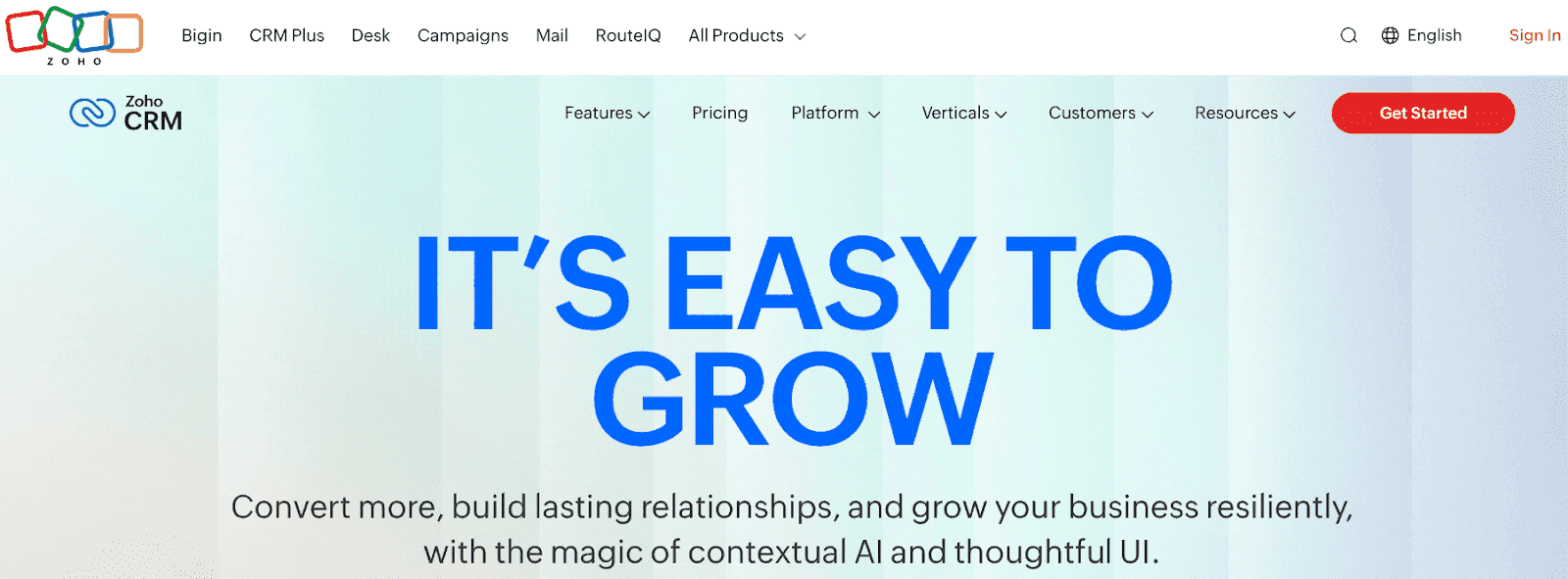
Feature-rich CRM with Zia AI assistant and extensive ecosystem integration.
Best for
Cost-conscious teams needing feature breadth
Zoho packs extensive features at low price points. Zia AI assistant, custom agents via Agent Studio, omnichannel engagement, workflow automation. If budget is the primary constraint, Zoho delivers breadth.
The tradeoff is polish. The interface feels dated. The AI capabilities are broad but shallow. You get a lot of features without depth in any of them.
What's automated
- Zia AI assistance
- Workflow automation
- Omnichannel routing
What stays manual
- Most data entry
- Configuration and setup
- CRM maintenance
Tradeoffs
- Dated interface
- Can overwhelm small teams
- AI is broad but shallow
Pricing
Starts at $14/user/month
Bottom line
Lots of features. None of them deep.
12. Copper — Best for: Teams that live in Google workspace
What it is
Lightweight CRM built for working within Google apps.
Best for
Teams living in Google Workspace
Copper's value is seamless Google integration. Works inside Gmail. Syncs with Calendar. Chrome extension captures contacts. If your team lives in Google, the friction is minimal.
The AI handles pipeline prioritization and deal flagging. But outside of email, you're still logging everything manually. No call recording, no meeting intelligence.
What's automated
- Gmail integration
- Contact capture from email
- Pipeline prioritization
What stays manual
- Call documentation
- Meeting notes
- Field updates beyond email data
Tradeoffs
- Limited outside Google ecosystem
- Basic AI features
- No meeting capture
Pricing
Starts at $9/seat/month
Bottom line
Great for companies that sell primarily through email, not calls. Not fit for purpose for sales cycles that require meetings.
How to Choose the Right AI CRM
Start with how you sell
The right CRM depends on your sales motion, not your company size.
Relationship-driven dealmaking. If your deals happen through intros and network leverage—venture capital, private equity, investment banking—you need relationship intelligence, not pipeline management. Affinity is purpose-built for this. It maps your team's collective network and surfaces warm paths into targets. Traditional CRMs don't solve this problem.
Enterprise sales with dedicated ops. If you have a sales ops or RevOps team, budget for implementation, and complex workflows that require customization, Salesforce remains the industry standard. The ecosystem is unmatched. But you're signing up for a multi-month implementation and ongoing administrative overhead. This only makes sense at scale.
Marketing-led funnel. If marketing generates your pipeline and sales closes what marketing hands over, you need tight integration between automation and CRM. HubSpot's strength is this integration. Just understand the pricing—most useful sales features require Professional tier ($90/seat/month).
Product-led growth with RevOps. If you're tracking product usage alongside sales conversations and have someone to build and maintain your data model, Attio gives you flexibility other CRMs don't. But you need that person. Without RevOps, you're creating work, not eliminating it.
Founder-led and early sales teams. If you're running sales yourself or with a small team, you don't have ops support, and you're doing 10+ customer conversations a week, you need a CRM that works without maintenance. Auto-capture, native recording, and queryable memory matter more than customization. You can't afford to spend hours on CRM hygiene—you need that time for selling and building product.
Questions to ask vendors
- Does the CRM update itself from my email and calendar, or do I log activities manually?
- Is call recording built in, or do I need a separate tool?
- Can I add a field today and have it populated from past conversations?
- Can I ask questions in natural language and get answers with citations?
- How much configuration is required before I get value?
- What's the total cost—subscription plus any tools I need alongside it?
The honest answer
Most teams evaluating AI CRMs are not enterprises with ops teams. They're not VCs who need relationship mapping. They're founders and small sales teams trying to stay on top of a growing pipeline without spending their weekends updating records.
If that's you, the criteria that matter are: Does it capture data automatically? Does it work before I configure it? Can it answer questions about my customers? Will it save me time or create more work?
The bottom line
Most AI CRMs add AI features to legacy architectures. The manual work decreases but doesn't disappear.
Most AI CRMs add AI to legacy architecture. You get assistance with specific tasks—drafting emails, scoring leads, generating reports. The underlying workflow stays the same: log calls, update fields, maintain the system.
AI-native CRMs work differently. Data flows in from your existing work. Fields populate themselves. The CRM becomes a queryable memory of every customer conversation, not a system you maintain.
If you're tired of CRMs that create work instead of doing it, Lightfield captures your conversations, learns your business, and automates any sales workflow you ask it to.